Product
One UI layer. Every Salesforce surface.
Components
Flow Screen Components
Components for richer Screen Flows
App Builder Components
Components for App Builder pages
Experience Cloud Components
Drag and drop components for Experience sites
Dynamic Components
No-code components for Lightning pages
LWC Components
New
Lightning web components for your own code
Browse all components →
Features
Interactions
Navigate, update records, launch Flows on click
Custom Branding
Colors, fonts, and themes tuned to your brand
Data Sources
Connect any Salesforce object without SOQL
By component
Data Table
Kanban
Calendar
Timeline
Map
List
Pivot Table
Chat
Agent Skills
New
Describe what you need. Your AI assistant builds it with real Avonni components.
Works with Claude, Cursor, Copilot, Gemini and Agentforce
Explore Agent Skills →
Use cases
Solutions
By Role
For Salesforce Admins
Ship custom UIs without code
For Salesforce Developers
Skip the boilerplate, keep the control
For Partners
Deliver client projects faster
For UI/UX Designers
Design what you can actually ship
For Business Analysts
Show the screen before it's built
For Solution Engineers
Demos that hold up under questions
What you're building
Data Visualizations
Tables, charts, Kanban boards and timelines
Client Portals
Branded portals on Experience Cloud
Data Entry & Internal Tools
Forms, wizards and internal apps
Build with AI
Generate Salesforce UIs with AI assistants
Community
Learning
Help Center
Trailblazer Community Group
Video Tutorials
In-Depth Overview
Success Plans
Webinars
Company
About
Customers
Security
Roadmap
Shipped Ideas
Blog
Contact us
Become a Partner
Pricing
Talk to an Expert
Login
Start free
Avonni Components Package
85+ components across 4 packages. 10 free production licenses to start.
Avonni Components passed Salesforce's security review and is listed
on the AppExchange
Install in Production
Install in a Sandbox
Install Avonni on your org
Pick a package and install it straight into production or a sandbox. 10 free licenses to start.
Packages are independent — install one now, add the others anytime
Avonni Experience Components
Best for admins building apps and portals, no code
Drag and drop components into Experience Builder. For customer portals, partner sites and community hubs.
Install in Production
Try in a Sandbox first
Avonni Flow Screen Components
Best for richer screen flows in minutes
Drag and drop components straight into Flow Builder. Works in every screen flow, on desktop and mobile.
Install in Production
Try in a Sandbox first
Avonni LWC Components
NEW
Best for dev teams coding with AI tools
Import the library into your own Lightning Web Components. Works anywhere LWC runs.
Install in Production
Try in a Sandbox first
All packages are security reviewed.
Start free
Start free
Avonni Components package
85+ components across 4 packages. 10 free production licenses to start.
Avonni Components passed Salesforce's security review and is
on the AppExchange
Install in Production
Install in a Sandbox
Start free
Avonni Experience Components
Build powerful, fully customizable Lightning pages and Experience Sites
App Builder Components
Dynamic Components
Experience Sites Components
Install in Production
Install in Sandbox
Passed the Security review
Avonni Flow Screen Components
Create multi-step wizards and guided processes with Screen Flow components
Components for Flows
No-code customization
Install in Production
Install in Sandbox
Passed the Security review
Install the Avonni Flow Screen Components on your Salesforce org
Choose Production or Sandbox — you'll be redirected to your Salesforce org's login page to authorize the install.
Components for Flows
No-code customization
Free sandbox + 10 free production licenses
Want a 5-minute quickstart guide by email? (optional)
Install in Production
Install in Sandbox
Thank you! Your submission has been received!
Oops! Something went wrong while submitting the form.
🔒 Salesforce-certified ISV partner
View Avonni on AppExchange →
Blog
Components
News
Comparisons
Tutorials
Product Updates
Newsletter
Data Table
Guides, tutorials, and updates about the Avonni Data Table component for Salesforce — configuration, inline editing, sorting, and advanced features.
Articles
Data Table
Flow Builder
Dynamic Components
File Upload in every row: a new column type for the Avonni Data Table
May 4, 2026
Data Table
Dynamic Components
Release Notes
Agent Chat for Agentforce, a Pie Chart, and a Data Table That Does More
April 12, 2026
Data Table
Inline Editing
Flow Builder
The Salesforce Flow Data Table Just Got Inline Editing — Here's the Full Picture
February 20, 2026
Data Table
Dynamic Components
Getting Started
New Docs & Tutorials for the Avonni Data Table
February 3, 2026
Release Notes
Data Table
Barcode & QR
Dynamic Components
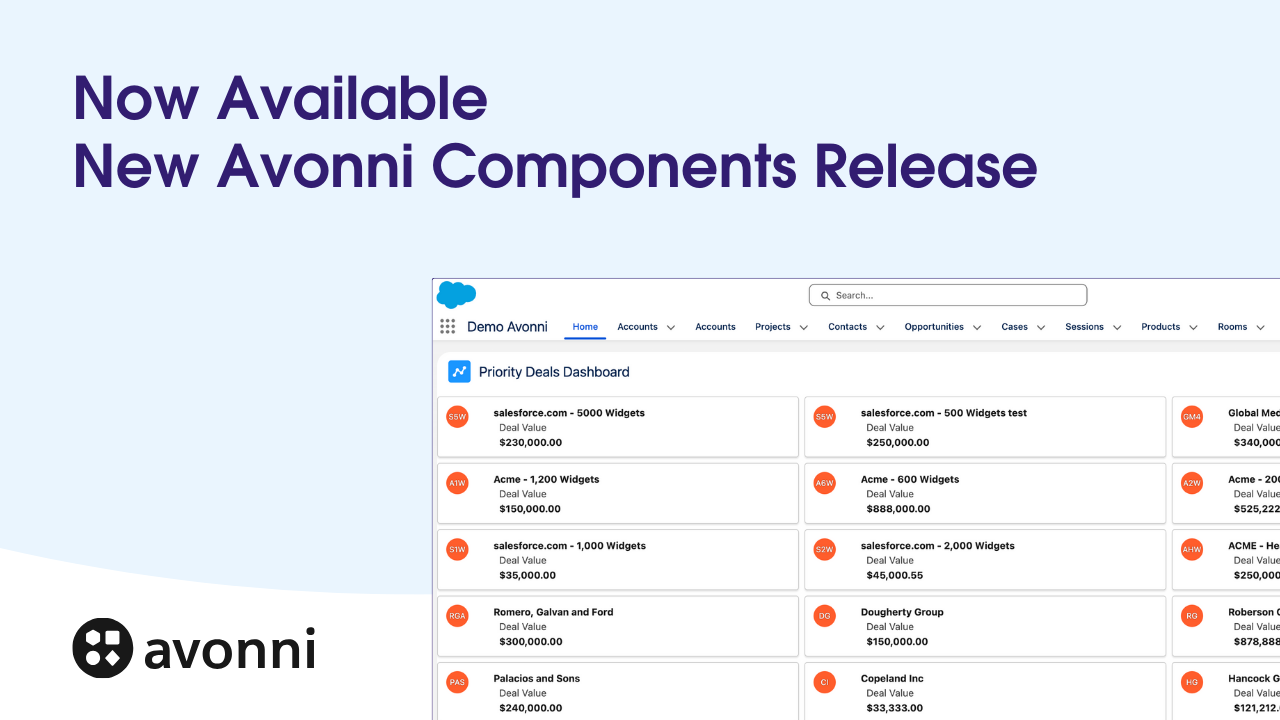
Avonni Update: Native Barcode Scanning, 50k+ Record Data Tables and more
January 28, 2026
Flow Builder
Data Table
How to Build Reactive Screen Flows with Avonni Data Components and Text Templates
January 17, 2025
Data Table
Flow Builder
Inline Editing
Unlock Mass Editing in Salesforce Flows: Edit Multiple Records at Once!
November 26, 2024
Data Table
Inline Editing
Flow Builder
Gets a Speed Boost with New Direct Cell Editing in the Avonni Data Table
May 29, 2024
Data Table
Flow Builder
Best Practices
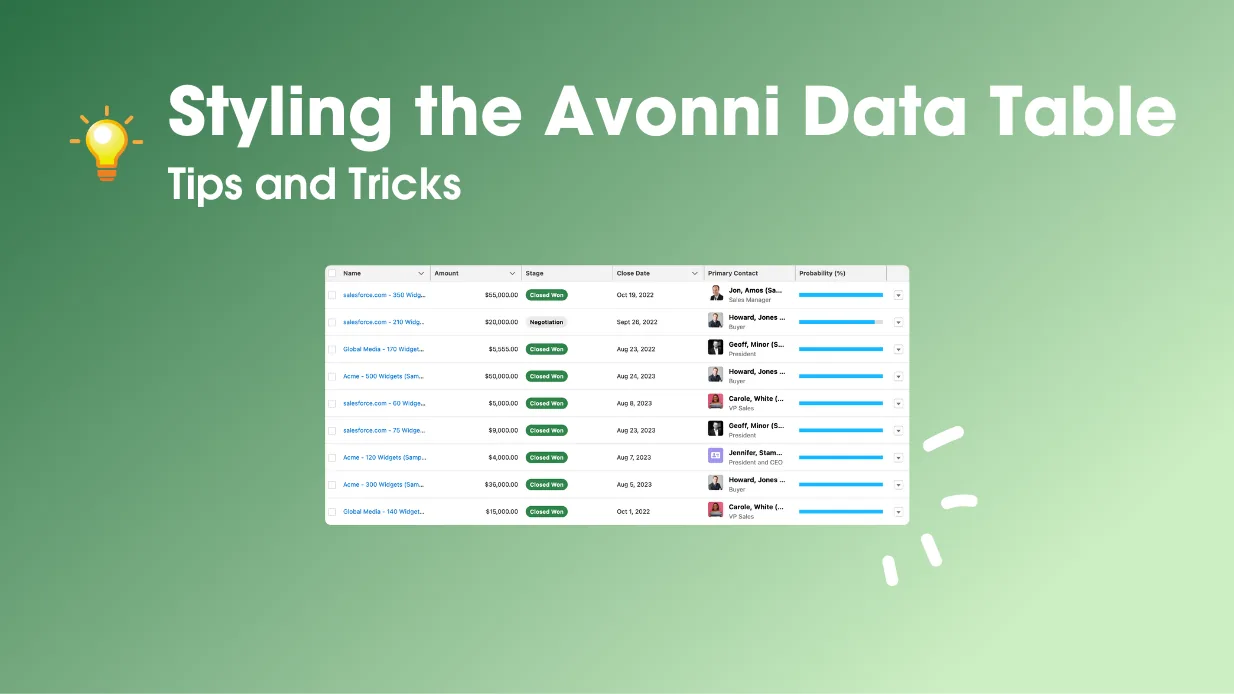
Styling the Avonni Data Table
April 4, 2023
Data Table
Flow Builder
Avonni Data Table Flow Component - Quick Overview
December 9, 2024
Show more articles