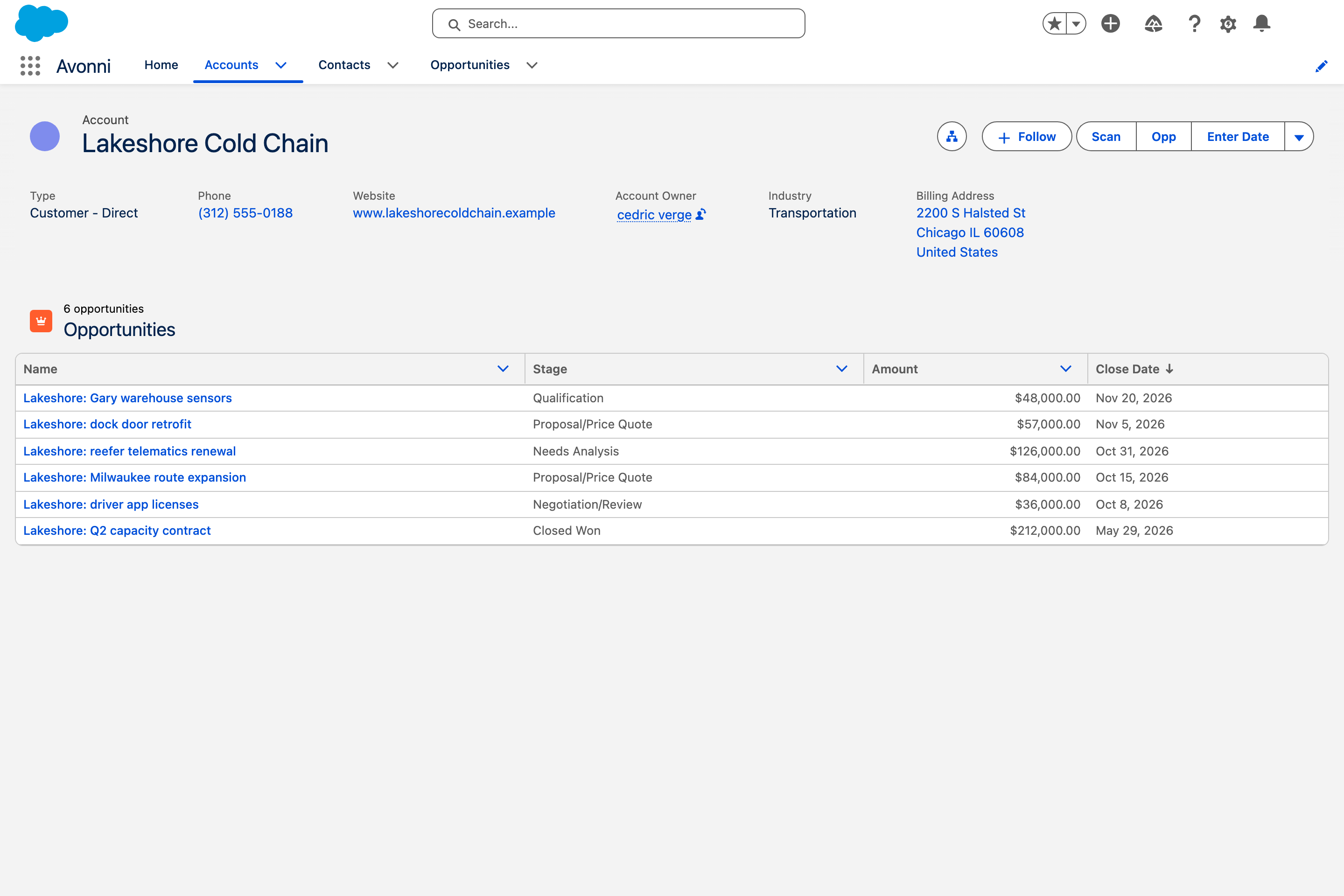
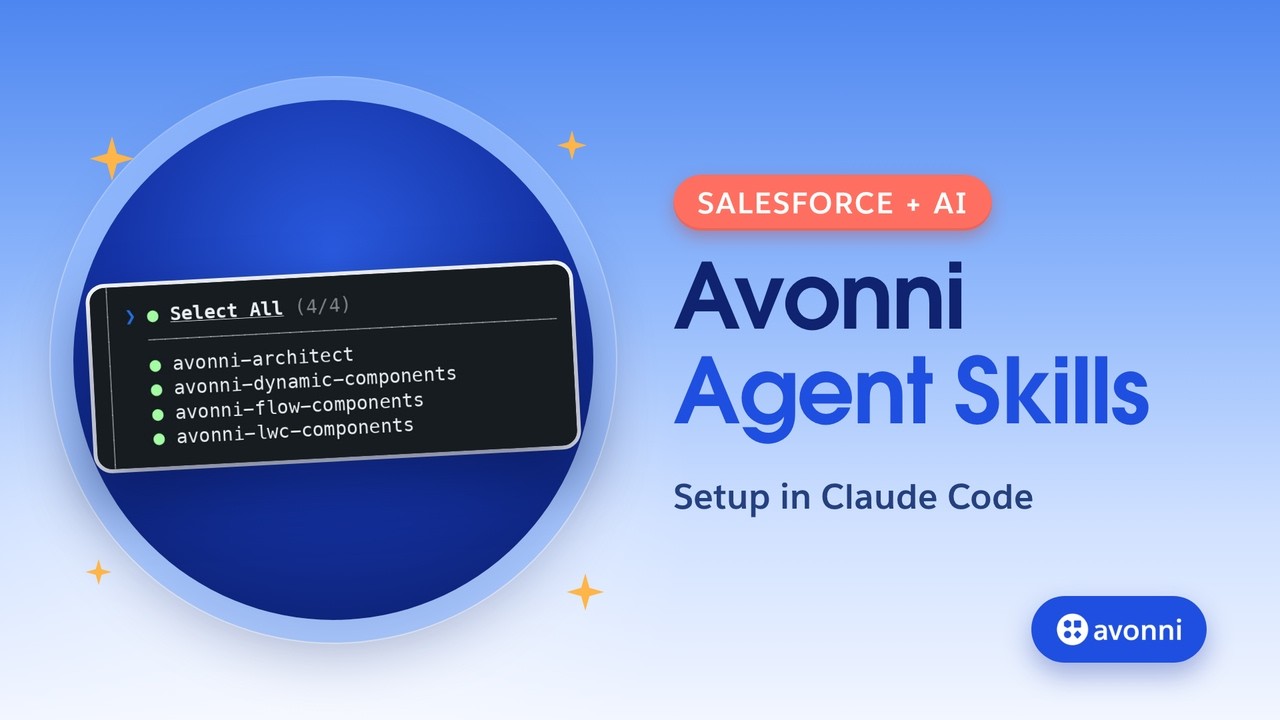
Avonni Agent Skills teach Claude, Cursor or Copilot how to build for your Lightning pages, screen flows and Experience sites, from the real Avonni catalog. No code to write. Set up once, in about 10 minutes.

Works in
Paste the setup in the chat and Claude does the rest. You never open a terminal.
Best for non-developers
Works in
The same skills and server, for developers who live in the terminal.
Works in
Skills install with one command. The server is one entry in your editor settings.
Works in
Same setup as Cursor, in the editor your developers already have open.
Works in
Connect the server and Vibes builds Salesforce UI against the real Avonni docs.
Works in
Works too. It is the path we have tested least.
Same request, same result, in every tool. Nothing is deployed until you say so.


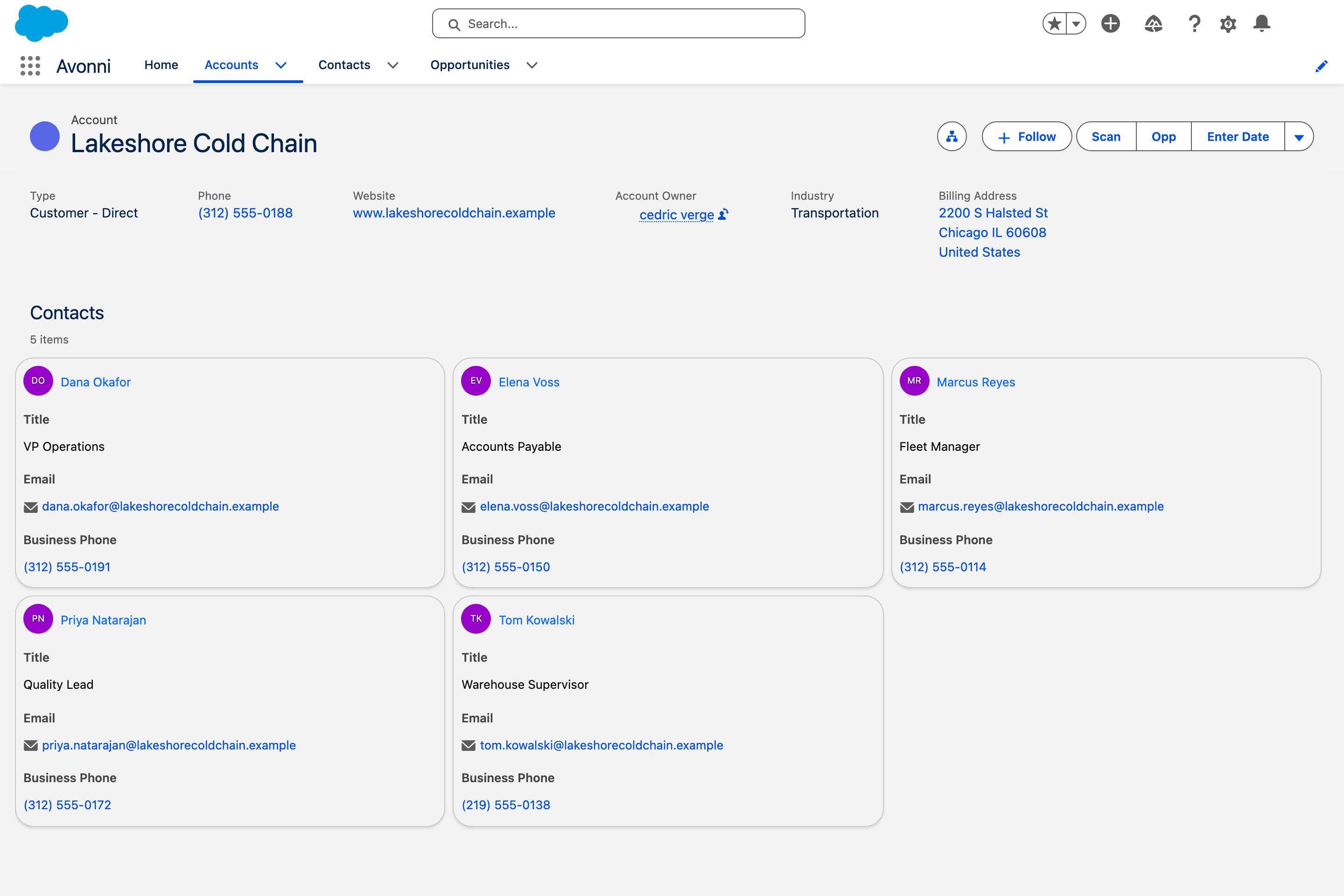
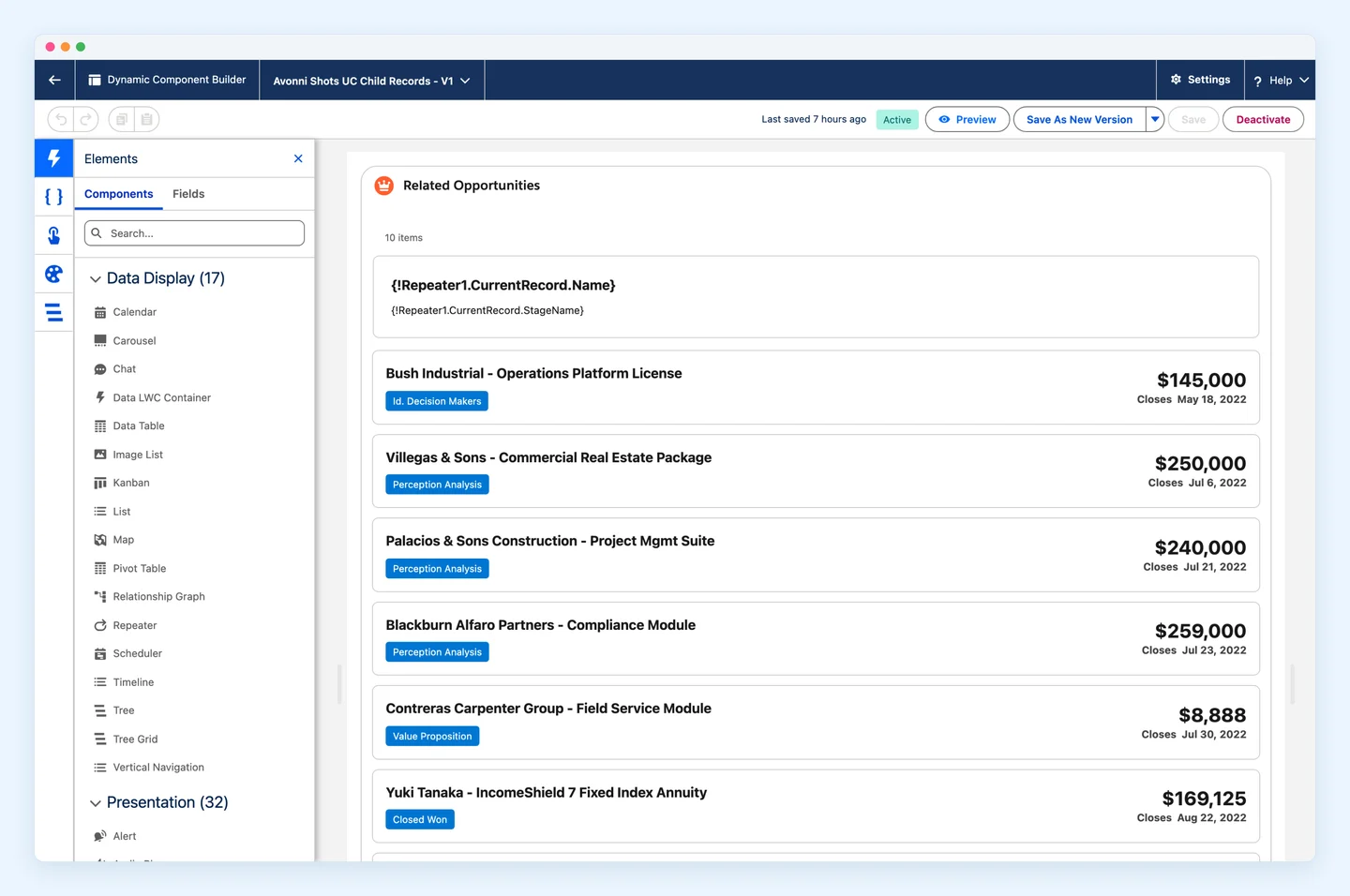
85+ Dynamic Components for record pages and app pages: data tables, Kanban boards, maps, charts, calendars.
Learn more →
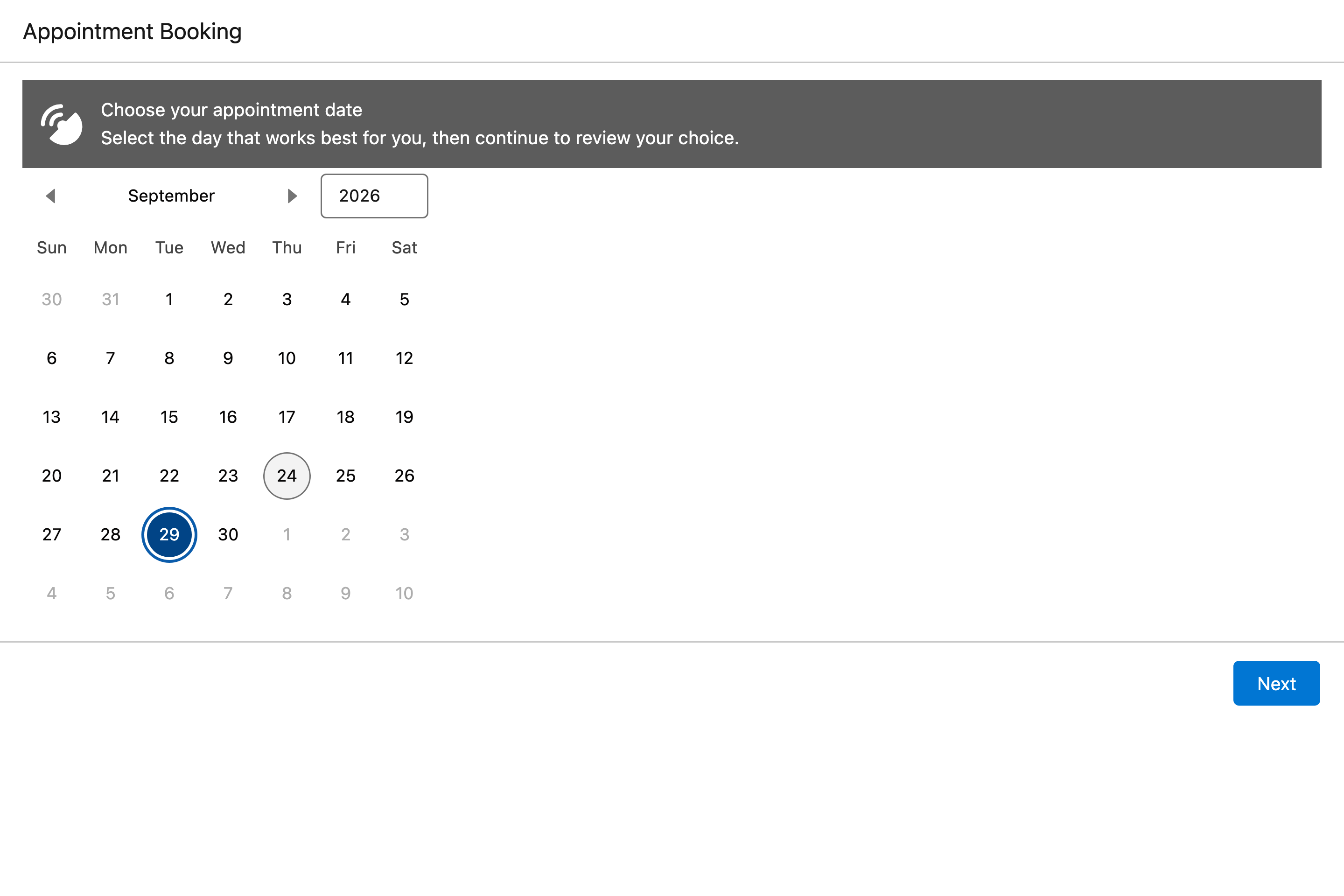
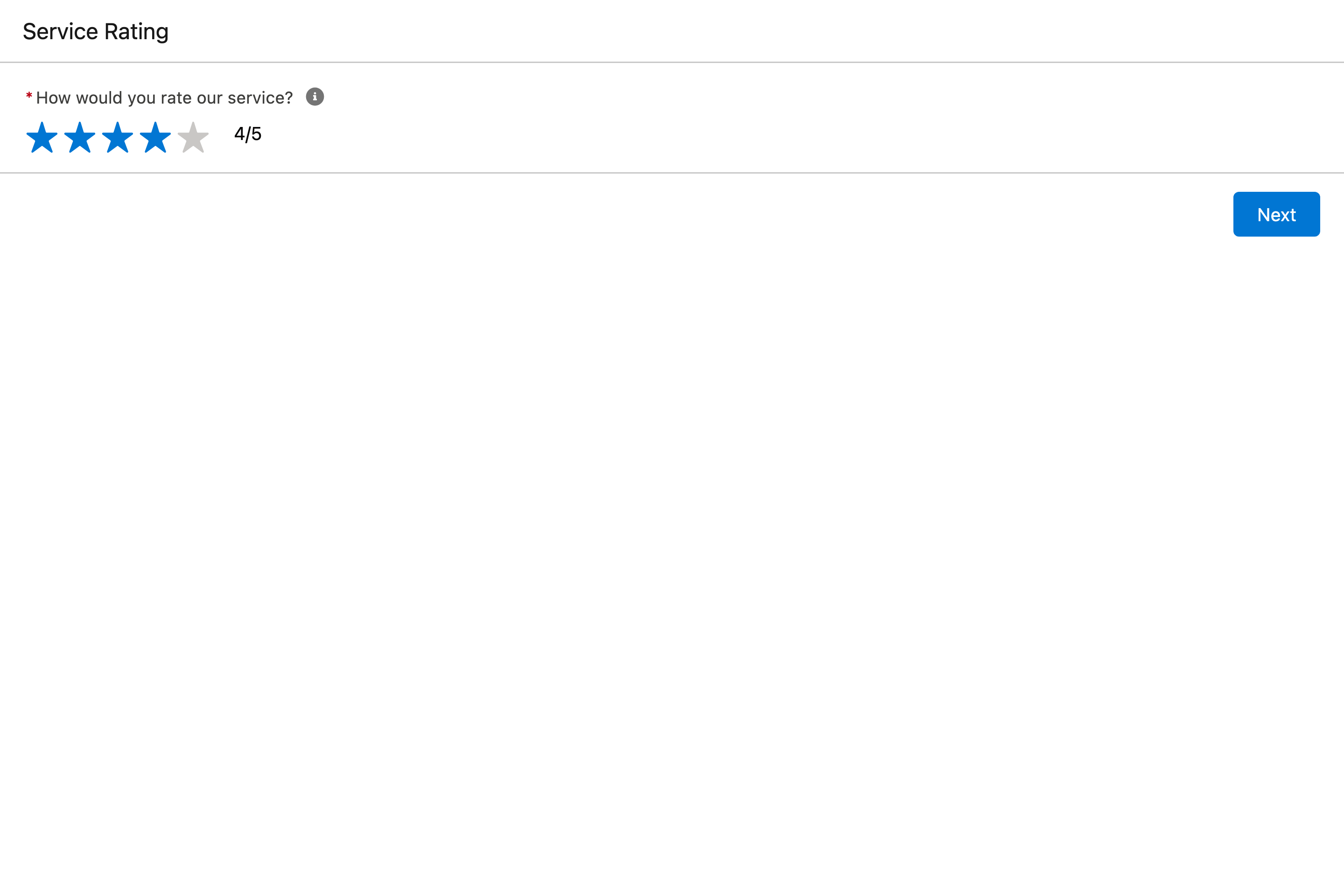
70+ Flow Screen Components: date pickers, data tables, maps and signatures inside your guided processes.
Learn more →
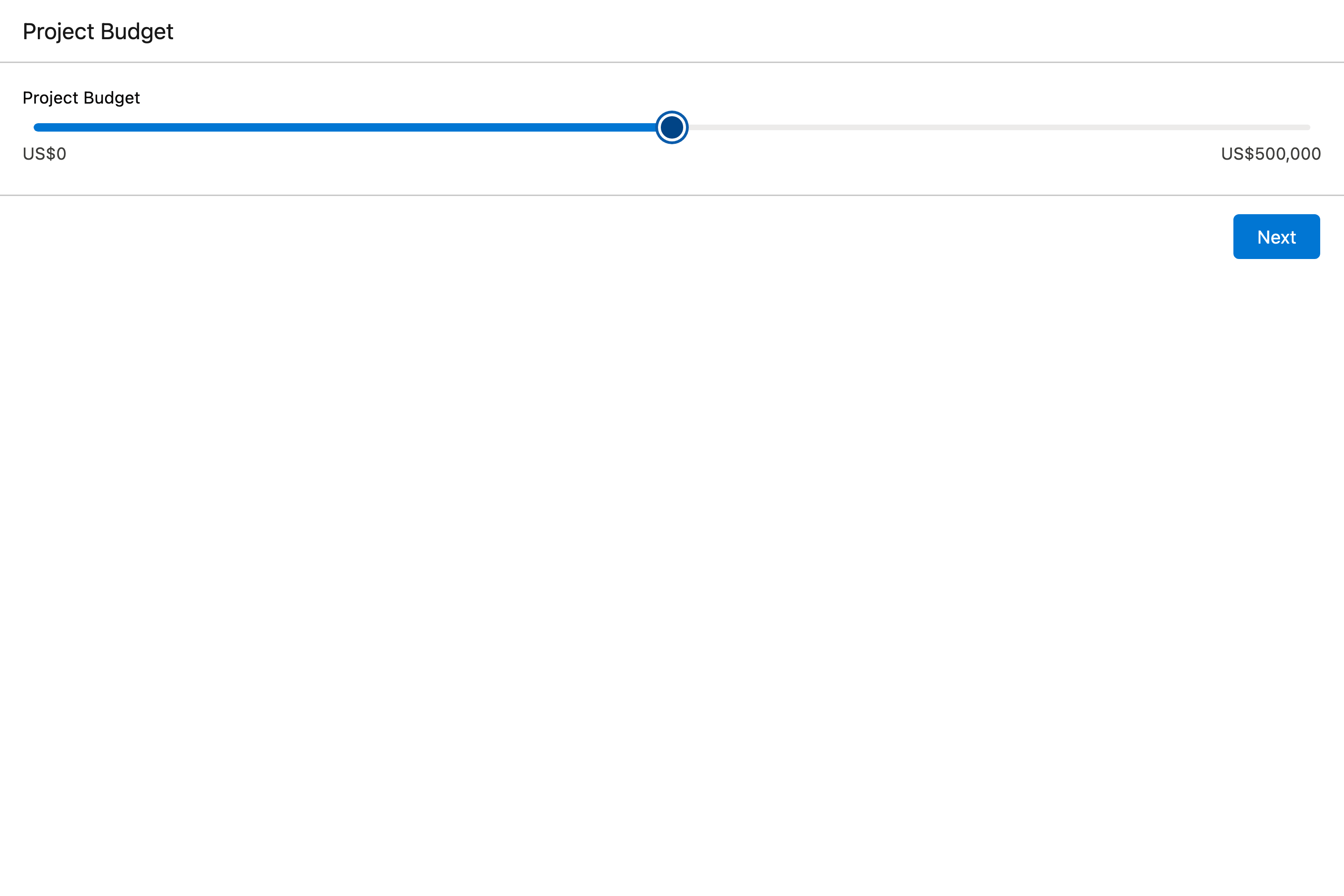
40+ Experience Cloud Components for portals and customer sites, in your site's theme.
Learn more →
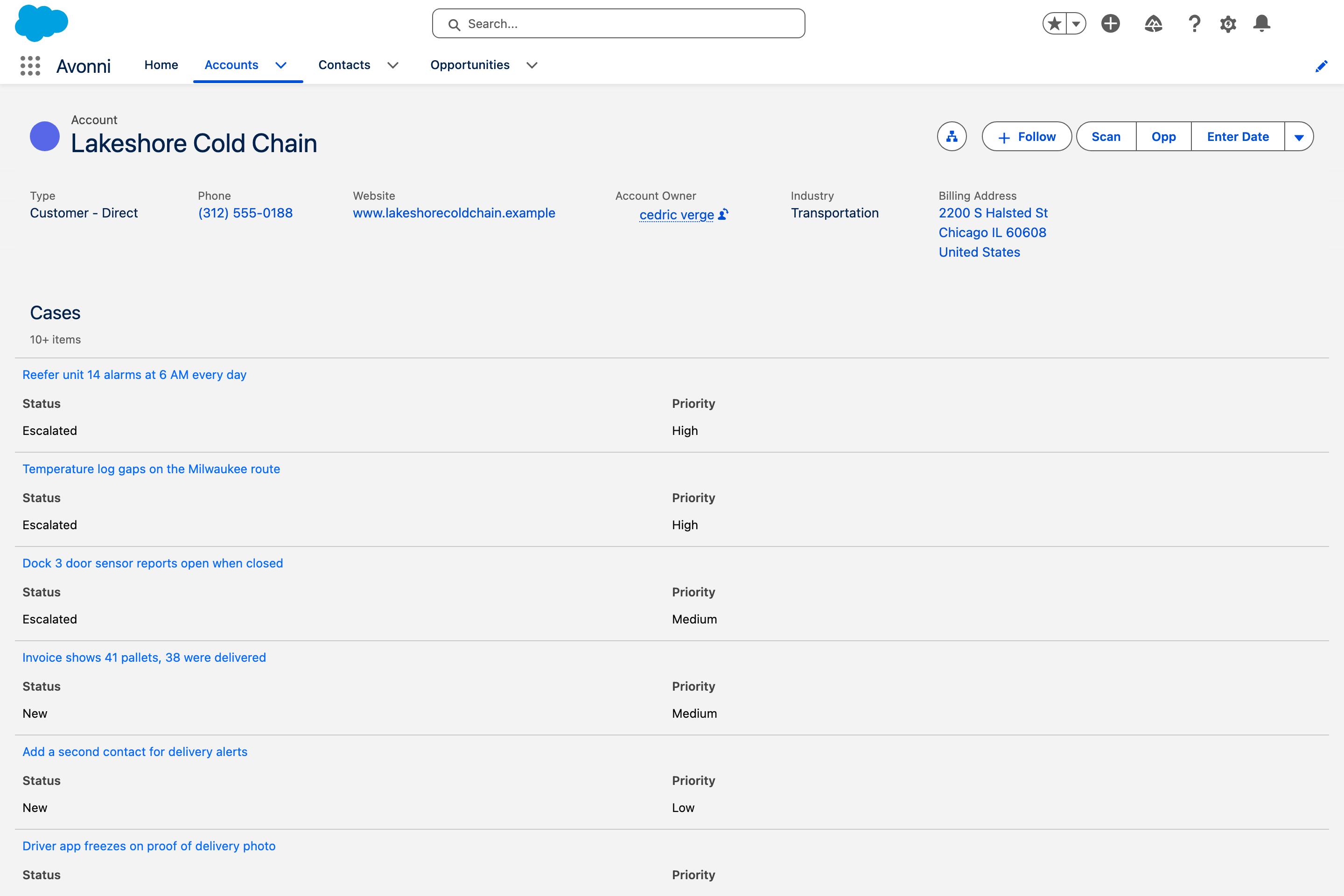
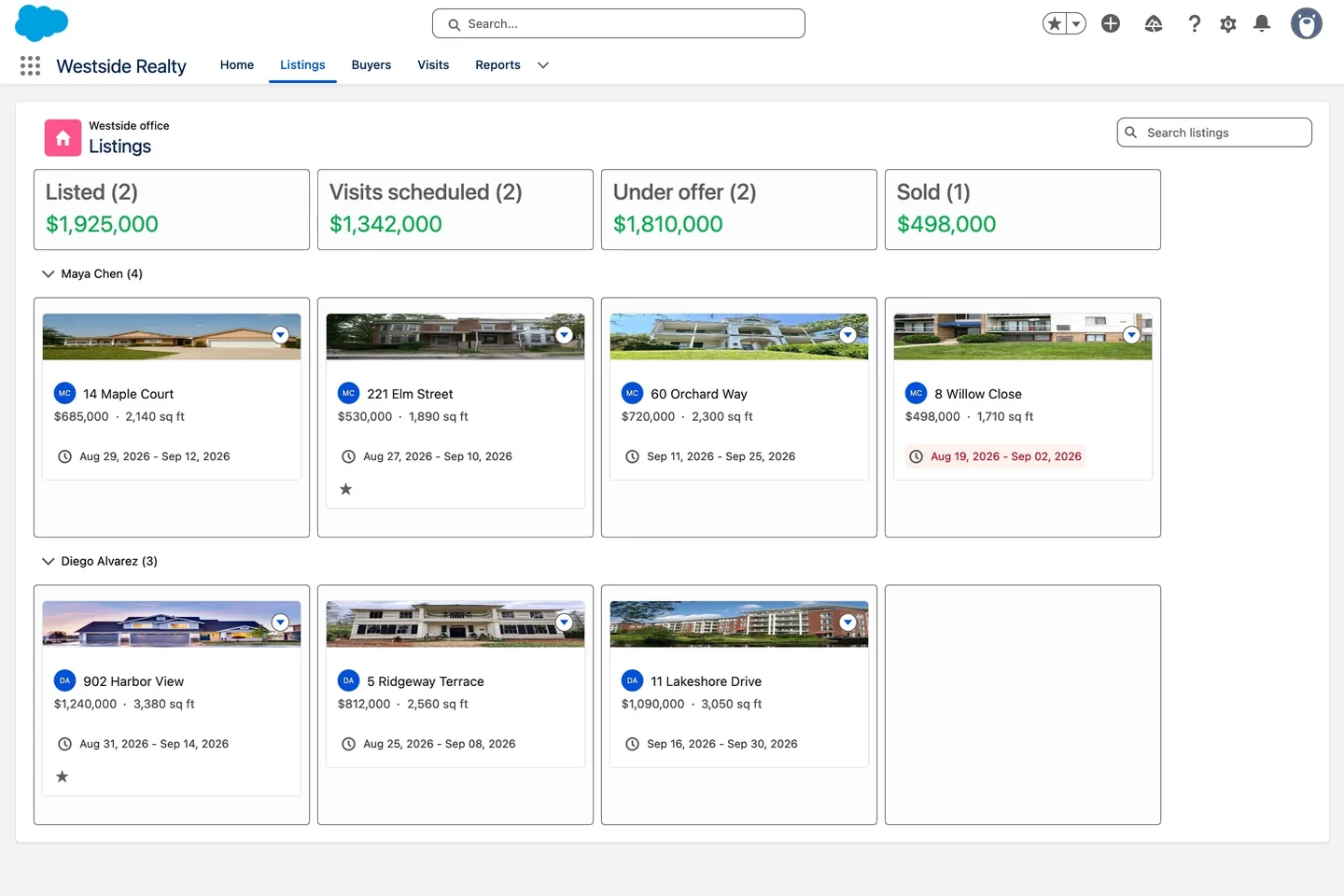
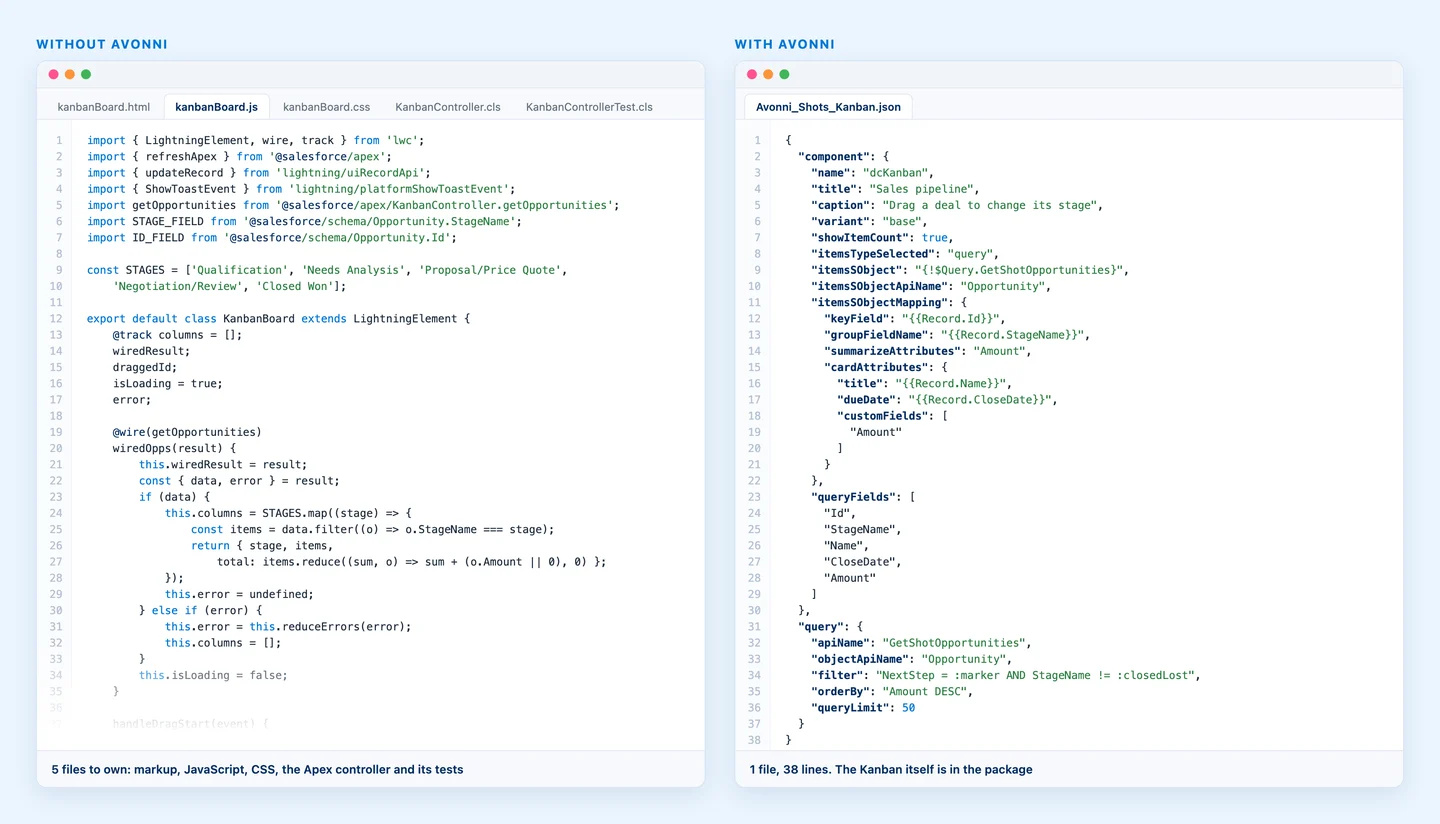
55+ LWC Components for the code your team writes. One line for a whole Kanban, not a thousand.
Learn more →A use case that spans several surfaces? The architect skill plans the pieces and builds them in order.
Pick your assistant. They all build the same thing, with the same Avonni components.
Paste the setup in the chat and Claude does the rest. You never open a terminal.
The same skills and server, for developers who live in the terminal.
Skills install with one command. The server is one entry in your editor settings.
Same setup as Cursor, in the editor your developers already have open.
Connect the server and Vibes builds Salesforce UI against the real Avonni docs.
Works too. It is the path we have tested least.
Any other tool that speaks MCP can connect to the server as well.
Claude desktop app if you are not a developer. Cursor, VS Code or Copilot if you already use them.
One setup command installs the five skills and connects the hosted server. In Claude, paste it in the chat and Claude runs it for you.
Review the result, then deploy it your usual way. Nothing reaches your org without you.
You need Node.js and the Salesforce CLI connected to your org. The guide walks you through both. Full setup guide →
Tell us what you are building and we will show you the AI setup on a real org.
Request a DemoSetup details, example prompts and limitations, written for each surface.
Open the guideNo. With the Claude desktop app you never open a terminal: you paste the setup commands in the chat and Claude runs them. After that, you describe what you want in plain language.
Two things on your computer, nothing in your org: the five Avonni skills, which teach your assistant how to build each kind of component, and a connection to the Avonni MCP server, hosted by Avonni and refreshed with each release.
Claude desktop app, Claude Code, Cursor, VS Code, GitHub Copilot and Gemini CLI, plus any tool that speaks MCP.
No. The assistant writes files on your computer. You review them and deploy with your usual process. Your org is never touched without you.
Code written from scratch is yours to debug and re-test at every Salesforce release. With Avonni the assistant writes a thin layer of configuration around packaged, tested components that Avonni maintains.
The MCP server exposes nine tools across four toolsets (lwc, dynamic, flow, experience): component catalogs and docs, styling hooks and design tokens, complex types, interactions and LWC utilities. The skills live in the public avonni/skills repository and install with npx skills add avonni/skills.