One component, everywhere you build

One Salesforce Kanban board. Every surface you build on.

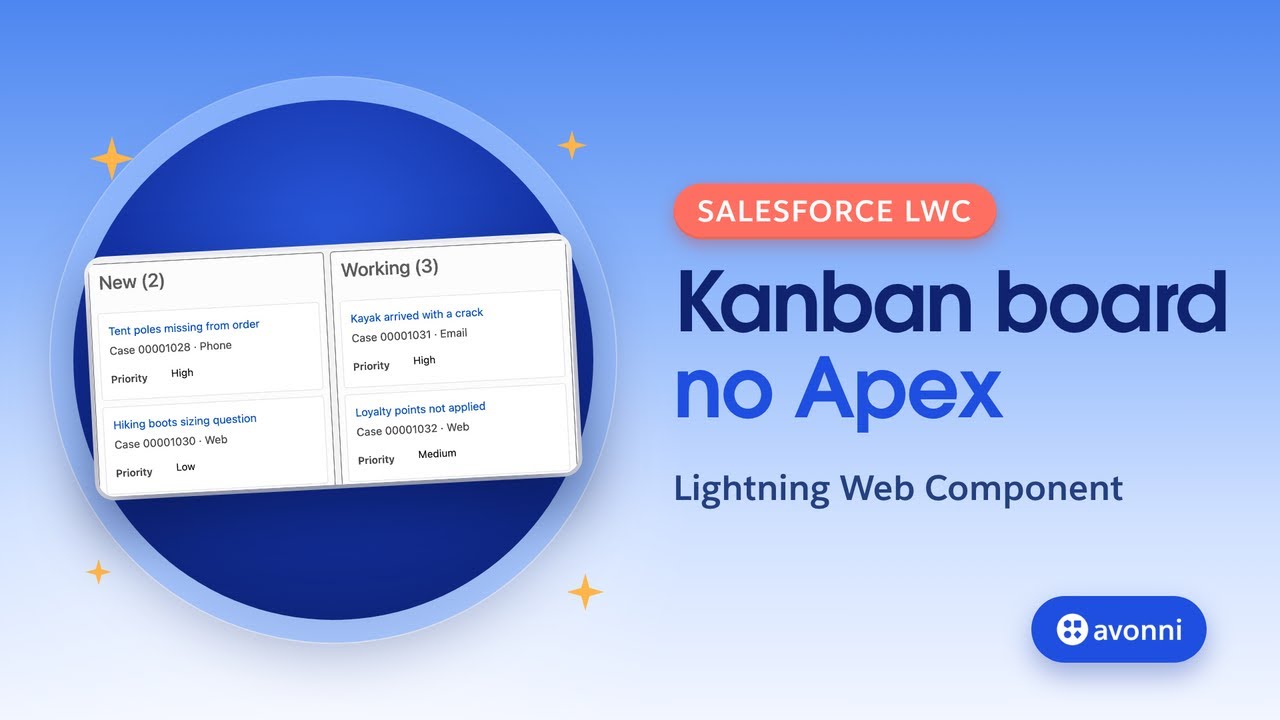
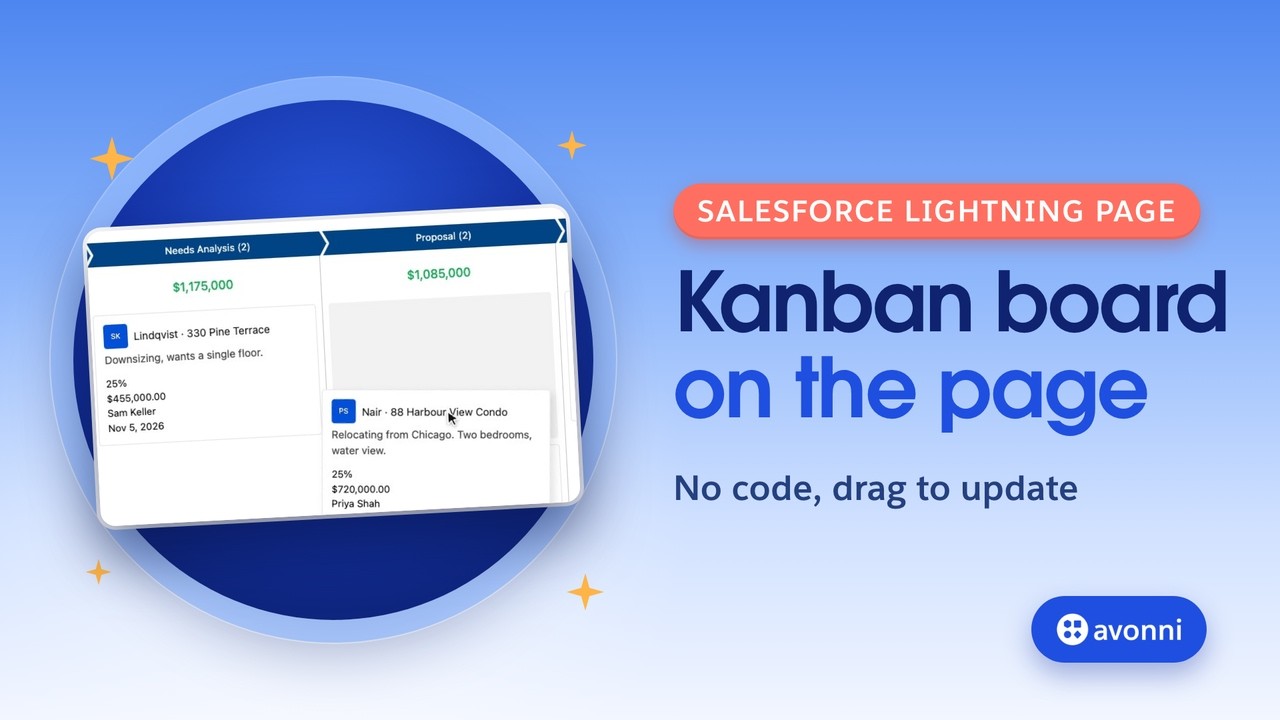
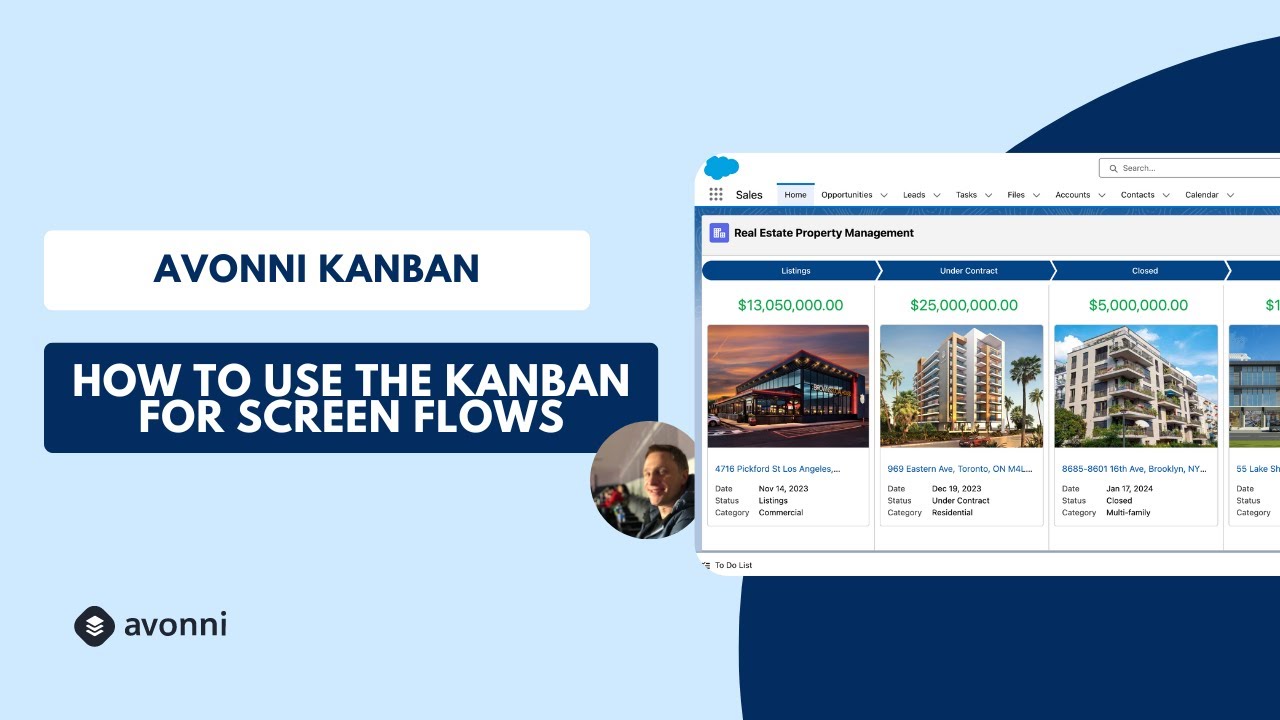
Group records into columns by any field, drag cards between stages, and act on them in place. The same board on Screen Flows, Lightning pages, and Experience Cloud, configured with clicks. No code.

Any
field to group by
2
grouping levels, columns and subgroups
0
lines of Apex
Prospecting
2
United Oil
$235K
Burlington
$54K
Proposal
2
Grand Hotels
$92K
Dickenson
$121K
Closed Won
1
Express Logistics
$178K
What it does

A board your team can actually move work across

Group records into columns by any field, then drag a card to update the record behind it. Search, filter, and act without leaving the board.

Opportunities
Owner: Mex
Grouped by Stage
Prospecting
2
$289,000
UO
United Oil & Gas
$235,000
Cool
BT
Burlington Textiles
$54,000
Cool
Proposal
2
$214,250
GH
Grand Hotels
$92,500
Warm
DP
Dickenson plc
$121,750
Warm
Negotiation
1
$178,000
EL
Express Logistics
$178,000
Hot
Drag between stages
Group by any field
Item count per column
Custom card layout
Built-in search and filters
Per card actions
Summarize a field per column
Avatars and badges on cards
And more, all configured without code
v
Subgroups within a column
v
Custom column ordering
v
Card avatars with presence
v
Cover images on cards
v
Card icons and info rows
v
Summarize a field per column
v
Custom card actions
v
Read only mode
v
Path variant
Same component, every surface

One Kanban board. Four places to put it.

The native Salesforce Kanban never leaves the list view. The Avonni board follows you across Salesforce. What changes is where it lives and how you add it, not what it can do.

Screen Flows

In a Flow screen

Drop the kanban component onto any Flow screen and bind it to a collection. Let users move records between stages mid-Flow, then pass the result downstream.

Flow Screen Components
Lightning pages

On a record or app page

Build it visually with the dcKanban component in Dynamic Components, group by any field with no Apex, and drop the board onto any Lightning page.

Dynamic Components
Experience Cloud

On a portal or site

Add the AX-Kanban to any Experience Cloud page. It respects your sharing rules and guest access, so external users move only the records they should.

Experience Cloud Components
LWC / code

In your own component

Developers drop avonni-dd-kanban straight into an LWC template with documented attributes. Same board, in the markup you already own.

<avonni-dd-kanban
  header-title="Opportunities"
  query={oppQuery}
  group-field-name="StageName"
  fields={cardFields}
  mapping={cardMapping}
  search-fields="Name"
  show-item-count>
</avonni-dd-kanban>
LWC Components
Where teams use it

Built for the work people actually do

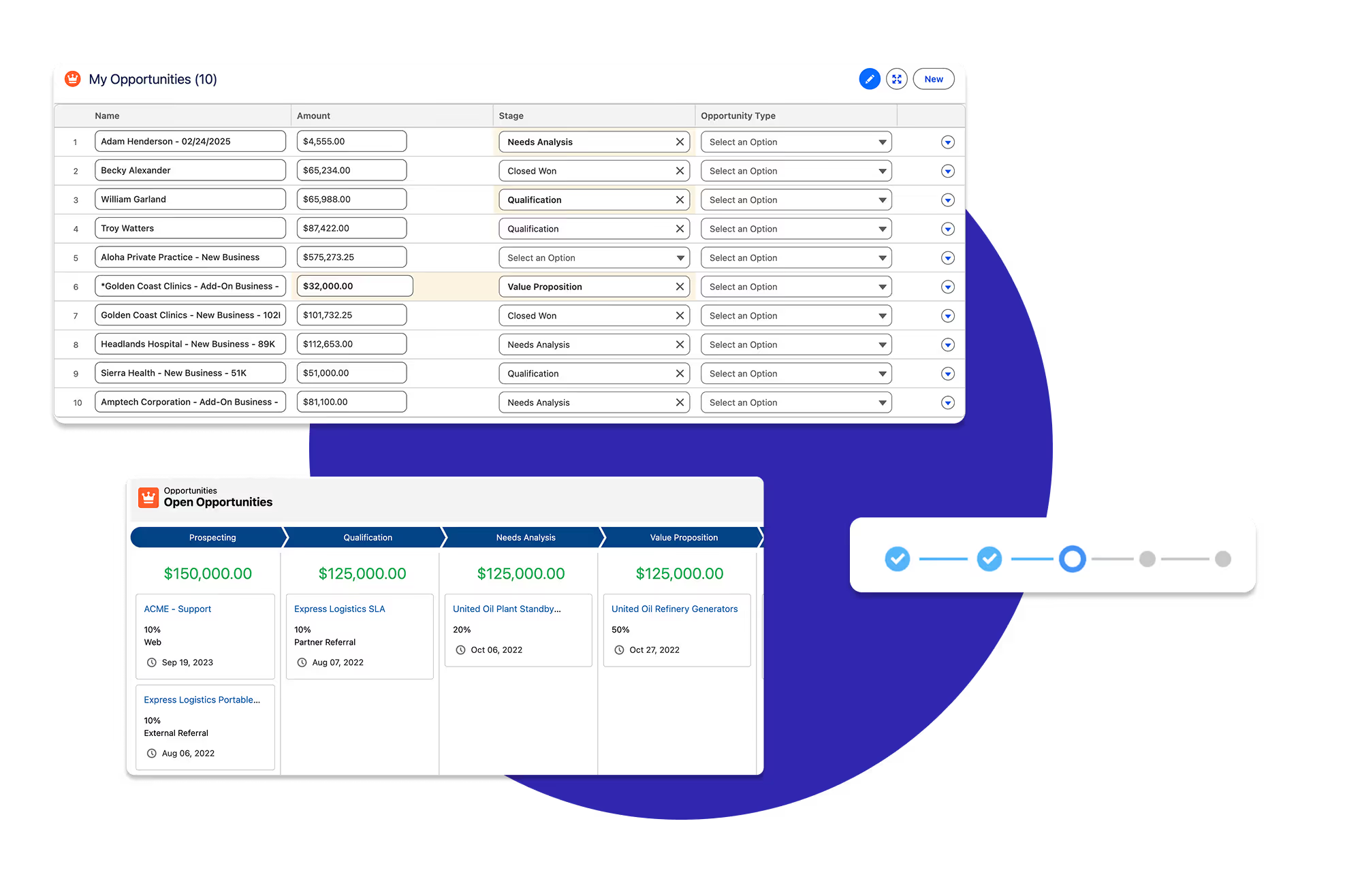
Avonni components showing a sales pipeline inside a Salesforce Screen Flow

Move a pipeline in a Flow

Guide reps through a deal board mid-Flow. They drag opportunities forward a stage, and the Flow picks up the change and keeps going.

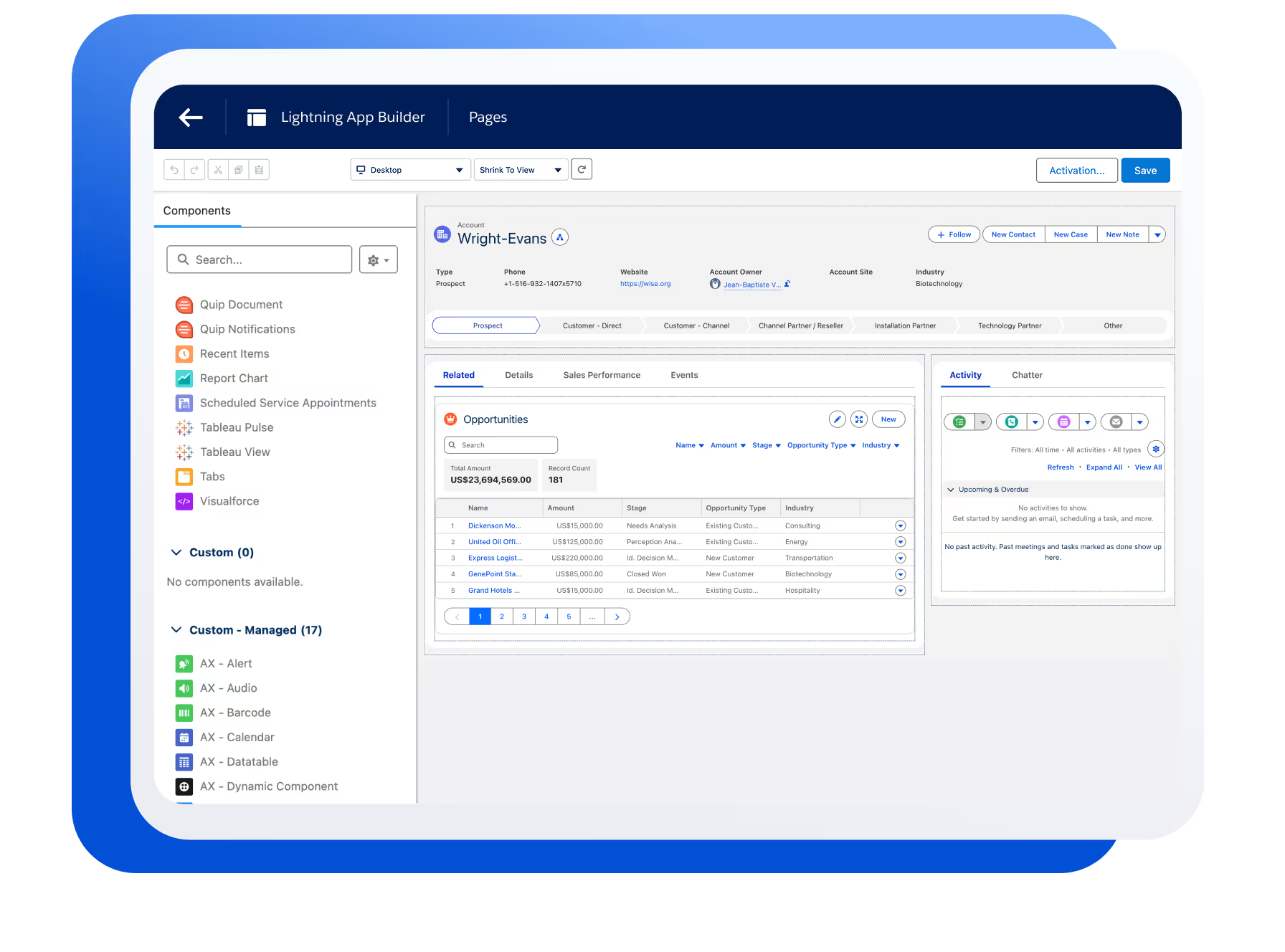
Avonni components on a Salesforce record page showing account and related data

A deal board on a page

Put a live board on a record or app page so a team sees every case, task, or opportunity by status and updates it in one drag.

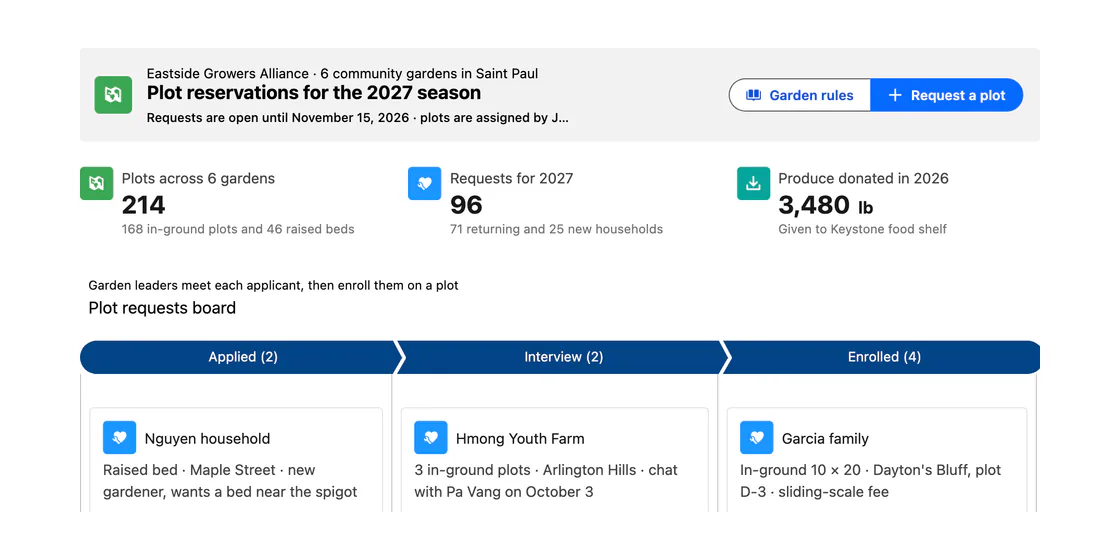
Avonni components on a Salesforce Experience Cloud portal page

A request board in a portal

Give partners or customers a board on an Experience Cloud site to track their requests through stages, scoped to what they are allowed to see.

In a real org

Kanban, configured for one job.

All use cases
The difference

Beyond the list view Kanban

Salesforce list views can show a board, but only there, and only the way the list view allows. The Avonni Kanban goes where you build and lets you shape every card.

Standard Kanban (list views)
Avonni Kanban
Where it lives
List views only
Screen Flows, Lightning pages, and Experience Cloud portals
Card content
A fixed set of fields
Any fields you choose, plus title, description, dates, icons, and info rows
Avatars and images
Not available
Card avatars with initials or images, plus an optional cover image
Per card actions
Standard record actions
Custom actions on each card, wired to Flows and interactions
Search and filters
The list view's own search and filters
A built in search box and user filters on the board itself
Data source
The records of that list view, with its filters
Any object or query you shape in the builder
Questions

Kanban, answered

Which package is the Kanban in?

It ships across the Avonni suite. The Flow version is in Flow Screen Components, the Lightning-page version in Dynamic Components, and the portal version in Experience Cloud Components. One subscription covers all three.

Which field can I group columns by?

Any field on the object, such as stage, status, owner, or priority. You choose the group field, and each of its values becomes a column. Optional subgroups add a second level.

Does dragging a card update the record?

Yes. When a card moves to another column, the grouped field on the record is updated, respecting your field-level security and validation rules.

Which objects does it work with?

Any standard or custom object. Point it at the records you want through a collection, a no-code query, or a component query, and pick the fields shown on each card.

Do I need Apex or custom code?

No. Admins configure the board entirely with clicks. Developers who prefer code can also use the LWC version with documented attributes.

Put the Kanban to work

Install free from the AppExchange and add a board to your first Flow, page, or portal today. Talk to us when you are ready to scale.