One component, everywhere you build

Put your Salesforce records on a map. Anywhere you build.

Plot accounts, contacts, and assets on Google Maps or Leaflet with clustering, custom markers, and search. The same map on Screen Flows, Lightning pages, and Experience Cloud, configured with clicks. No code.

2
map engines
6
marker types, custom SVG included
0
lines of Apex
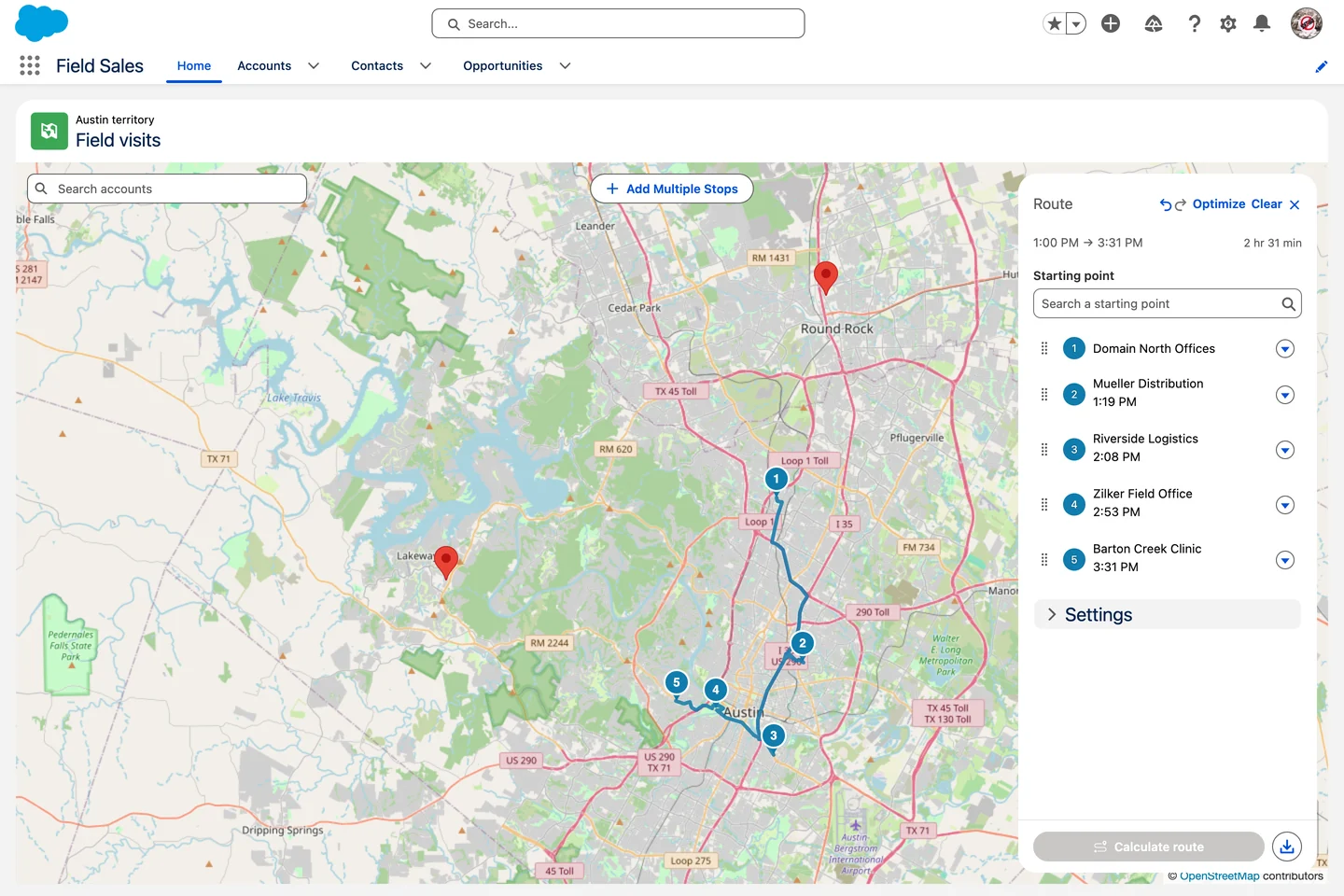
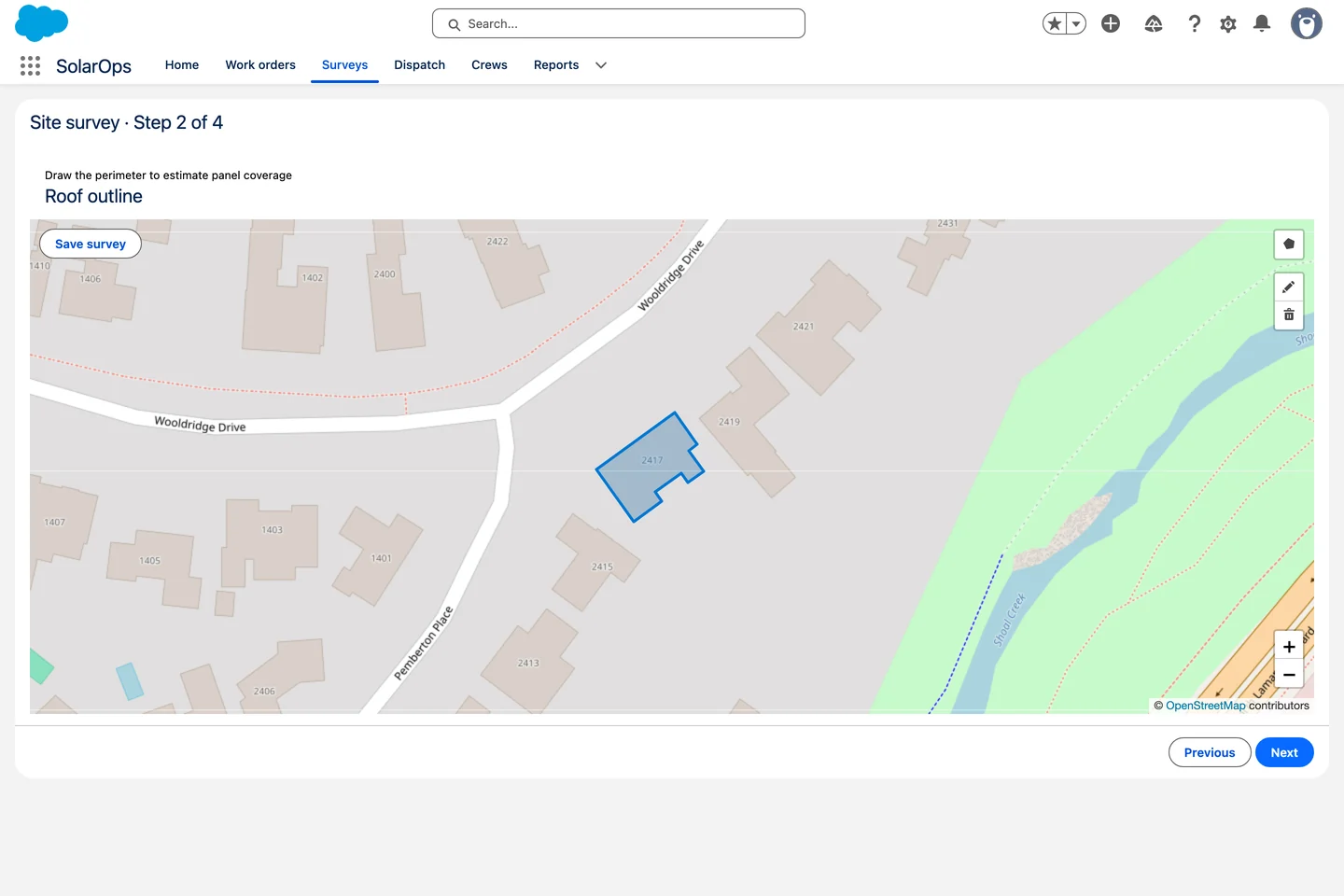
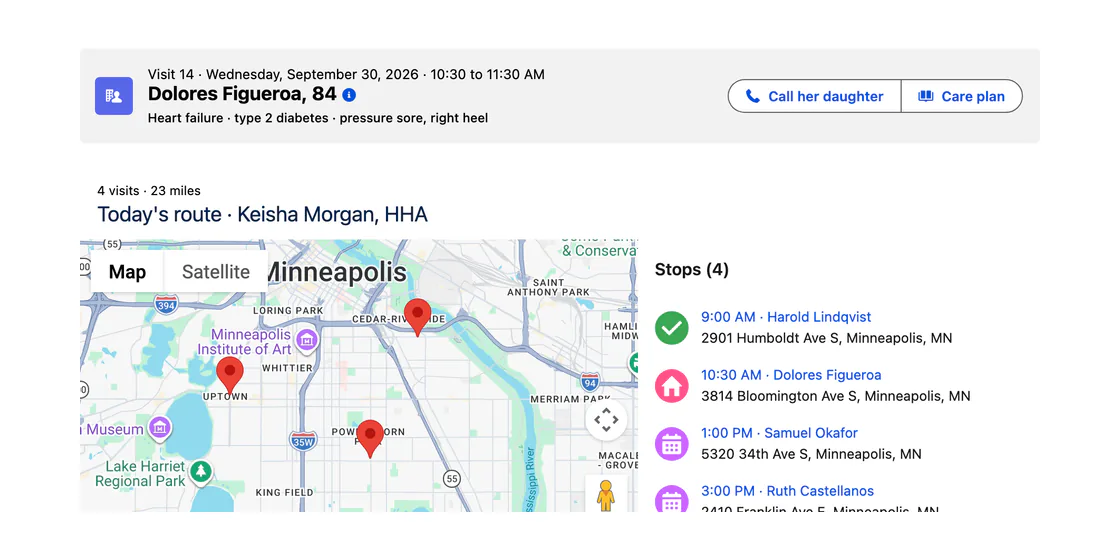
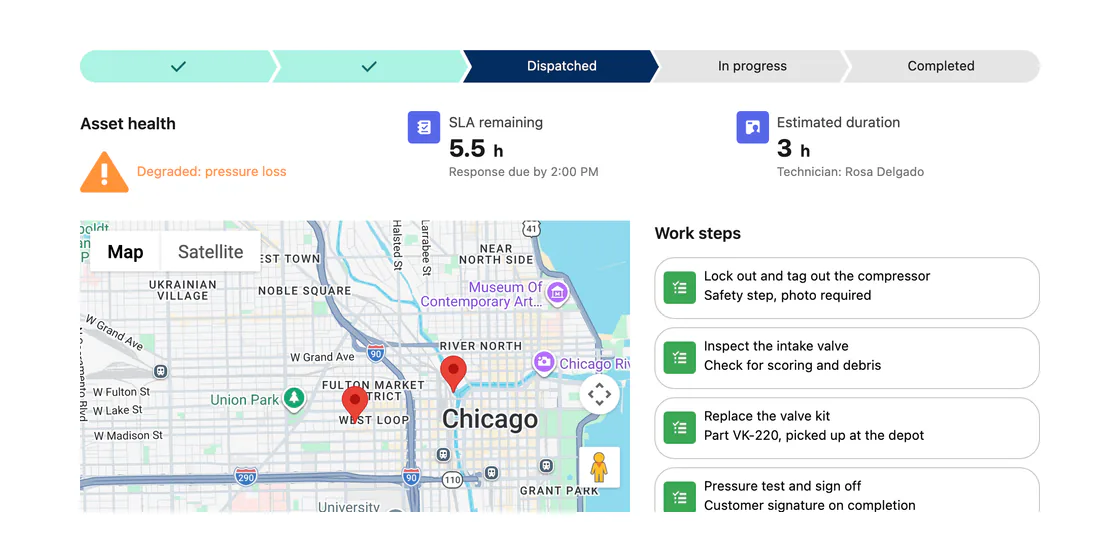
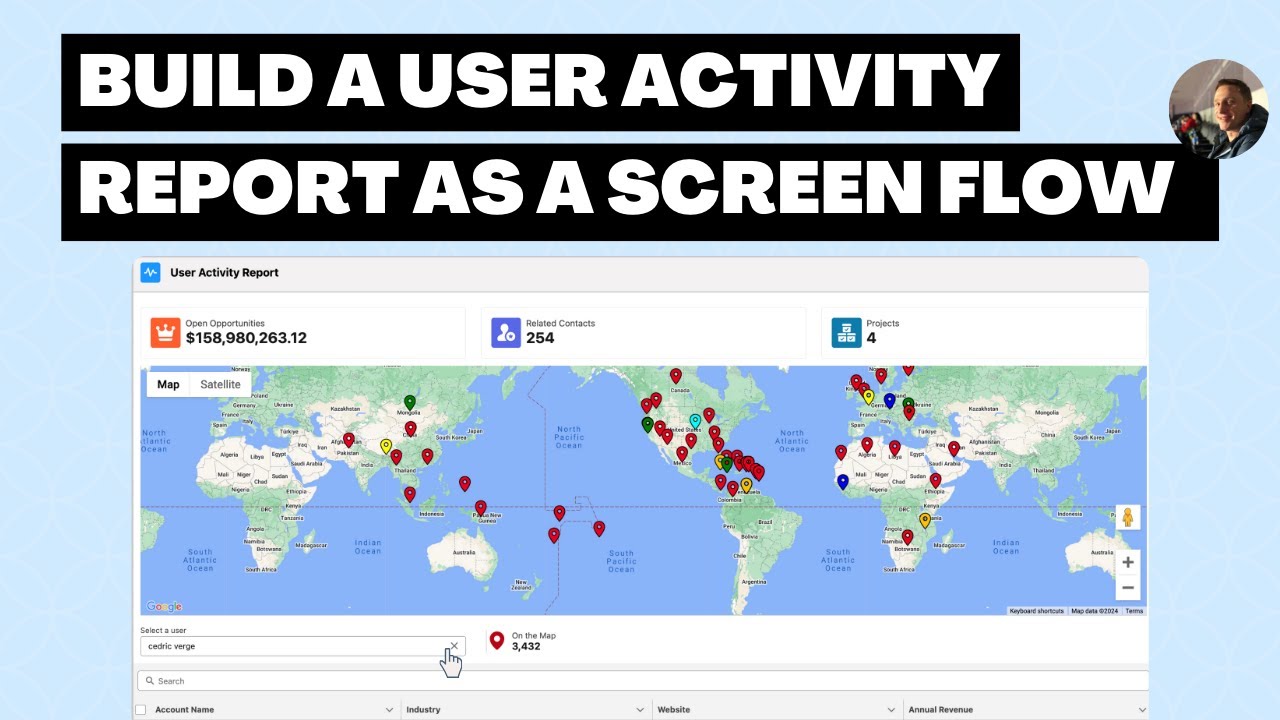
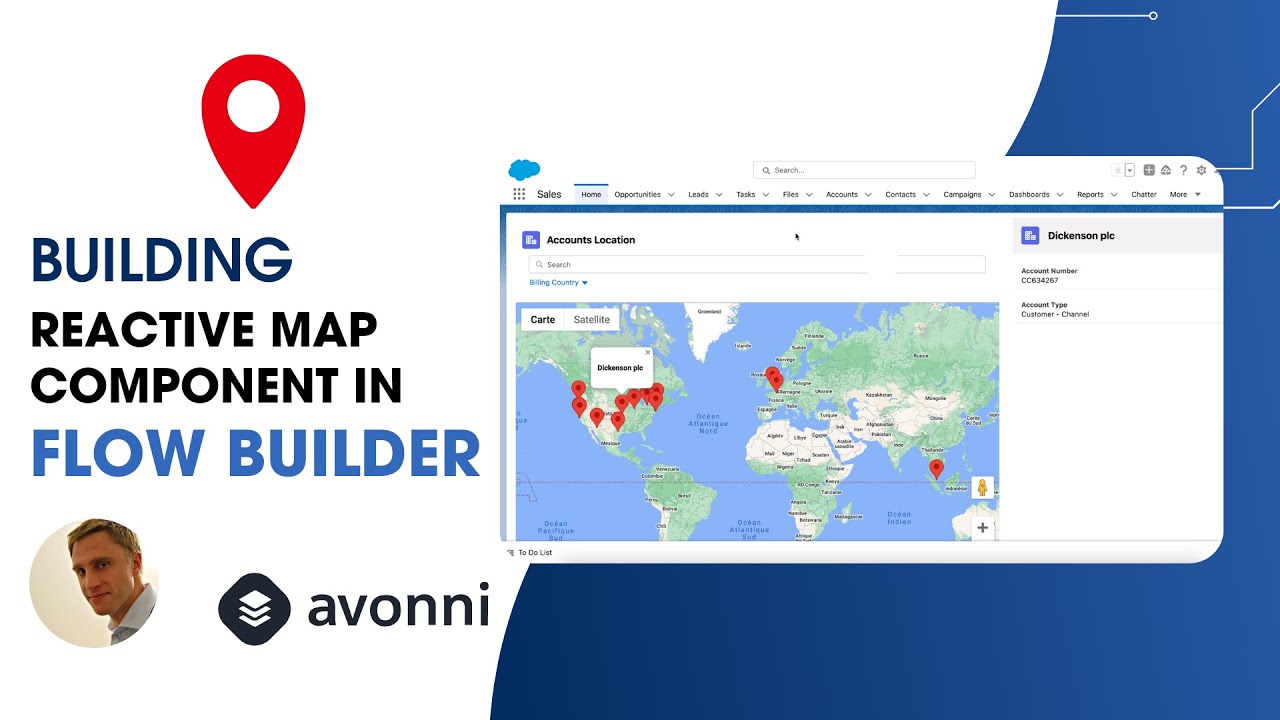
Avonni Map component showing Salesforce account records as markers on an interactive map
What it does

A map your records actually live on

Point it at any object with an address or coordinates and every record becomes a marker people can search, filter, and click.

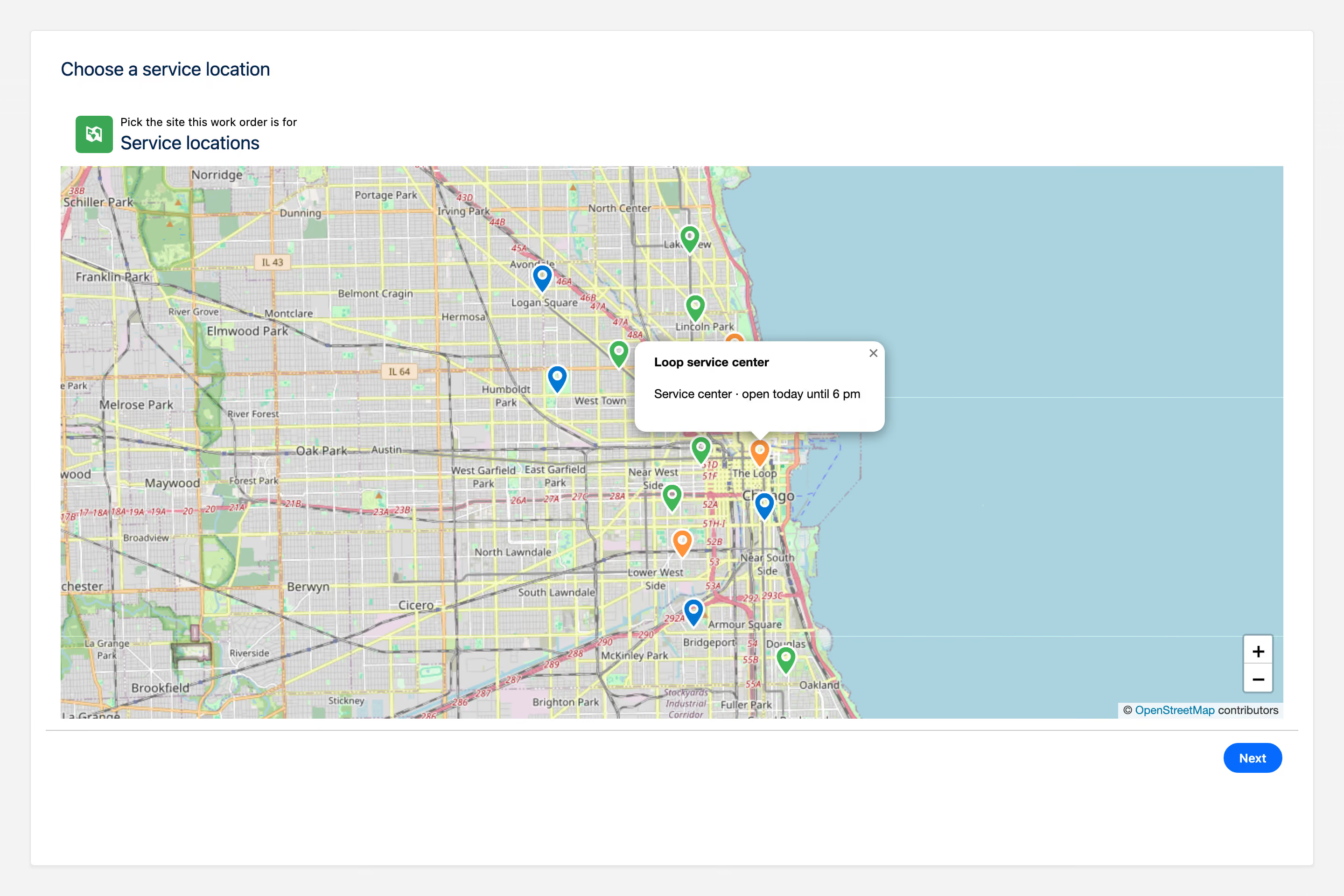
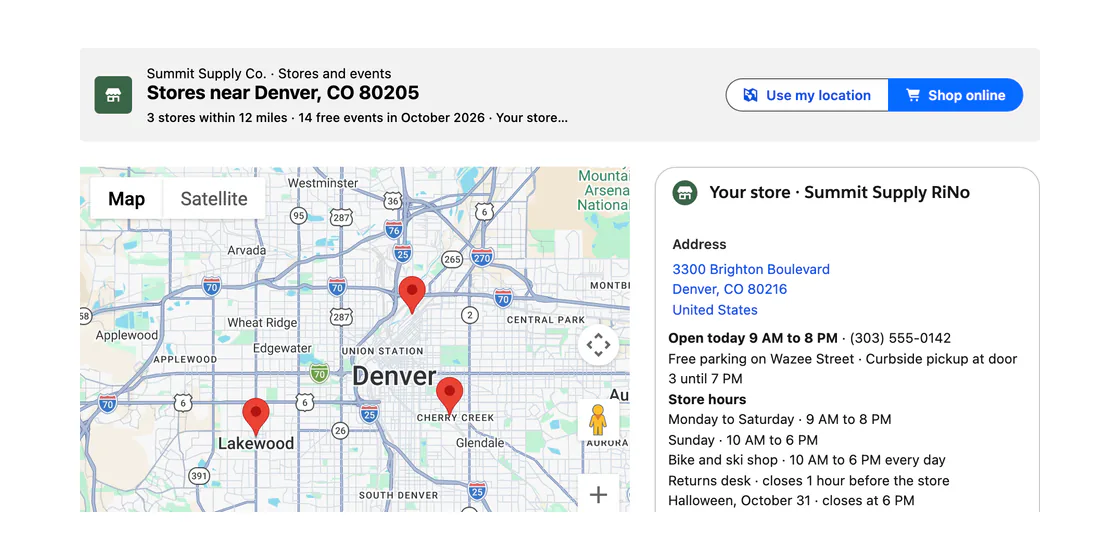
Avonni Map component displaying Salesforce store location records as pins with a searchable list panel
And more, without code
v
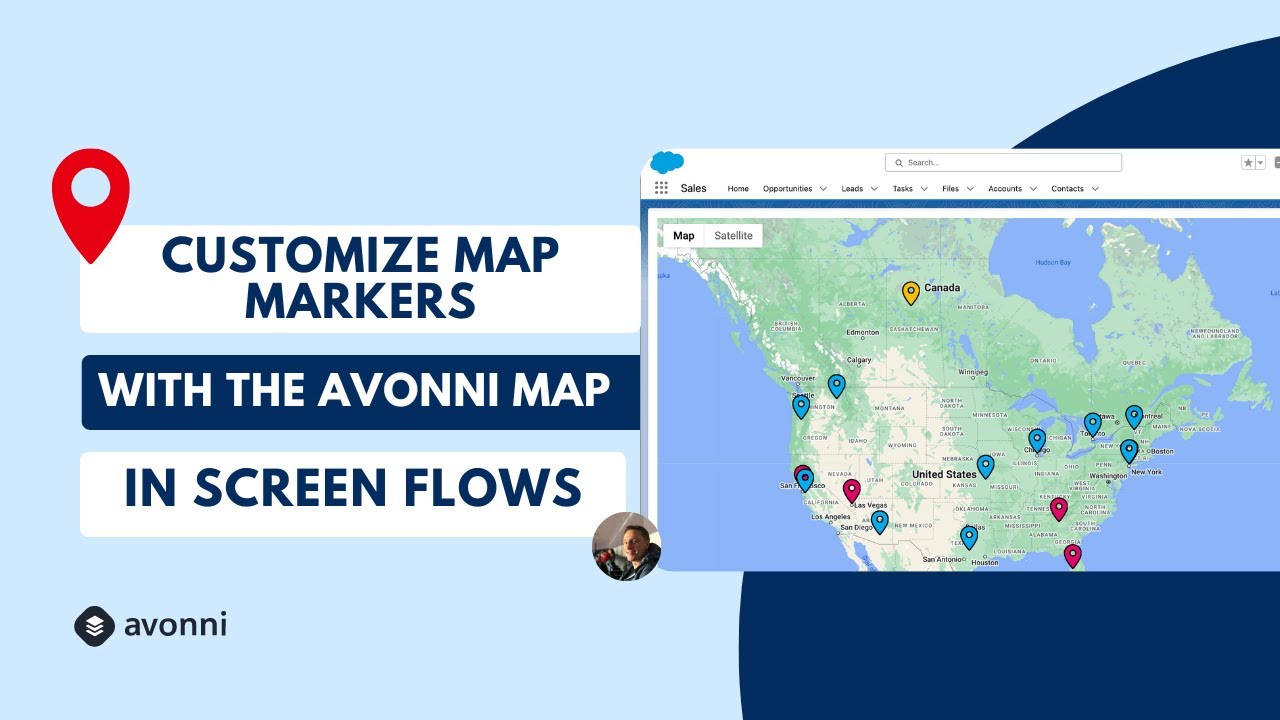
Marker clustering
v
Custom SVG markers
v
Search and filters
v
Marker popups
v
Drawing tools
v
List view of records
Same component, every surface

One map. Four places to put it.

The same map engine follows you across Salesforce. What changes is where it lives and how you add it, not what it can do.

Screen Flows

In a Flow screen

Drop the map component onto any Flow screen and point it at a collection of records. Users see them plotted, select a marker, and pass the choice downstream.

Flow Screen ComponentsSee the Map for Flows landing
Lightning pages

On a record or app page

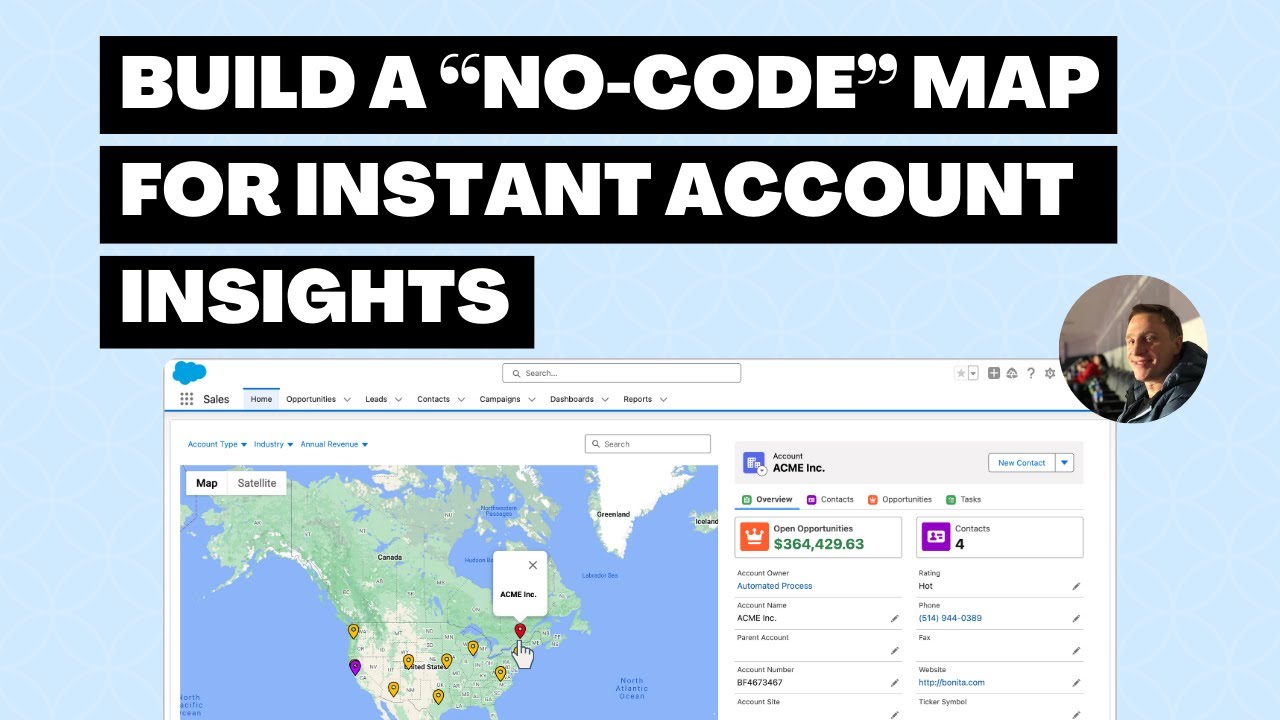
Build it visually with the dcMap component in Dynamic Components, wire a query with no Apex, and drop the result onto any Lightning page in App Builder.

Dynamic Components
Experience Cloud

On a portal or site

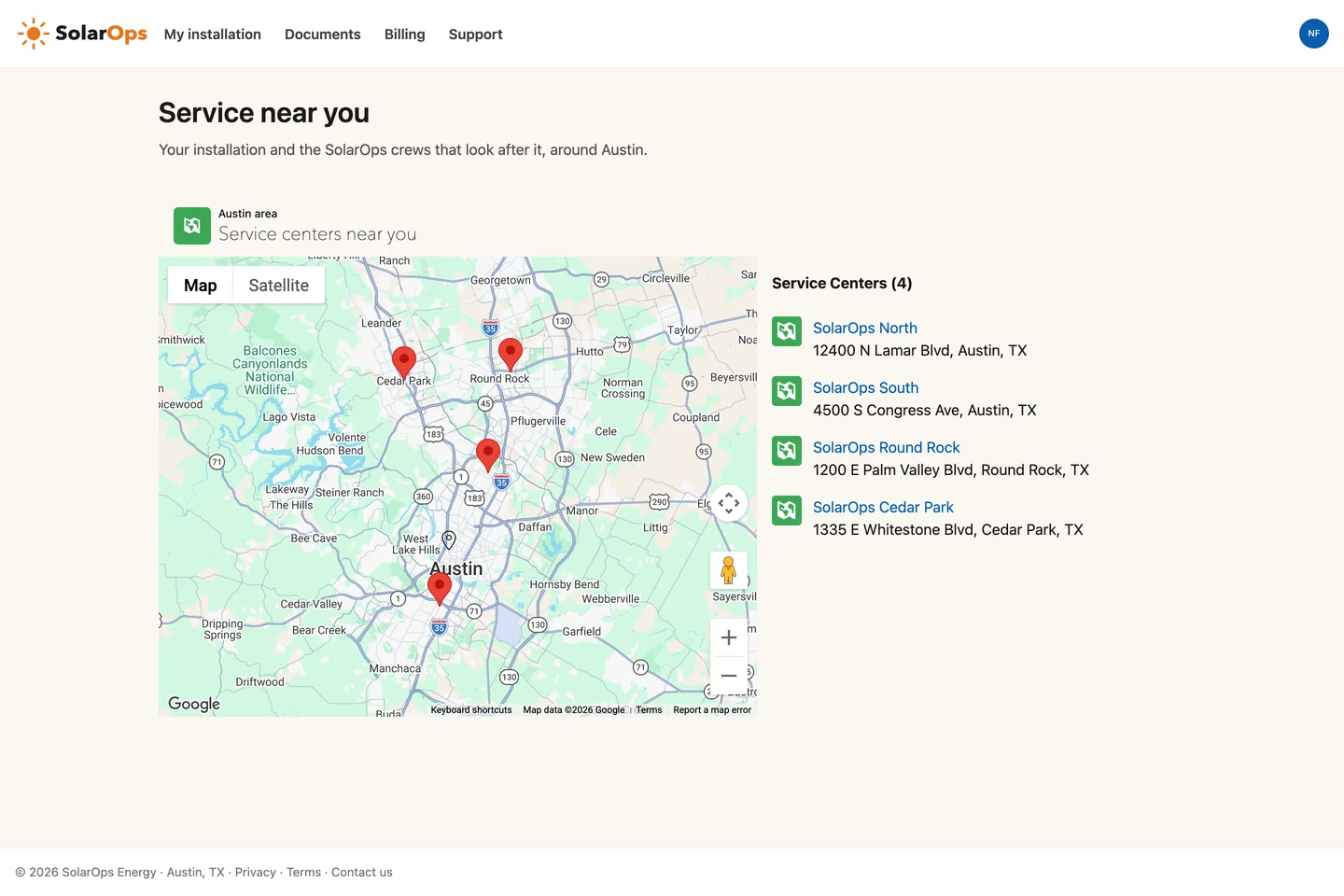
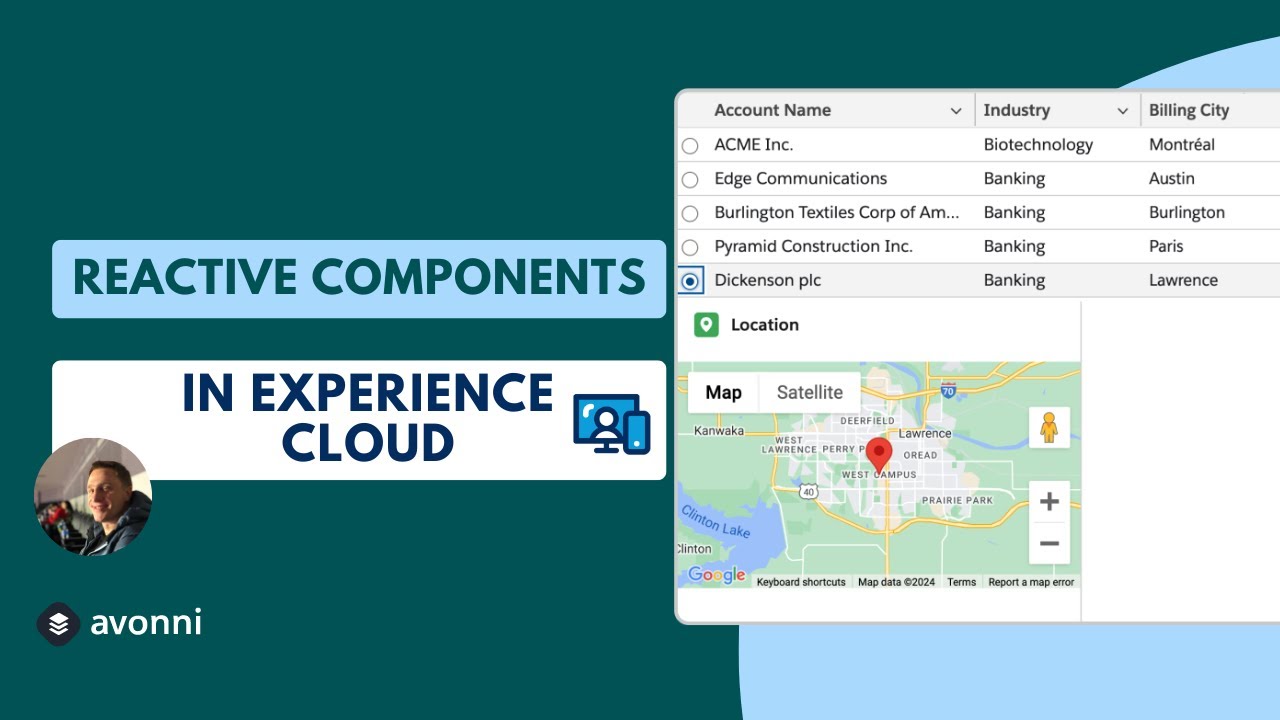
Add the AX-Map to any Experience Cloud page. It respects your sharing rules and guest access, so external users see only the locations they should.

Experience Cloud Components
LWC / code

In your own component

Developers drop avonni-dd-map straight into an LWC template with documented attributes. Same map, in the markup you already own.

<avonni-dd-map
  map-type="leaflet"
  query={accountQuery}
  cluster
  searchable
  search-fields="Name,City">
</avonni-dd-map>
LWC Components
Where teams use it

Built for the work people actually do

Avonni Map showing Salesforce location records as pins with a searchable list panel

Find the nearest records

Plot accounts, stores, or field assets on a map and let users search by name or filter by field to find the right one fast.

Context on a record page

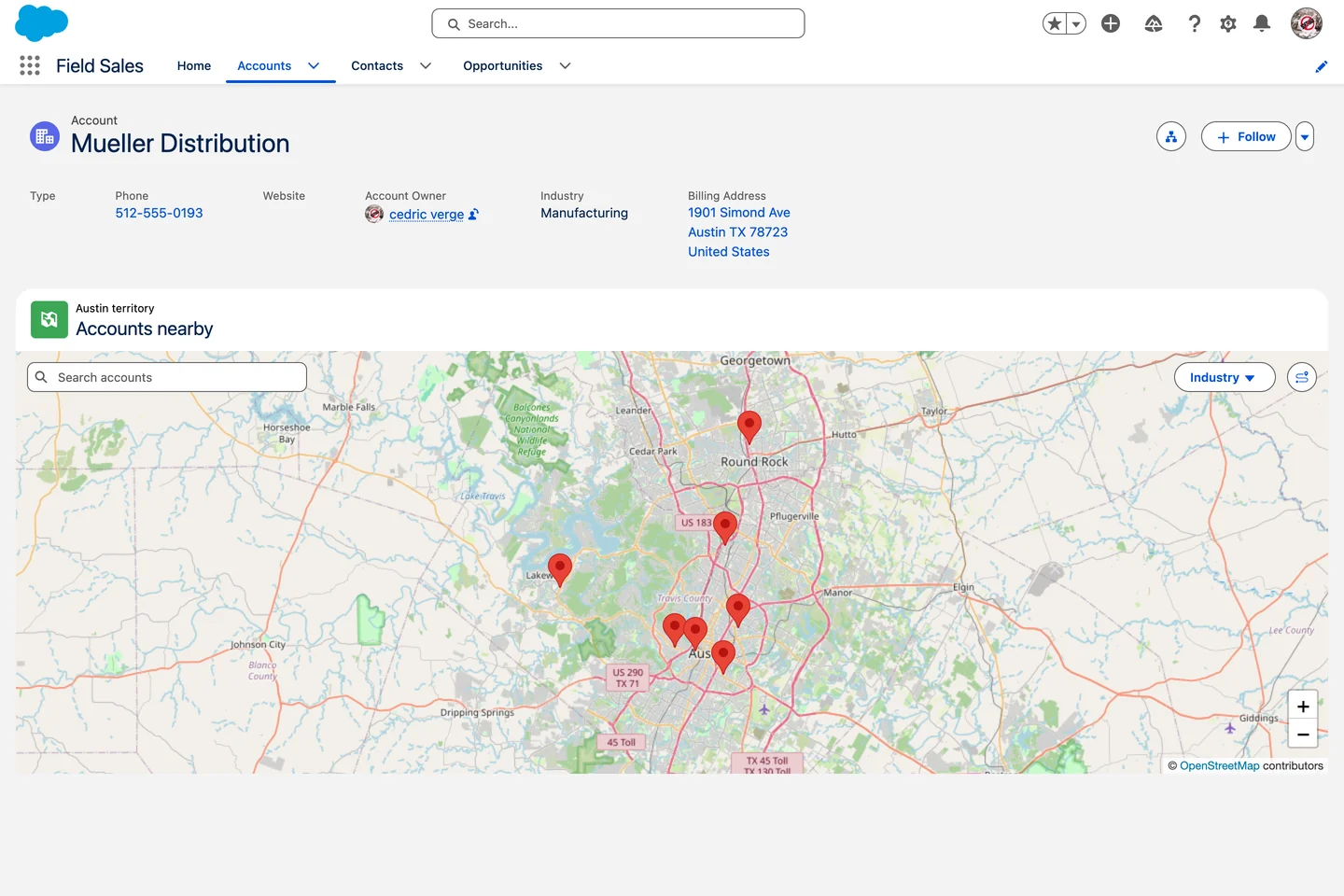
Drop a map on a record or app page so a team sees where related records sit, without leaving Salesforce.

Locations in a portal

Give external users a permission-aware map on an Experience Cloud site, so they see only the locations meant for them.

In a real org

Map, configured for one job.

All use cases

The native map shows pins. Avonni maps let people work.

Salesforce's standard map plots records as basic pins on Google Maps. Avonni adds a second map engine, clustering, custom markers, and search on top, all configured with clicks.

See it on a Flow
2
map engines: Google and Leaflet
6
marker types, including custom SVG
Built-in
clustering, search, and drawing tools
Questions

Map, answered

Which package is the Map in?

It ships across the Avonni suite. The Flow version is in Flow Screen Components, the Lightning-page version in Dynamic Components, and the portal version in Experience Cloud Components. One subscription covers all three.

Does it use Google Maps or Leaflet?

Both. Pick Google Maps or Leaflet per map. Leaflet uses OpenStreetMap tiles, which you allow by adding the tile URL to your org's Trusted Sites.

What records can it plot?

Any standard or custom object with an address or latitude and longitude. Point it at the records through a collection, a no-code query, or a component query, and each one becomes a marker.

Can users draw on the map?

Yes. With Leaflet, drawing tools let users sketch shapes on the map, and you can save the result back to Salesforce as a file on a record.

Do I need Apex or custom code?

No. Admins configure the Map entirely with clicks. Developers who prefer code can use the LWC version with documented attributes instead.

Put your records on the map

Install free from the AppExchange and add a map to your first Flow, page, or portal today. Talk to us when you are ready to scale.