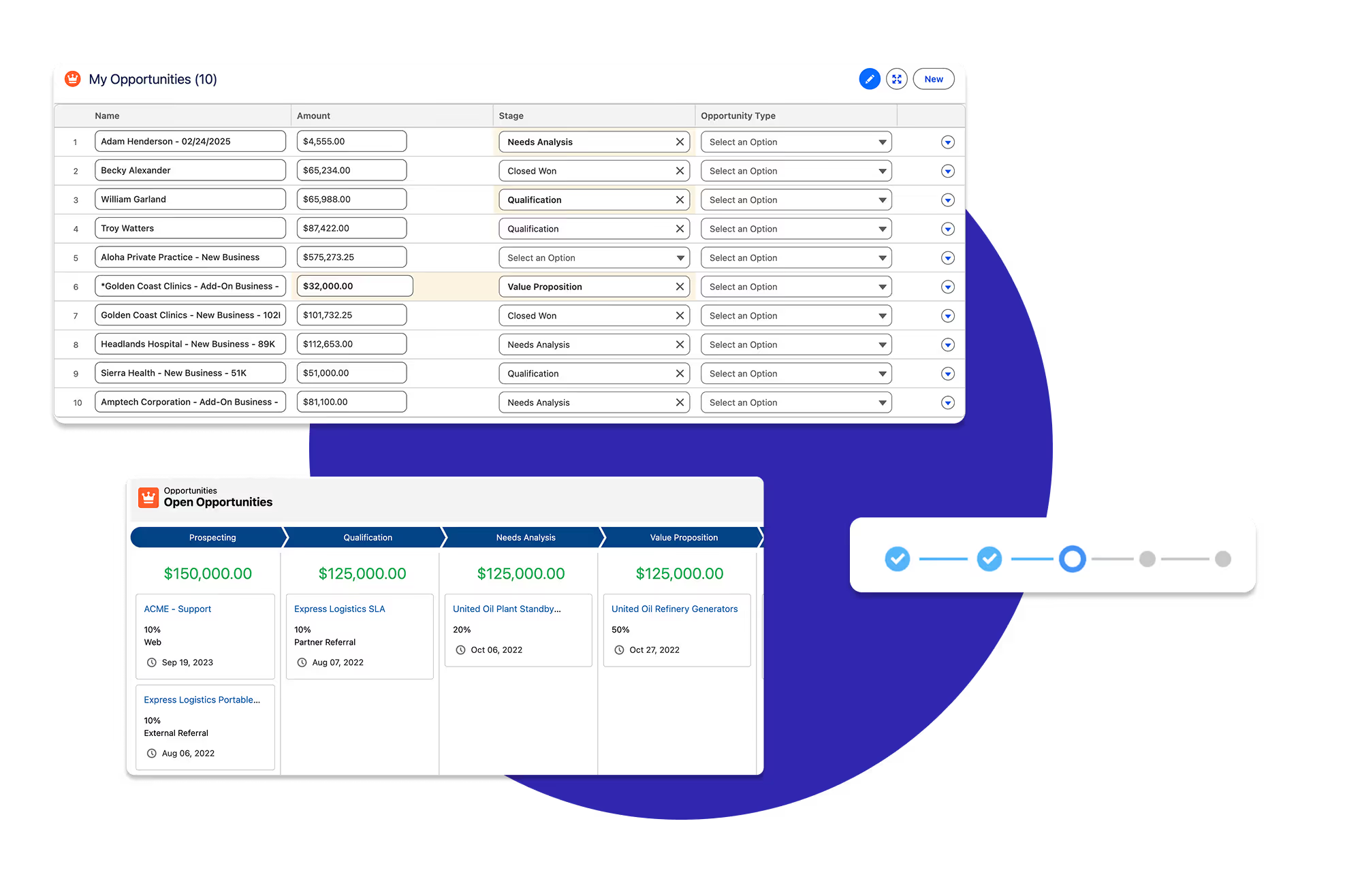
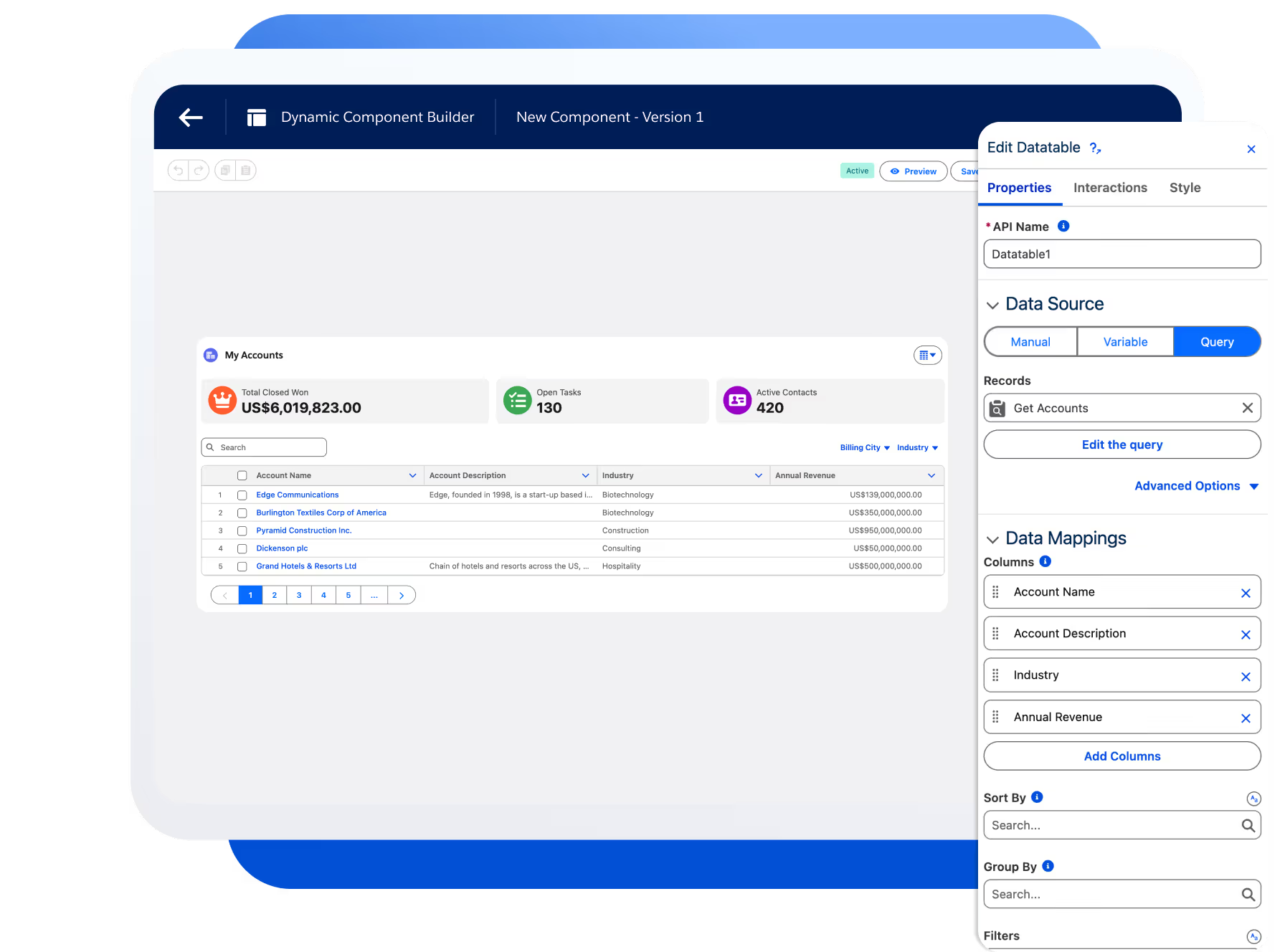
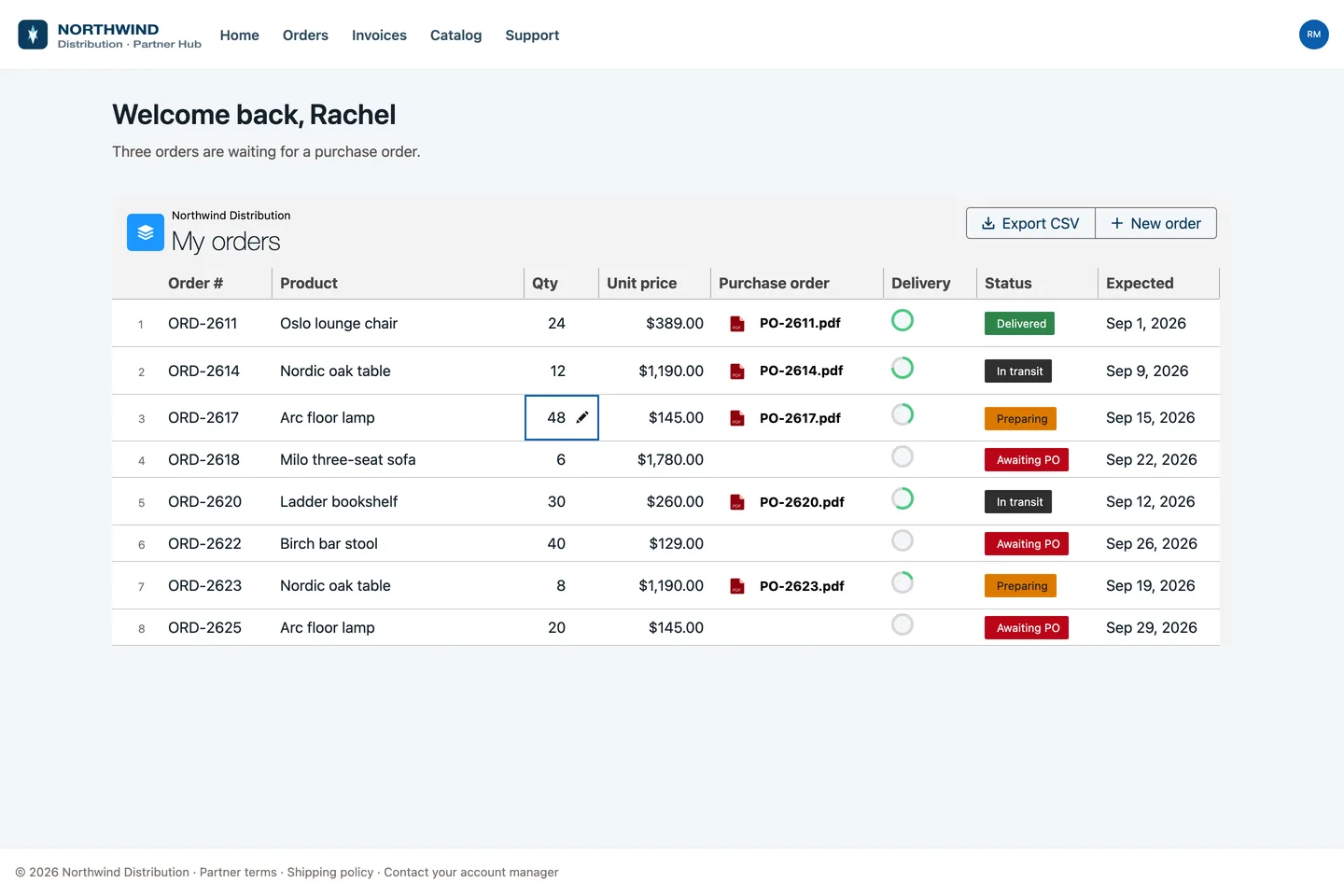
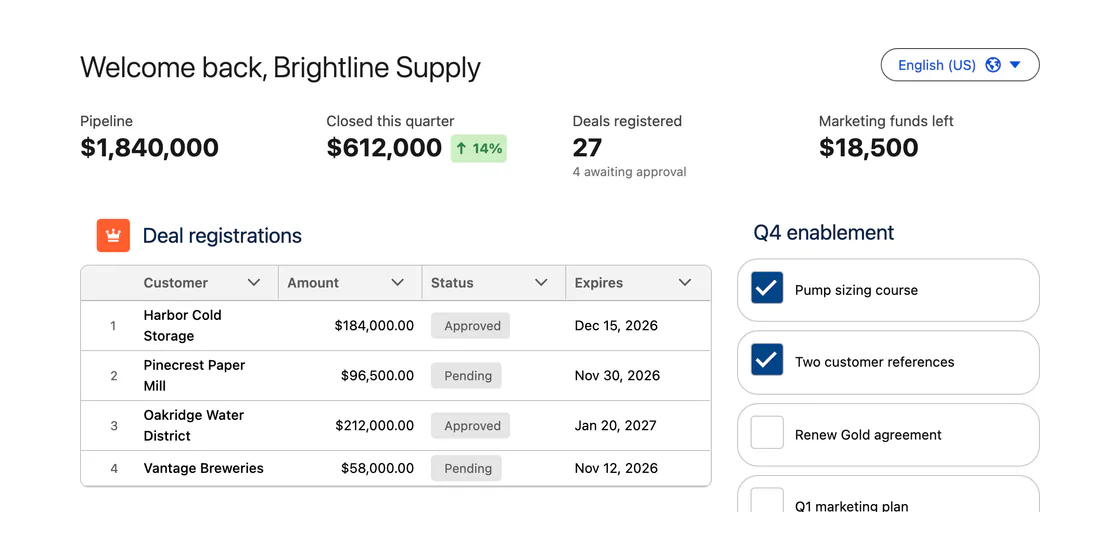
25+ column types, inline editing for every field type, built-in filtering, and CSV export. The same data table on Screen Flows, Lightning pages, and Experience Cloud, configured with clicks. No code.
| Account Name | Stage | Amount | Probability | Close Date | |
|---|---|---|---|---|---|
| UOUnited Oil & Gas | Negotiation | $235,000 | 80% | 8/14/2026 | ▼ |
| GHGrand Hotels & Resorts | Proposal | $92,500 | 60% | 9/02/2026 | ▼ |
| ELExpress Logistics | Closed Won | $178,000 | 100% | 7/30/2026 | ▼ |
| BTBurlington Textiles | Qualification | $54,000 | 35% | 10/18/2026 | ▼ |
| DPDickenson plc | Negotiation | $121,750 | 70% | 9/25/2026 | ▼ |
This is the component doing its job. Search, filter, sort, edit, and act on records, with a column type for every field.
| Accountv | Stage | Amountv | Probability | Close Datev | |
|---|---|---|---|---|---|
UO United Oil & Gas | Negotiation | $235,000 | 80% | Aug 14, 2026 | ... |
GH Grand Hotels & Resorts | Proposal | $92,500 | 60% | Sep 02, 2026 | ... |
EL Express Logistics | Closed Won | $178,000 | 100% | Jul 30, 2026 | ... |
BT Burlington Textiles | Qualification | $54,000 | 35% | Oct 18, 2026 | ... |
DP Dickenson plc | Negotiation | $121,750 | 70% | Sep 25, 2026 | ... |
The same capabilities follow you across Salesforce. What changes is where it lives and how you add it, not what it can do.
Drop the datatable component onto any Flow screen and bind it to a collection variable. Let users pick, edit, and act on records mid-Flow, then pass the results downstream.
Flow Screen ComponentsCompare vs the native Flow tableBuild it visually with the dcDatatable component in Dynamic Components, wire a query with no Apex, and drop the result onto any Lightning page in App Builder.
Dynamic ComponentsAdd the AX-Datatable to any Experience Cloud page. It respects your sharing rules and guest access, so external users see exactly the records they should.
Experience Cloud ComponentsDevelopers drop avonni-dd-datatable straight into an LWC template with documented attributes. Same table, in the markup you already own.
<avonni-dd-datatable header-title="My Accounts" query={accountQuery} columns={columns} search-fields="Name,Industry" filters={filters} show-pagination> </avonni-dd-datatable>

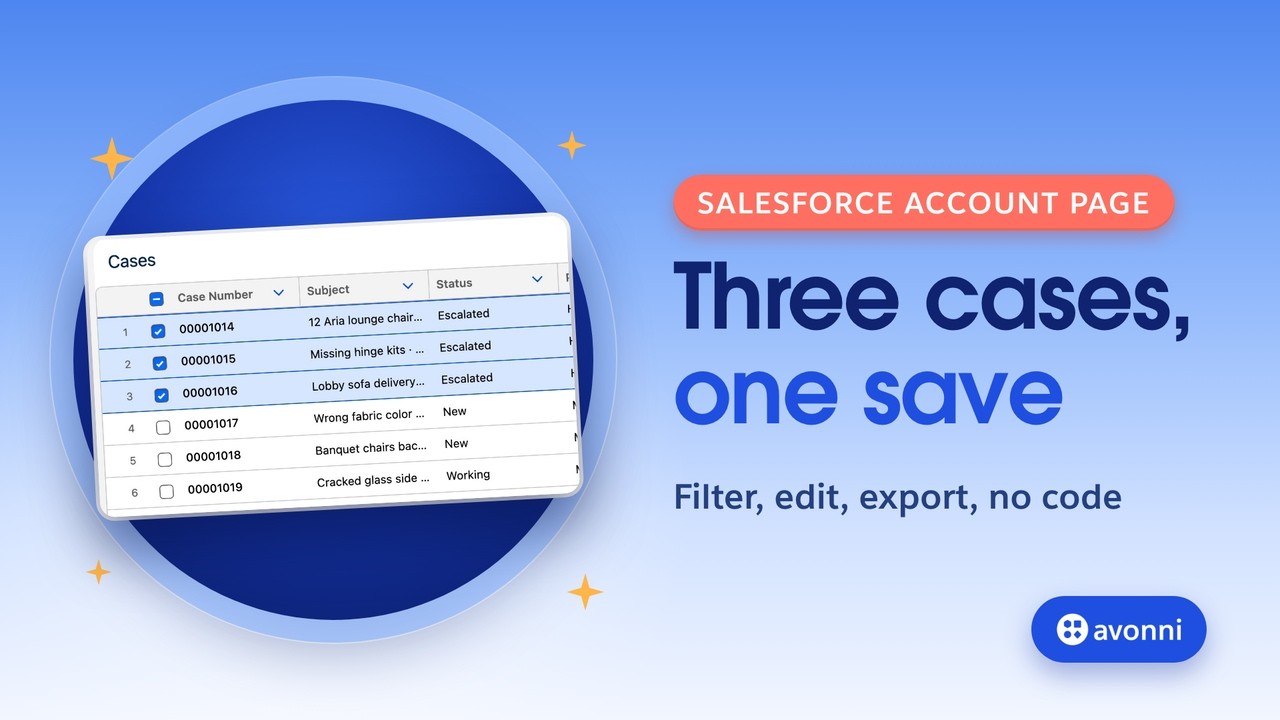
Show a filtered list mid-Flow and let users select the rows to act on. The selection flows straight into the next step.

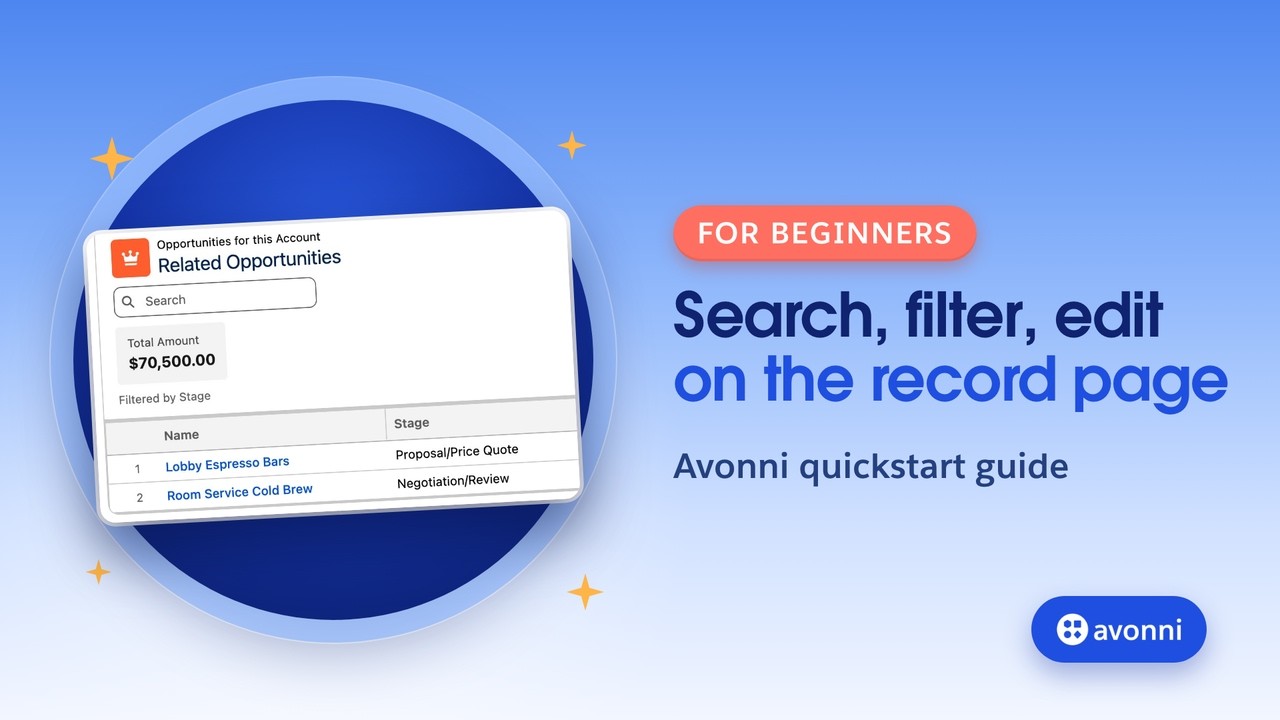
Replace a plain related list with an editable, filterable table right on the record or app page, no Apex behind it.

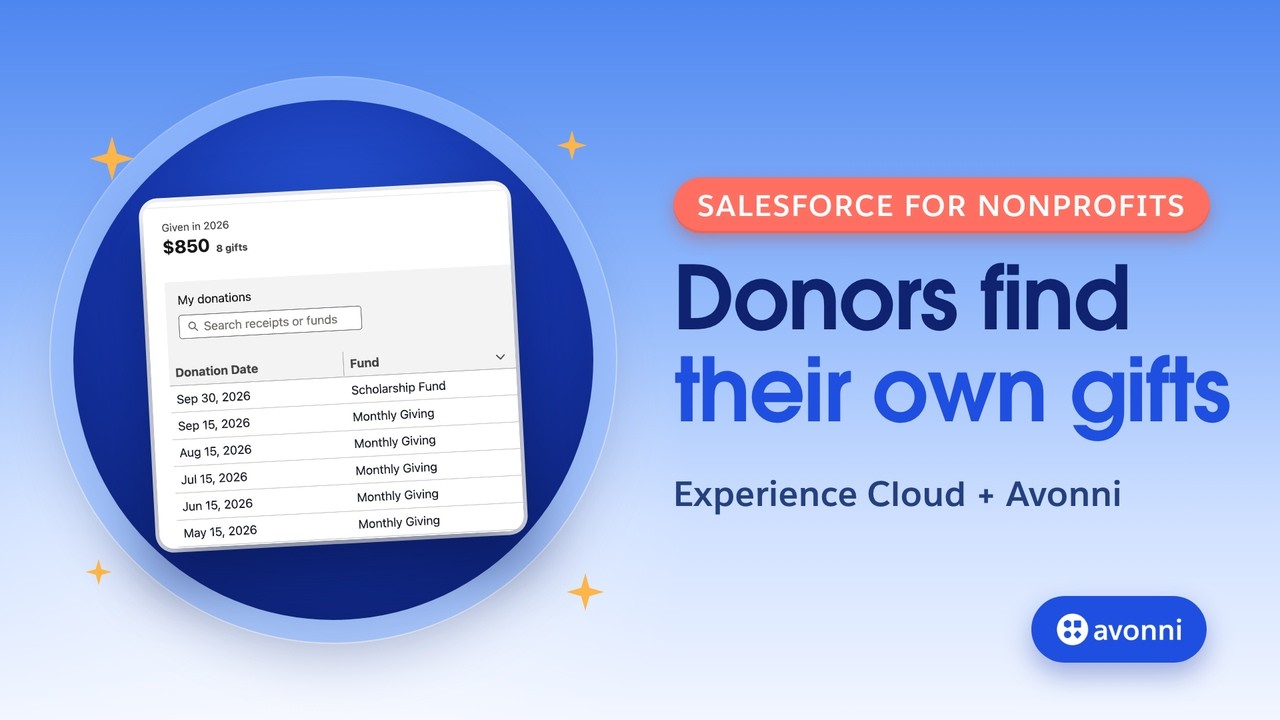
Give external users a clean, permission-aware table on an Experience Cloud site so they see only their own records.
The native Salesforce data table stops at read-only rows. Avonni picks up where it leaves off, with editing, filtering, and actions built in.
See the full comparisonAvonni's Salesforce Data Table component is a masterpiece and heads down the best component that they offer. The use cases it has on its own make the product worth buying.
It ships across the Avonni suite. The Flow version is in Flow Screen Components, the Lightning-page version in Dynamic Components, and the portal version in Experience Cloud Components. One subscription covers all three.
Any standard or custom object. Point it at the records you want through a collection variable, a no-code query, or a component query, and it renders the fields you choose.
Yes. Edits happen in the cell and save back to the record, respecting your field-level security and validation rules.
No. Admins configure the Data Table entirely with clicks. Developers who prefer code can also use the LWC version with documented attributes.
Yes. Every Avonni plan starts free with 10 licenses, and the Data Table is included from the start.
Install free from the AppExchange and add it to your first Flow, page, or portal today. Talk to us when you are ready to scale.