Salesforce LWC Components: Base, Custom or Prebuilt? A Developer Guide With Code Examples
What Salesforce LWC components are, where to find the official base component list, and when to use base, custom or prebuilt components, with tested code examples.
Every Salesforce UI you ship in Lightning Experience is built from Lightning Web Components (LWC). When you need a new screen, there are three ways to get there: compose the base components Salesforce gives you, build your own custom component, or install a prebuilt component from a package. This guide explains each option with code you can deploy, shows where base components stop, and gives you a simple way to decide.
What are Lightning Web Components?
A Lightning web component is a reusable custom HTML element with its own API, built on web standards. A component is a folder (a "bundle") with an HTML template, a JavaScript class that extends LightningElement, an optional CSS file and a .js-meta.xml configuration file. The configuration file declares where the component can be used: Lightning App Builder pages, Experience Builder sites, Flow Builder, quick actions, the utility bar and more.
If you are starting from zero, the LWC Developer Guide and the LWC Recipes sample app are the best official starting points. This guide focuses on the question that comes next: which kind of component should you use for a given screen?
Where to find the official list of LWC base components (2026)
Base components are the prebuilt components Salesforce ships in the lightning namespace, written as lightning-component-name in your markup (lightning-button, lightning-datatable, lightning-record-edit-form…). They follow the Salesforce Lightning Design System (SLDS), and Salesforce recommends using them wherever possible instead of re-implementing an SLDS blueprint yourself, because you get design updates automatically.
Salesforce groups them into categories: Actions and Menus, Containers, Images, Input, Forms, Navigation, Notifications, Output, Progress, and Tables and Trees, plus utility modules such as lightning/navigation or lightning/uiRecordApi.
Heads-up if you have an old bookmark: the legacy Component Reference inside the Lightning Component Library is no longer updated, and Salesforce stops publishing it from Spring ’26. The current reference lives at developer.salesforce.com/docs/platform/lightning-component-reference. The in-org version (https://<your-domain>.lightning.force.com/docs/component-library) is still useful because it also lists components installed from managed packages.
Base components — free, maintained by Salesforce, SLDS-native. You still write the data access (wire adapters or Apex), the state handling and the glue.
Custom components — your own LWC, usually composed of base components. Full control, and full ownership of the code, the tests and the upkeep.
Prebuilt components — components someone else built and maintains, installed into your org (an AppExchange managed package) or copied from an open-source repository. You configure them instead of writing them.
Most real projects mix all three. The skill is knowing which one each screen deserves.
Example 1 — A base component: an account table with lightning-datatable
A read-only table of technology accounts on a record, app or home page. Base components handle the rendering; you provide the data.
Apex controller (AccountController.cls):
public with sharing class AccountController {
    @AuraEnabled(cacheable=true)
    public static List<Account> getTechAccounts() {
        return [
            SELECT Id, Name, Industry, AnnualRevenue
            FROM Account
            WHERE Industry = 'Technology'
            WITH USER_MODE
            ORDER BY Name
            LIMIT 100
        ];
    }
}
Use your org's current API version. Notes: a wired property receives { data, error }; @AuraEnabled(cacheable=true) is required for an Apex method you call with @wire; WITH USER_MODE makes the query respect the running user's object and field permissions. You also need an Apex test class before you can deploy to production.
That is four files for a read-only table. Add search, filters, pagination, sorting on the server and inline edit with saving, and the component grows quickly. Each feature is more JavaScript, more Apex and more tests to maintain.
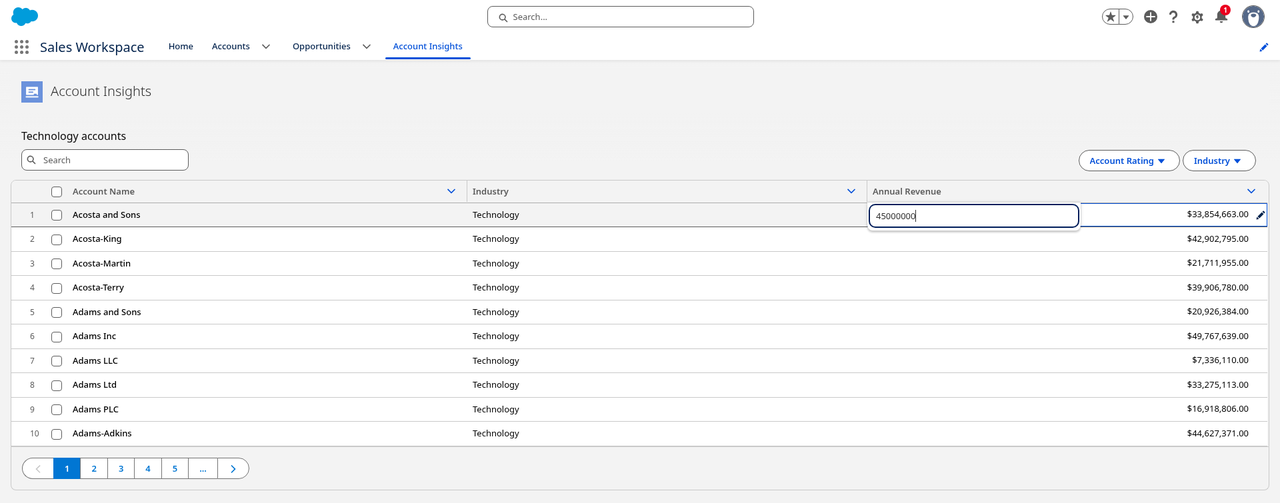
Technology accounts rendered with lightning-datatable on a Lightning app page (Sales Workspace).
Example 2 — A custom component: composition, @api and events
Custom components shine when the UI is specific to your business. The core patterns are composition (a parent uses child components), public properties with @api, and custom events to talk back to the parent.
Child (c-stage-chip): displays a stage and tells the parent when it is clicked.
Custom components are where your differentiating logic belongs: pricing rules, a guided process unique to your team, an integration-specific screen. The trade-off is ownership: every component you write is code to review, test and update with each of the three Salesforce releases per year.
Custom stage chips: click Negotiation and the parent shows "Selected: Negotiation".
What base components don't cover
Base components are building blocks, not finished business UIs. Common requests that have no single base component:
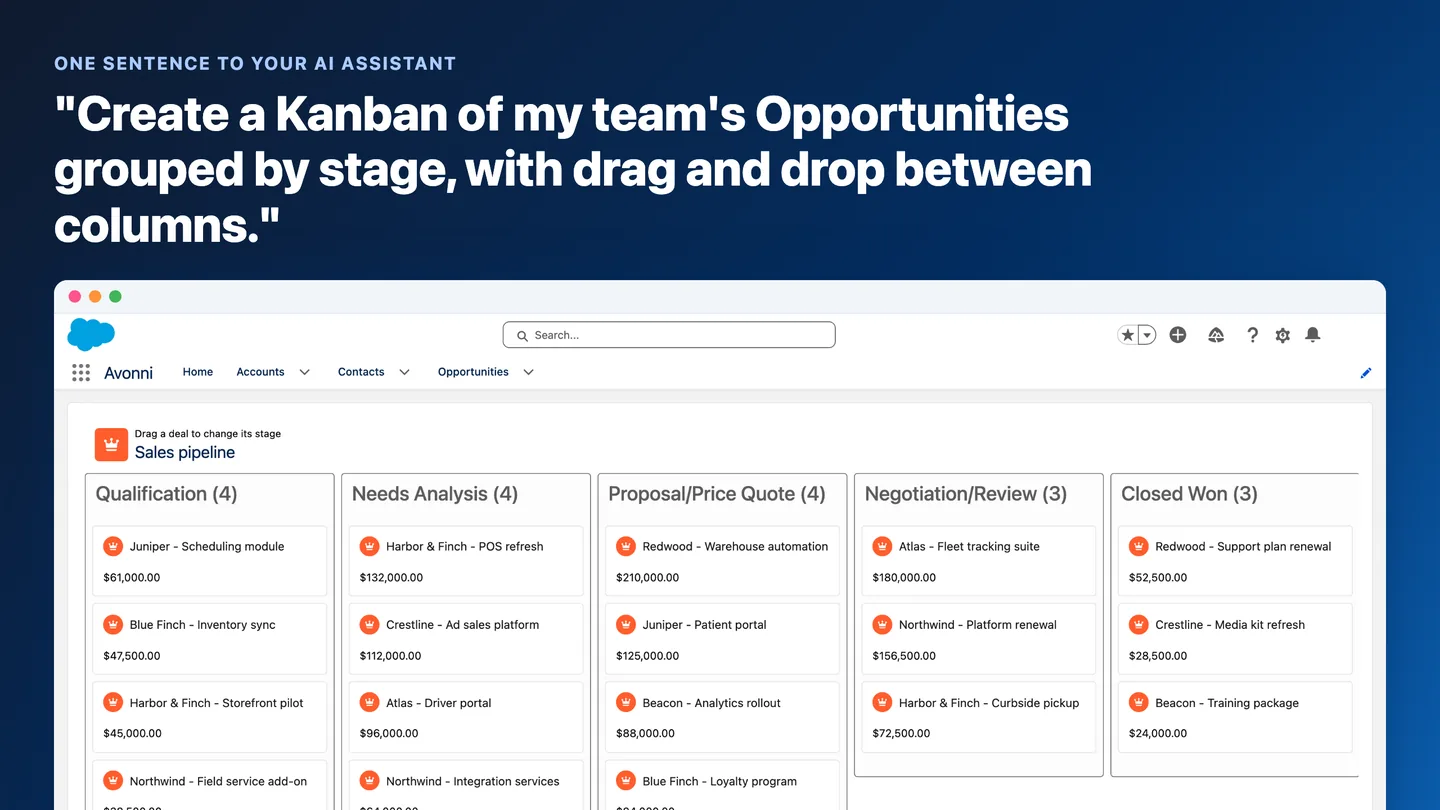
a Kanban board grouped by a picklist, with drag and drop that updates the record;
a resource scheduler or timeline (technicians, rooms, equipment) with drag-to-reschedule;
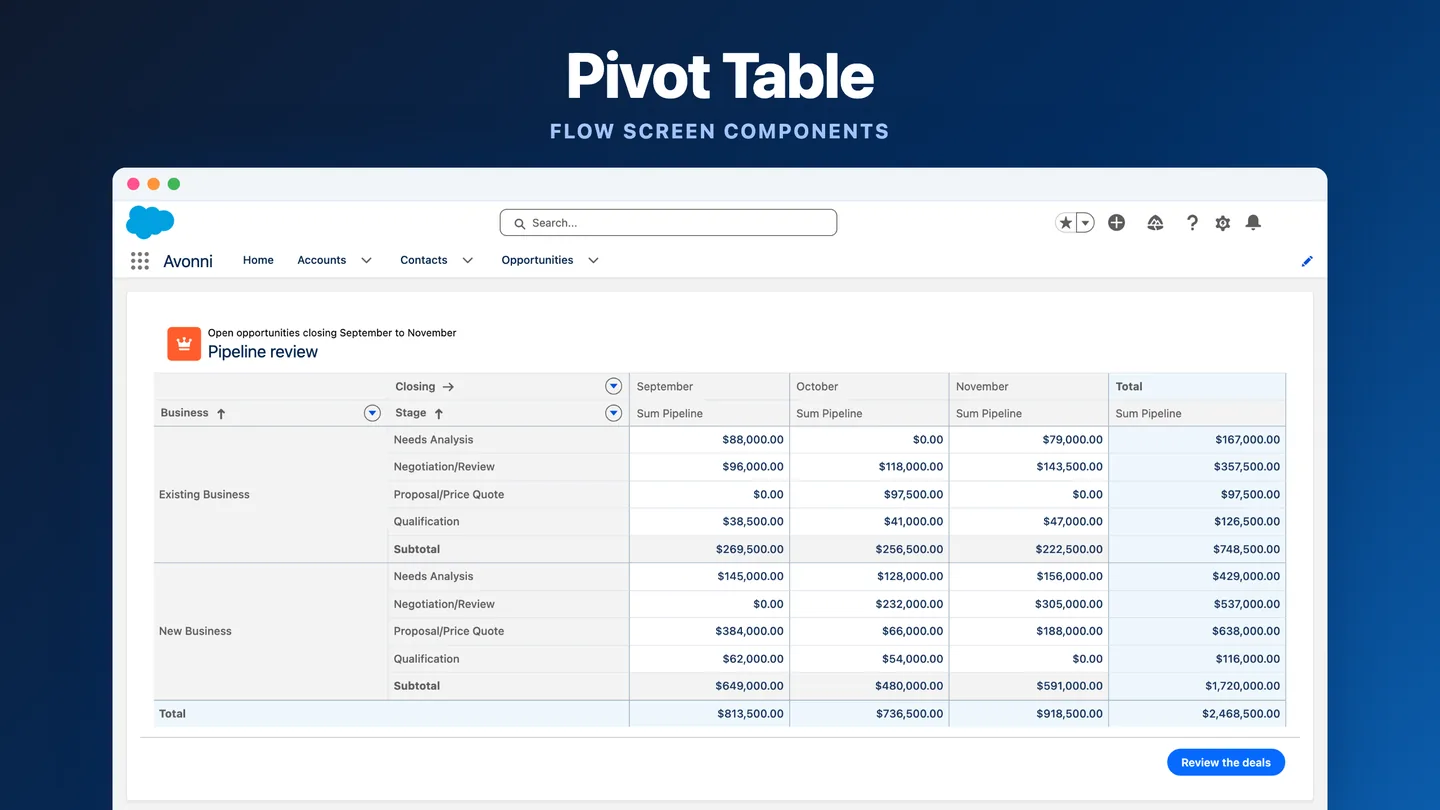
a pivot table with grouped rows and columns, subtotals and totals;
a relationship graph or org chart across related objects;
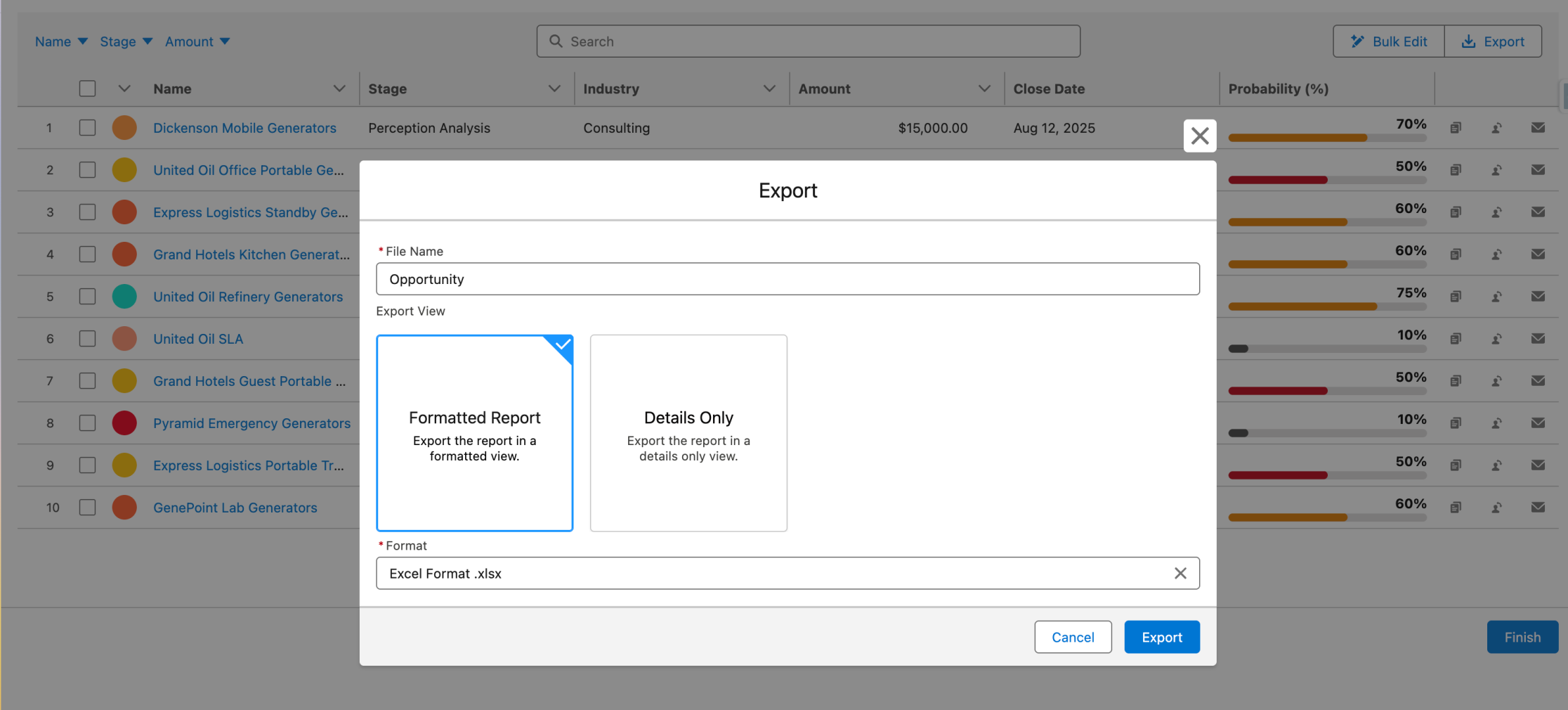
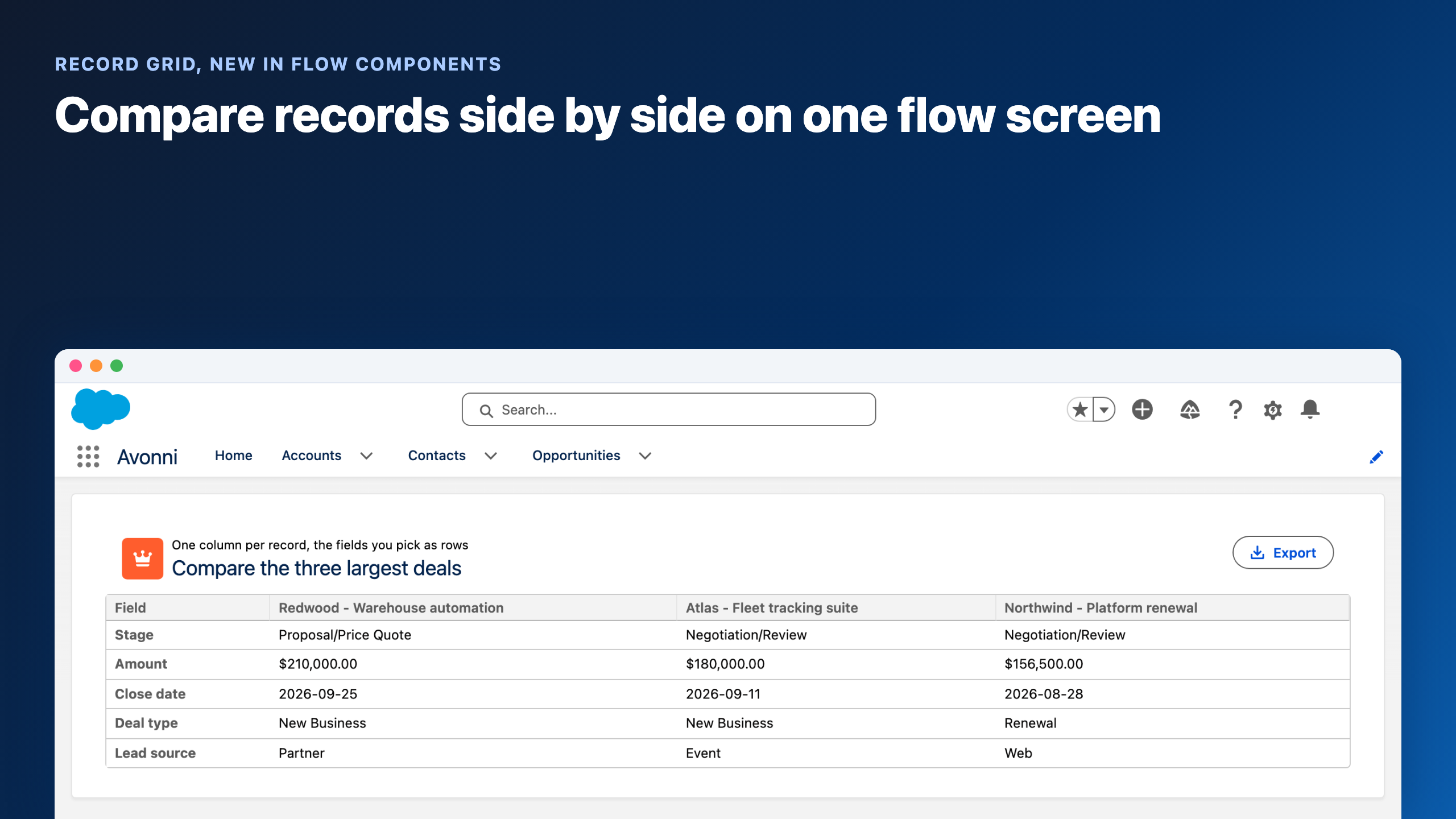
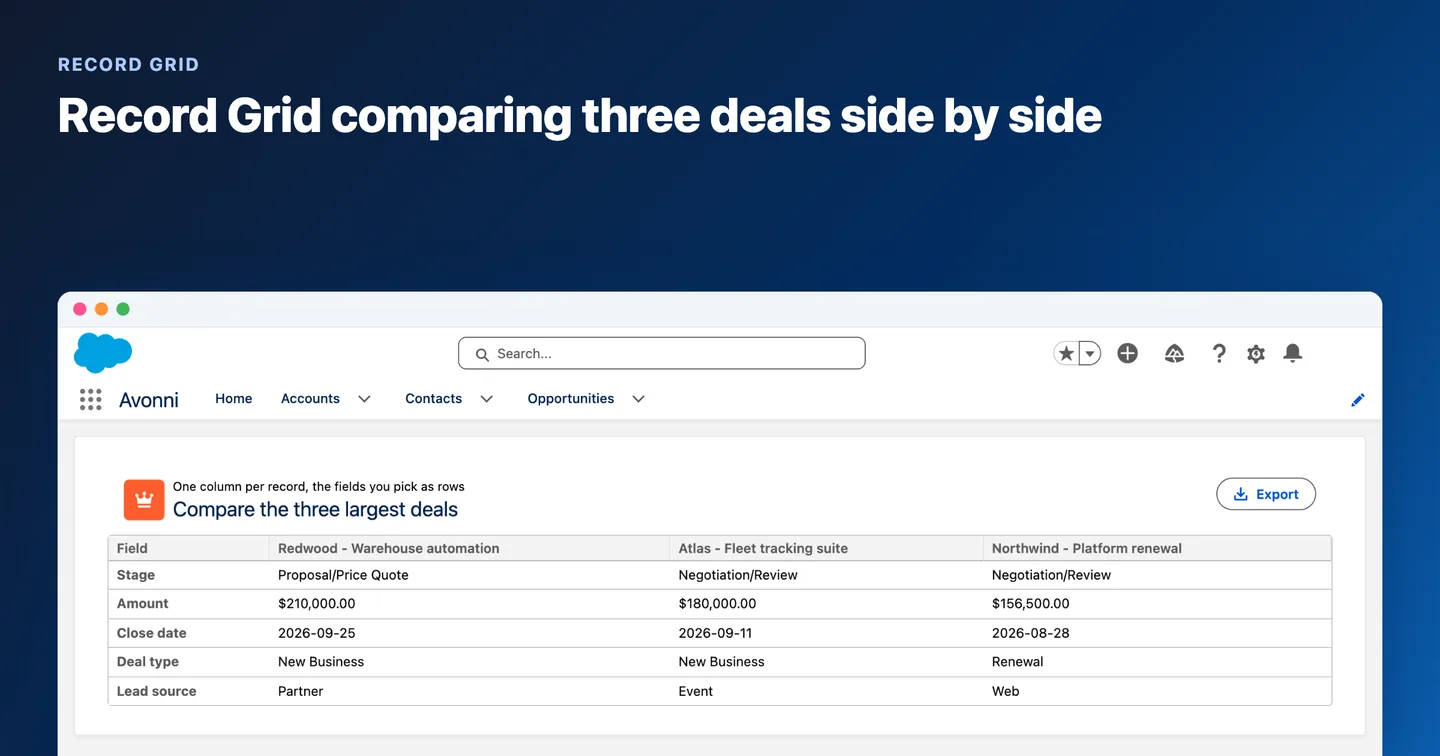
a data table with server-side search, user filters, pagination and inline editing in one component.
A resource scheduler inside a custom LWC: seven technicians, one day, reschedule and reassign from any job. See the Scheduler and the Timeline.
Example 3 — A prebuilt component: the same table, with query, search, filters and inline edit
Prebuilt components move most of that work into a package. Here is the account table again, using the Avonni Data Table (avonni-dd-datatable) from the Avonni LWC component library. In query mode, the component runs its own query: you describe the object, filter and columns, and it handles fetching, search, filters, pagination and the inline editing UI. No Apex controller to write. Saving the edited values to Salesforce is your call: you handle the component's save event with one short handler that uses updateRecord from lightning/uiRecordApi, so still no Apex.
Compare with Example 1: no Apex class, no Apex test class, no wire adapter. Search, filters, pagination and the inline editing UI come with the component; the only code you write is the save handler.
Avonni Data Table in query mode: search, Account Rating and Industry filters, ten rows per page and pagination (screenshot uses 10 rows for readability; the sample code sets 25).
What to know:
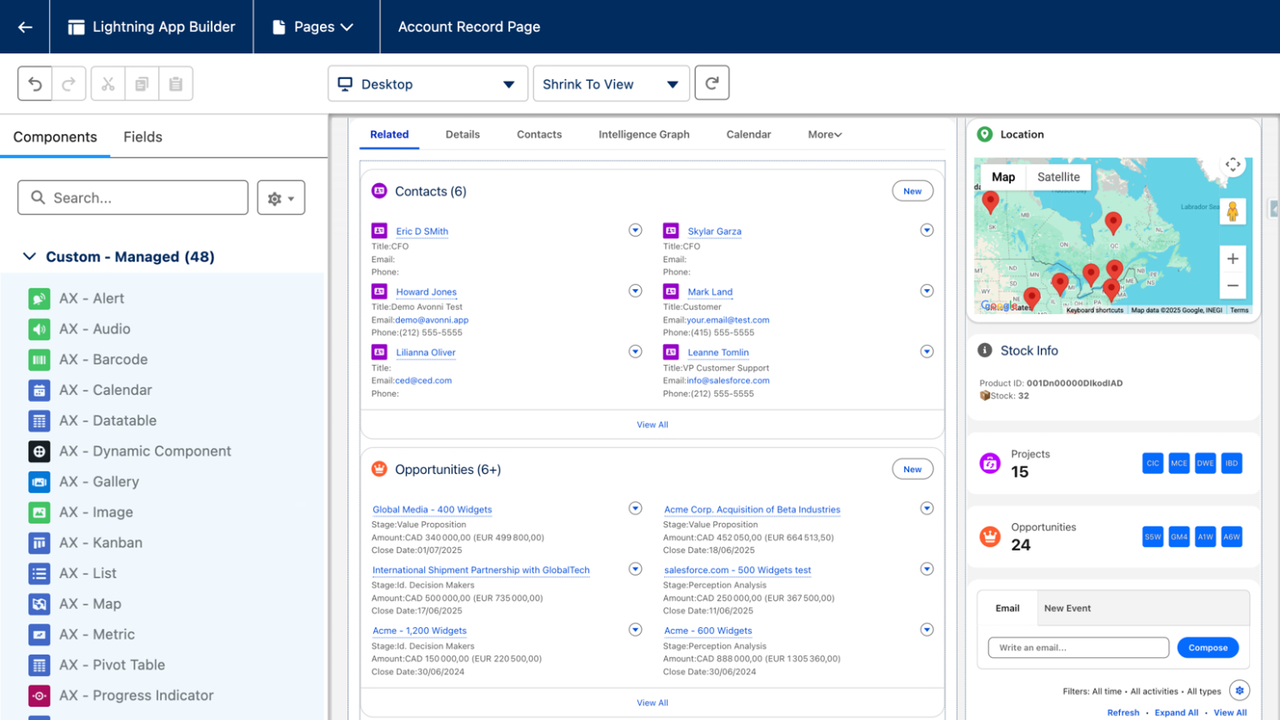
Avonni components are used as avonni-* tags in your template, like base components. No JavaScript import is needed for the component itself.
In query mode the component respects the viewing user's object access, field-level security and sharing by default.
The table does not write edits to Salesforce by itself. When the user clicks Save, it fires a save event with the edited rows in event.detail.draftValues; your handler persists them (here with updateRecord, which also respects the user's permissions), clears draftValues and calls refresh() to reload the rows.
Inline edit on Annual Revenue (row 1): the value is typed in the cell but not yet saved — your onsave handler writes it to Salesforce.
items-per-page sets the page size. Set it below the query limit: with the default page size, the 100 rows of this query all fit on one page and pagination has nothing to do.
Keep toast messages plain text: curly braces in a toast message are read as placeholders, so don't put raw JSON in them.
If you prefer to load data yourself, the same component also has a static mode: pass an items array instead of a query.
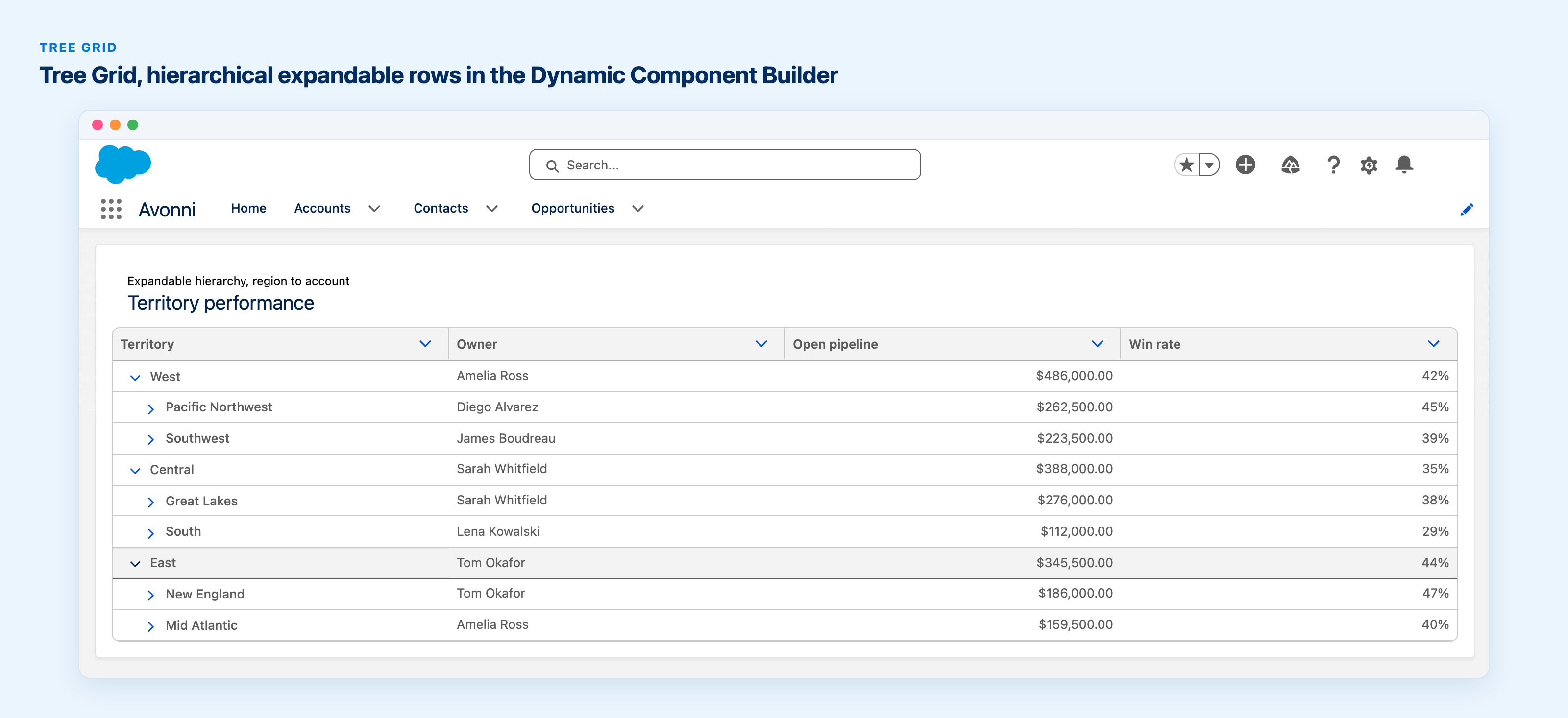
The same approach with grouping: expense lines grouped by employee, status badges and an approve action. See the expense approvals use case.
When to use which
Situation
Best fit
Why
A standard form, button, tabs or a simple read-only list
Base components
Free, SLDS-native, maintained by Salesforce
A screen that encodes logic unique to your business
Custom LWC
It is your differentiator, so own it
A common but heavy UI: rich data table, Kanban, scheduler, pivot, map, relationship graph
Prebuilt components
Solved problems; the upkeep moves to the vendor
You only need a small helper and you want full code ownership
Open source (copy into your repo)
Free, but you maintain the fork
Admins, not developers, will build the screen
Not LWC code at all: Lightning App Builder or Flow
A practical split many teams use: base and custom components for what is genuinely yours, prebuilt components for the heavy, well-solved surfaces.
How to evaluate a prebuilt LWC library
Before you depend on any third-party component, check:
Distribution and security — Is it a managed package that passed the Salesforce AppExchange security review, or code you copy and own?
Data access — Does it respect sharing and field-level security by default? Is there a "system mode", and is it opt-in?
Composition — Can you use it inside your own LWC markup, pass properties and handle its events, like a base component?
Documentation — Is every property, event and method documented? Can your AI coding assistant read it?
Release compatibility — Who updates it for each Salesforce release, and how often?
Licensing — How is it licensed per user, and can you evaluate it in a sandbox first?
Exit path — If you remove it later, what do you need to rebuild?
For reference, Avonni answers these as follows: LWC Components is a managed package on AppExchange that passed the security review; components compose inside your own markup and are wired through documented events and methods; there are 55+ components, 15 of them data-driven with a built-in query engine; you get 10 free production licenses and unlimited sandbox use; and an MCP server lets assistants like Claude Code, Cursor or Copilot look up the real attributes before writing markup. Explore the 55+ LWC components.
FAQ
What is the difference between LWC and Aura components?
LWC is the modern, web-standards-based programming model; Aura is the original Lightning framework. Salesforce recommends LWC for new development. The two can coexist on the same page, and an Aura component can contain an LWC, but not the reverse.
Where is the list of all Salesforce base components?
In the Lightning Component Reference on developer.salesforce.com. The legacy Component Reference in the Component Library is no longer published from Spring ’26.
Do I need Apex to show records in an LWC?
Not always. Wire adapters from lightning/uiRecordApi and the GraphQL wire adapter can read data without Apex. For list queries with custom filters, many teams use Apex, or a prebuilt component that runs its own query.
Can I use third-party web components in LWC?
Only within the limits of the platform: the lwc:external directive for native custom elements is not currently supported on the Salesforce Platform, and npm packages must be bundled and uploaded as static resources rather than imported directly. Managed-package components, like Avonni's, are used as regular namespaced tags.
Are prebuilt components free?
It depends on the source. Base components are included with Salesforce. Open-source repositories are free but you maintain the code. Commercial packages are licensed. Avonni LWC Components, for example, includes 10 free production licenses.