0:00 Welcome
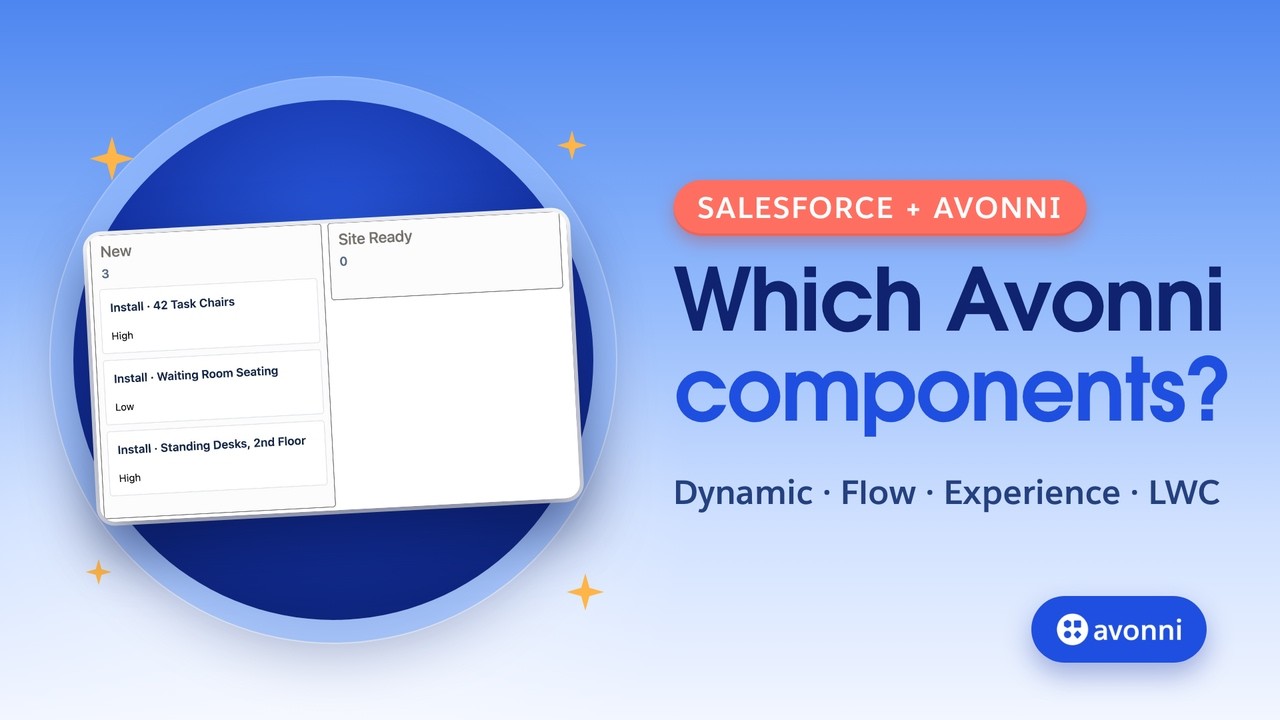
Welcome to a new Avonni video tutorial! Today, we'll clear up a question we hear a lot: which Avonni components do you actually need? Look at this. A customer moves a card in their portal, and the same record moves on the account page inside Salesforce. Two surfaces, one record. By the end of this video, you'll know which Avonni family builds each piece, and why. Let's go!
0:25 The problem
Avonni gives you components for Lightning pages, for screen flows, for Experience Cloud sites, and for developers. That's a lot of names, and it's easy to install the wrong package, or to build something in a flow that belonged on a page. So let's make it simple. There are three packages, and five families of components. The Avonni Experience Components package gives you three families: App Builder Components, Dynamic Components, and Experience Sites Components. The Avonni Flow Components package gives you the Flow Screen Components, for screen flows. And the Avonni LWC Components package is for developers who write code.
1:03 Where does it live?
To pick the right family, ask where the thing lives, and who uses it. Is it for people outside your company, like customers or partners, in a site? Use Experience Sites Components. Is it a process, with steps, and logic between the screens? Use Flow Screen Components, in a screen flow. Does it live on a Lightning page, for your own users? Then there are two options. One ready-made component, set in the App Builder panel: App Builder Components. Several elements that share data and actions: a Dynamic Component, built in the Component Builder. And if you're a developer writing your own Lightning web component, use the LWC Components. One more rule: if a standard Salesforce component already does the job, like a simple related list, use the standard. Avonni is for what the standard can't do.
1:52 Our example
Let's take a real use case. Northwind Distribution sells office furniture to businesses. Priya Nair runs customer service. Every installation is tracked as a case, from New to Site Ready, Scheduled, and Installed. Priya needs three things. Create a new installation request when a customer calls. See every request of an account on its page, and move it forward. And let the customer confirm, from the portal, that the site is ready. Three needs, three surfaces. Let's see which family does what.
2:25 What you need
Here's what you need. The Avonni Experience Components package, for the Lightning page and the site. The Avonni Flow Components package, for the screen flow. Both are free to start, with ten licenses in production and unlimited users in a sandbox. Then assign the permission sets. Without them, the components don't show up, or they show an access error. And for the portal, an Experience Cloud site that's already set up, with your customers as members. Links are in the description.
2:54 App Builder Components
First, the account page. In the Lightning App Builder, search for Kanban. Salesforce has a Kanban view for list views, in the object's tab, but no Kanban component you can place on a record page. Avonni gives you AX Kanban. This is an App Builder Component. You set it right here, in the App Builder panel, like any standard component. The object is Case. The filter keeps only the cases of this account, with the record's Id. Why? Because the component sits on the account page, and the page gives it the current record. Then group by Status, and pick the fields for the card. Save, and back on the page. Priya drags a case to Scheduled, and it's saved in Salesforce, no extra step.
3:38 Dynamic Components
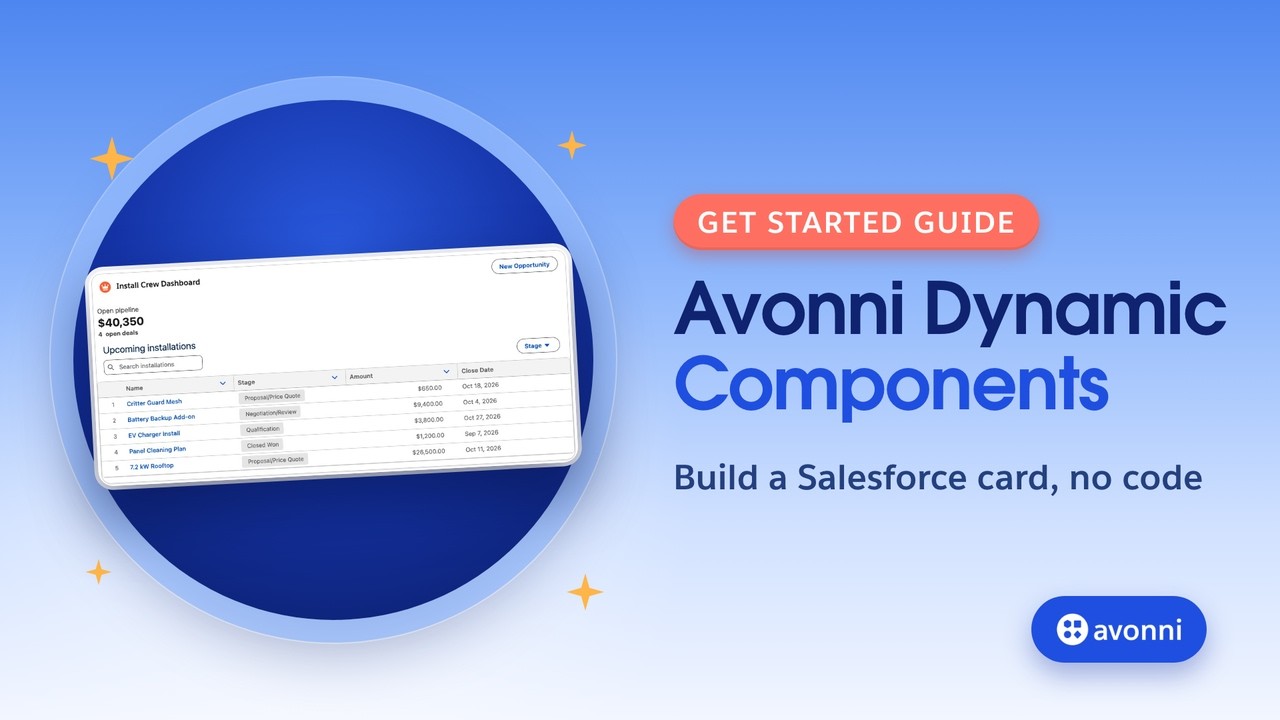
Now, what if Priya wants more than one component? A count of open requests, the board, and a button to create a new request, all in one card, working together. That's a Dynamic Component. You build it once, in the Component Builder: you drag elements on a canvas, you connect them to your data with a query, and you decide what happens on each click. Here, the button uses the Open Flow Dialog interaction. It opens a screen flow, right on the page. So why does this family exist? Because the App Builder places components, but it doesn't build them. When several elements must share data and logic, the Component Builder is where you do it, without code.
4:19 Flow Screen Components
That button opens a screen flow. Why a flow, and not a component on the page? Because creating a request is a process. Priya asks questions, the answers decide what happens next, and a record is created at the end. Steps and logic: that's a screen flow. The first screen uses an Avonni Flow Screen Component, to pick the type of installation. Then a Decision sets the priority, and Create Records creates the case. You configure the Avonni component in the same kind of Component Builder, opened from the flow screen. Let's run it. Priya fills the request, clicks Create request, then Finish, and the new case lands in the New column.
5:00 Experience Sites Components
Now, the customer. Sam Whitfield is the facilities manager at Hillcrest. Sam isn't a Salesforce user in your company. Sam logs in to the Northwind portal. That's Experience Cloud, so we use the Experience Sites Components. In Experience Builder, you drag the AX Kanban onto the page and set it in the site's property panel: the same ideas, an object, a filter, a grouping field, and the card fields. The standard Experience Builder has no Kanban component, so without Avonni, this would be custom code. Let's log in as Sam. Sam drags the chair installation to Site Ready. Back on the account page, after a refresh, the case has moved. Same record, updated by the customer, and your team sees it right away.
5:45 LWC Components
And if you're a developer? The Avonni LWC Components package gives you the same building blocks as tags, like this Kanban, to use in your own Lightning web components. No need to rewrite a kanban, a scheduler or a data table from scratch. You write the logic, Avonni gives you the component.
6:03 If something doesn't work
Something doesn't work? Here are the usual suspects. The component isn't in the list, in App Builder, Flow Builder or Experience Builder. Check the package first: Dynamic, App Builder and Experience components come with the Experience Components package, and flow components with the Flow Components package. Then check that the user has a license and the permission set. Your Dynamic Component isn't in the list of the AX Dynamic Component? Save it, and activate it. In the portal, the board is empty for your customer? The component works, but the customer can't see the records. Give site members the Avonni Experience Cloud Components User permission set, and share the records with them, for example with a sharing set on Case.
6:45 Pro tips
A few pro tips. Try everything in a sandbox first: the license is unlimited there. Test your portal as a real customer, with Log in to Experience as User, from the contact. Keep the standard when it's enough. And let your components and flows work together: a button in a Dynamic Component can open any screen flow.
7:06 Recap
Let's recap. Three packages, five families. App Builder Components, for one ready-made component on a Lightning page. Dynamic Components, when several elements share data and actions. Flow Screen Components, for processes with steps and logic. Experience Sites Components, for your customers and partners. And LWC Components, for developers. Each family has its own tutorials on this channel, links in the description. Thanks for watching!