Ship Salesforce screen flows without code

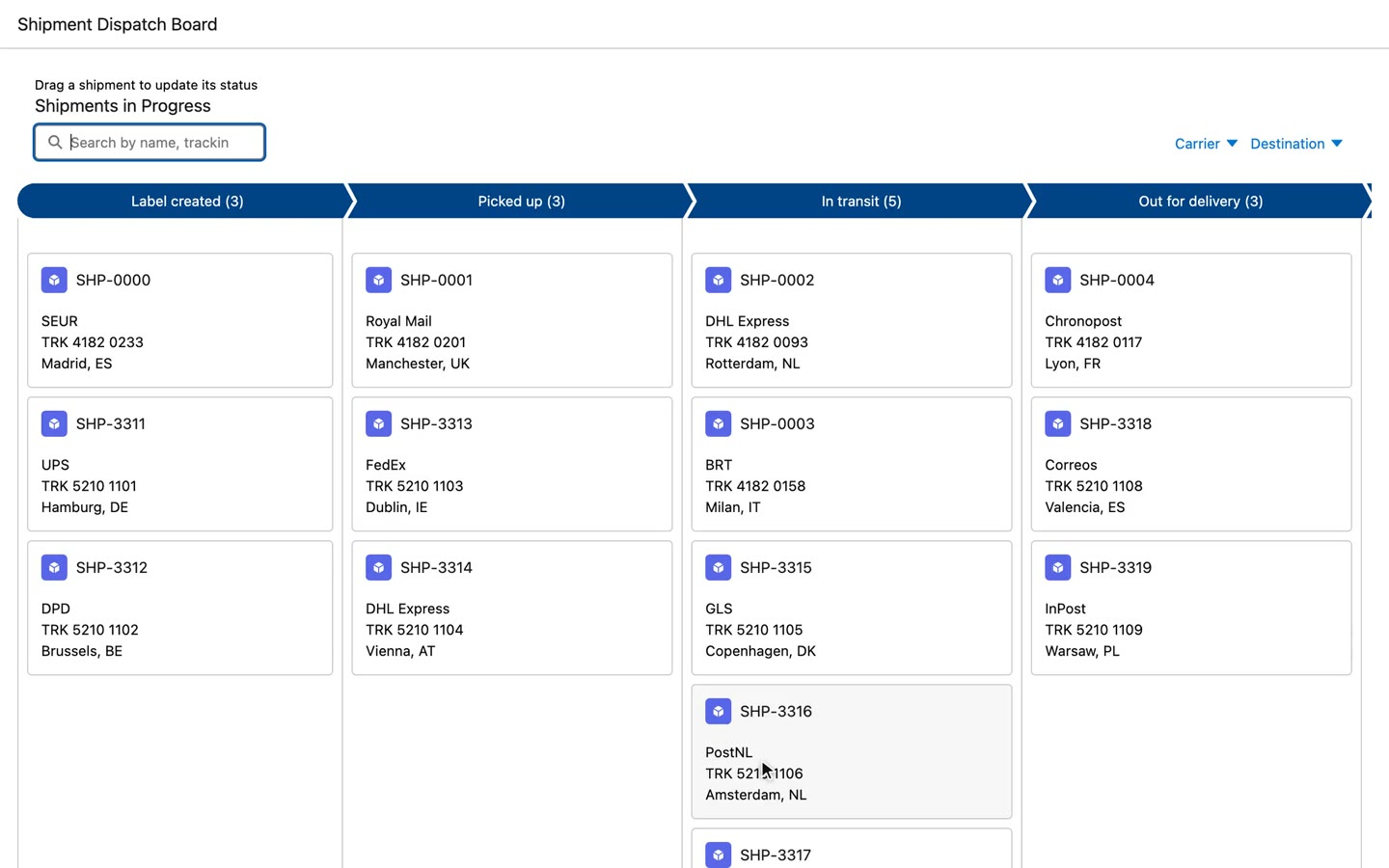
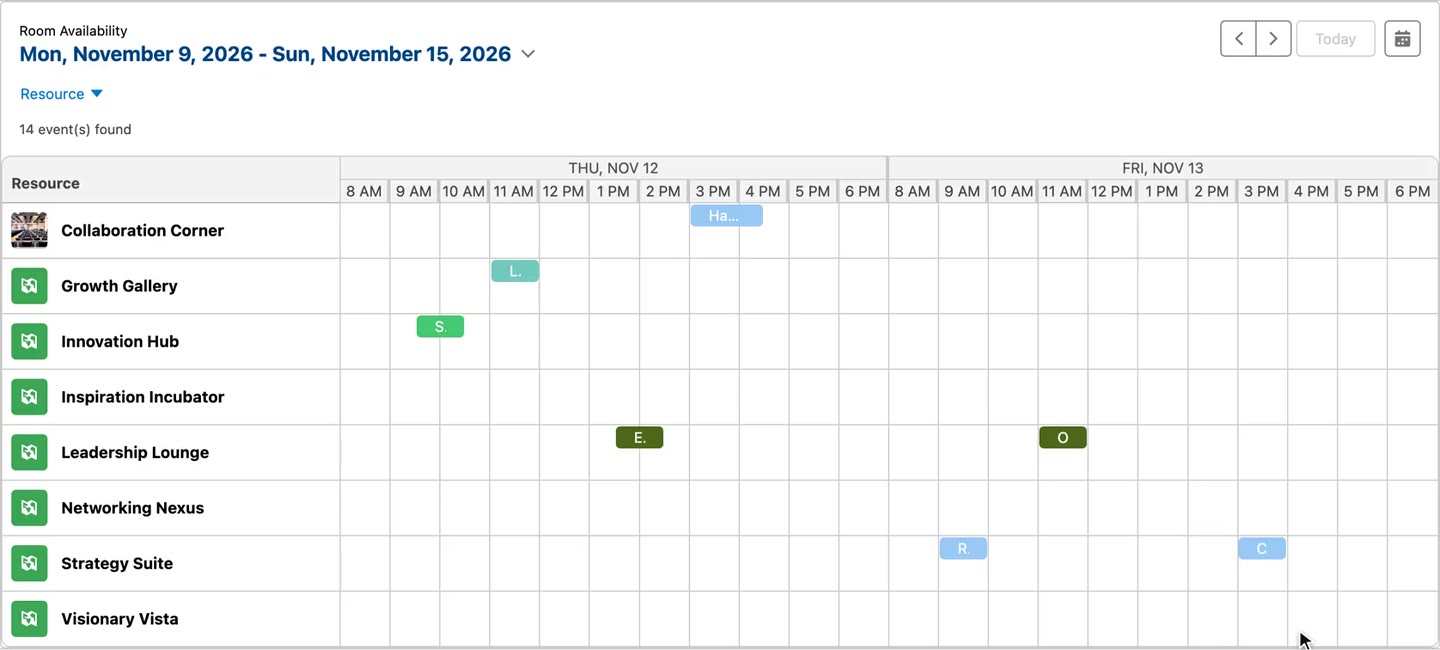
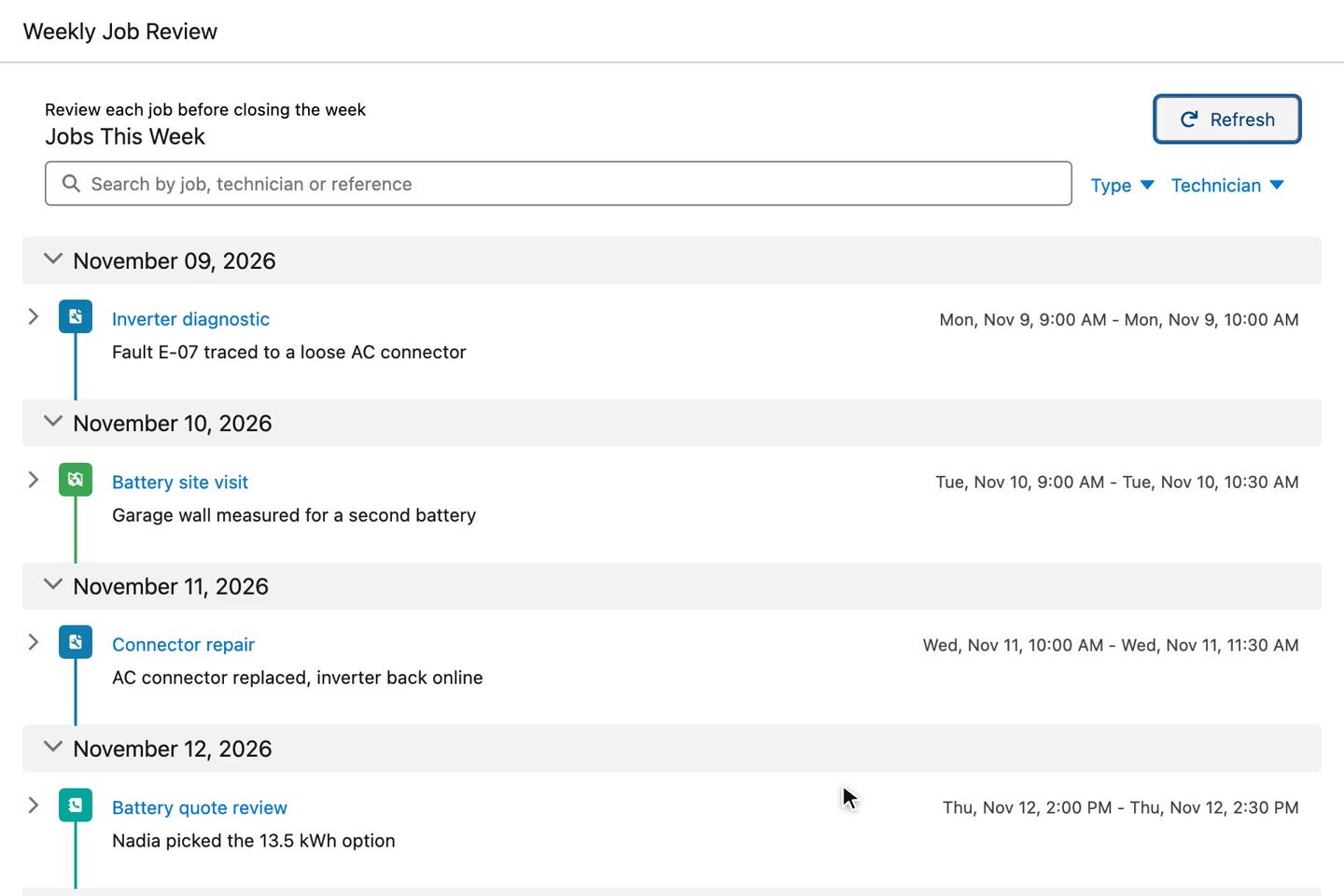
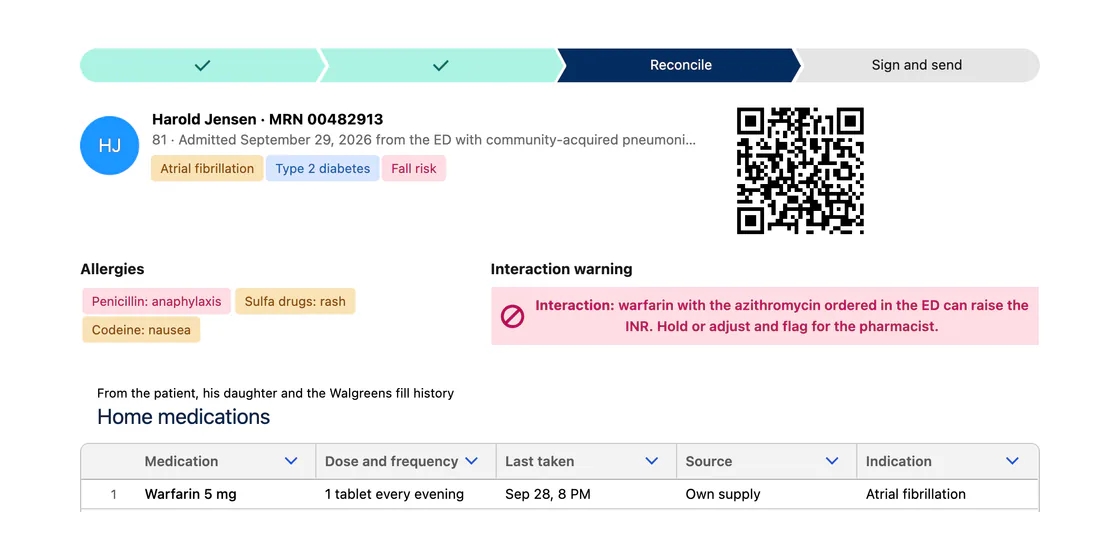
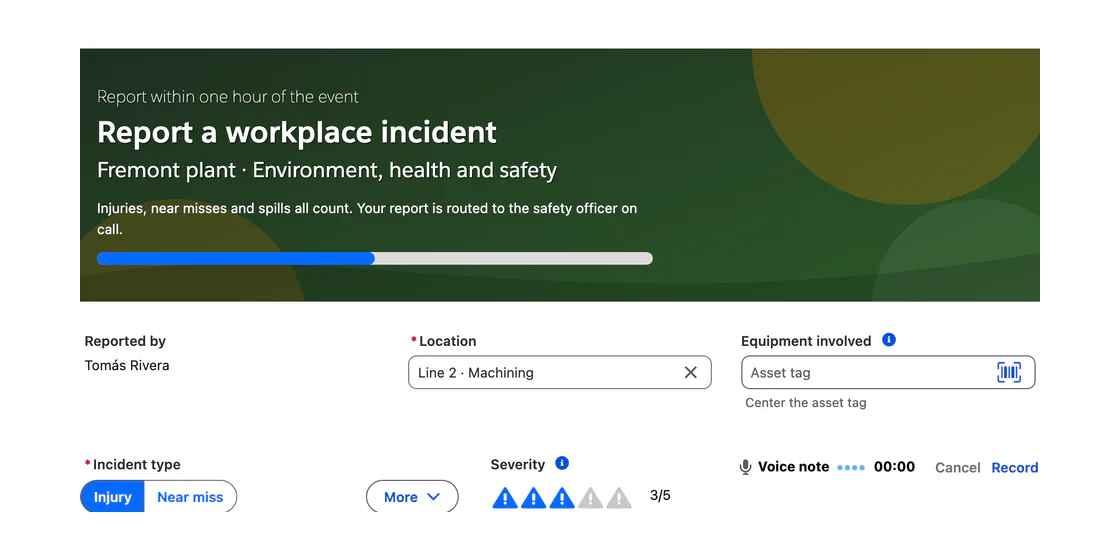
Drop a data table, Kanban board, map or calendar on a flow screen in Flow Builder. Configure columns, filters and actions in a visual builder, then run it on live records. No Apex, no LWC to maintain.

70+
Components
0
Lines of code
10
Free production licenses
25
No-code interactions
Skip the build.

An editable data table, a Kanban board or an account map is a component you drop on a screen, not a custom LWC sprint.

See it in a real org.

The demo below was filmed in a Salesforce org, on real Opportunity records.

No code.

Columns, filters, inline editing and actions like Update Records or Show Toast are set in the builder, not written in Apex.

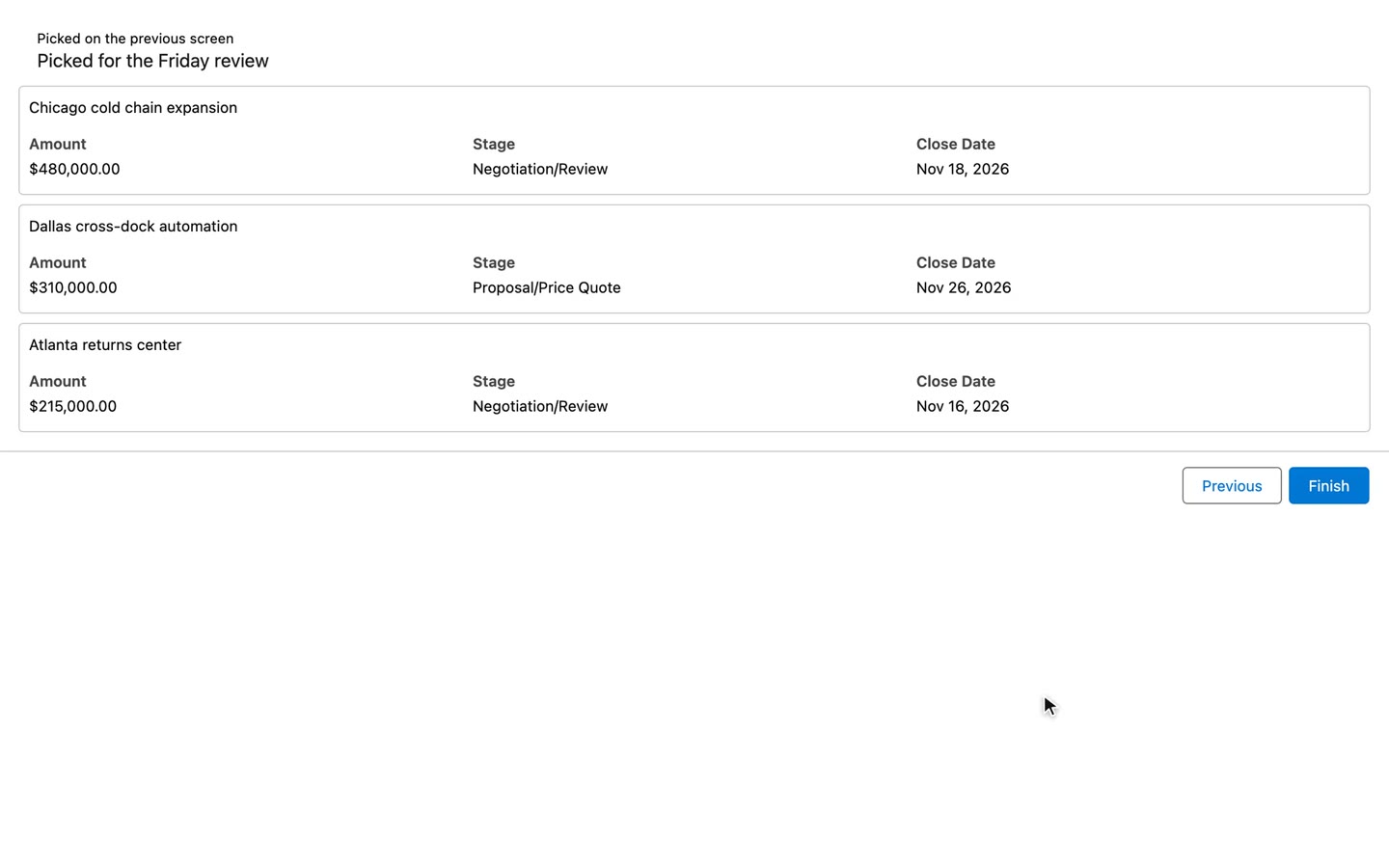
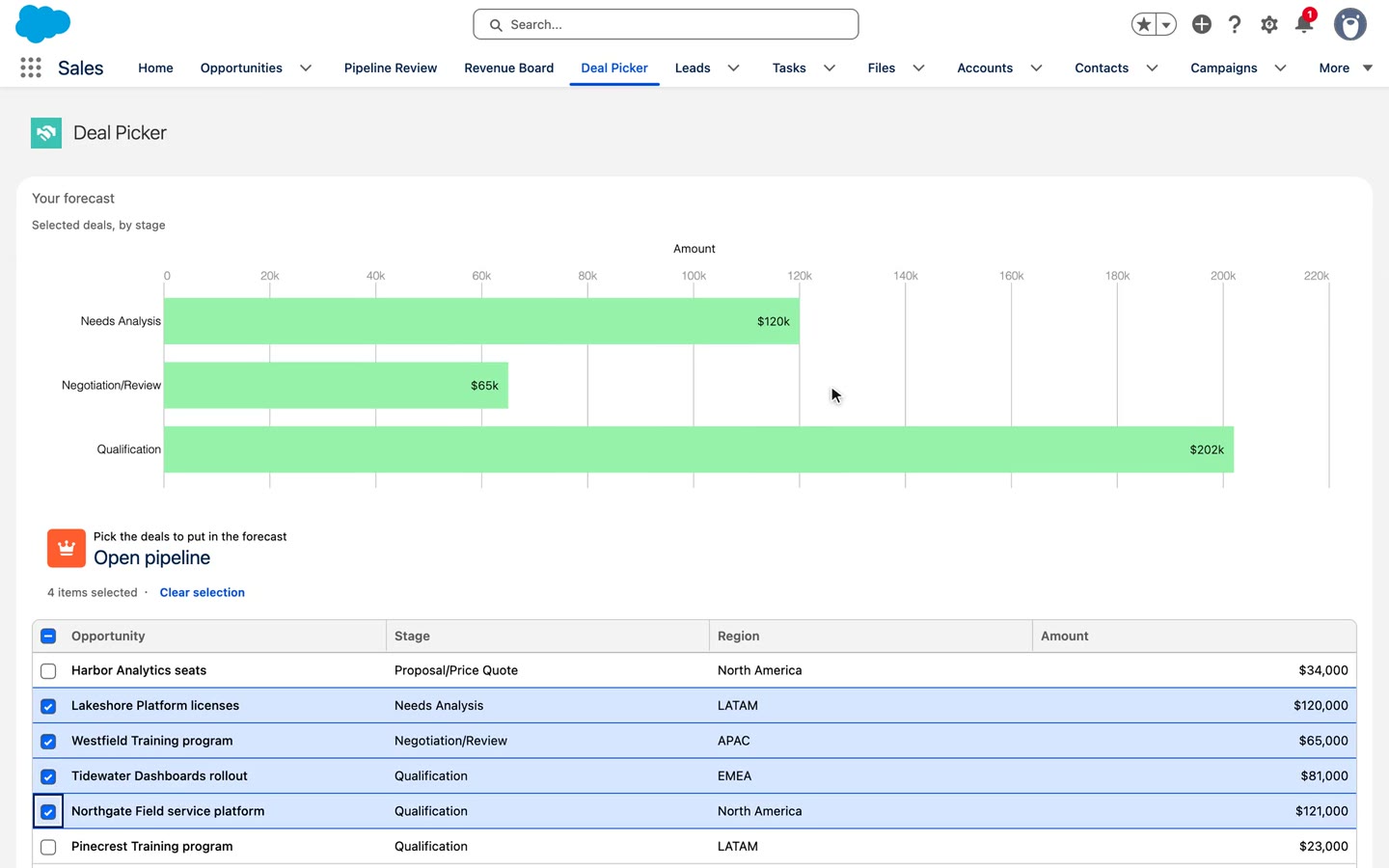
Filmed in a Salesforce org. The Avonni Data Table dropped on a flow screen and set to Opportunity in one click, then two deals picked and handed to the next screen.Try the interactive demo →

In a real org

See it run inside real screen flows

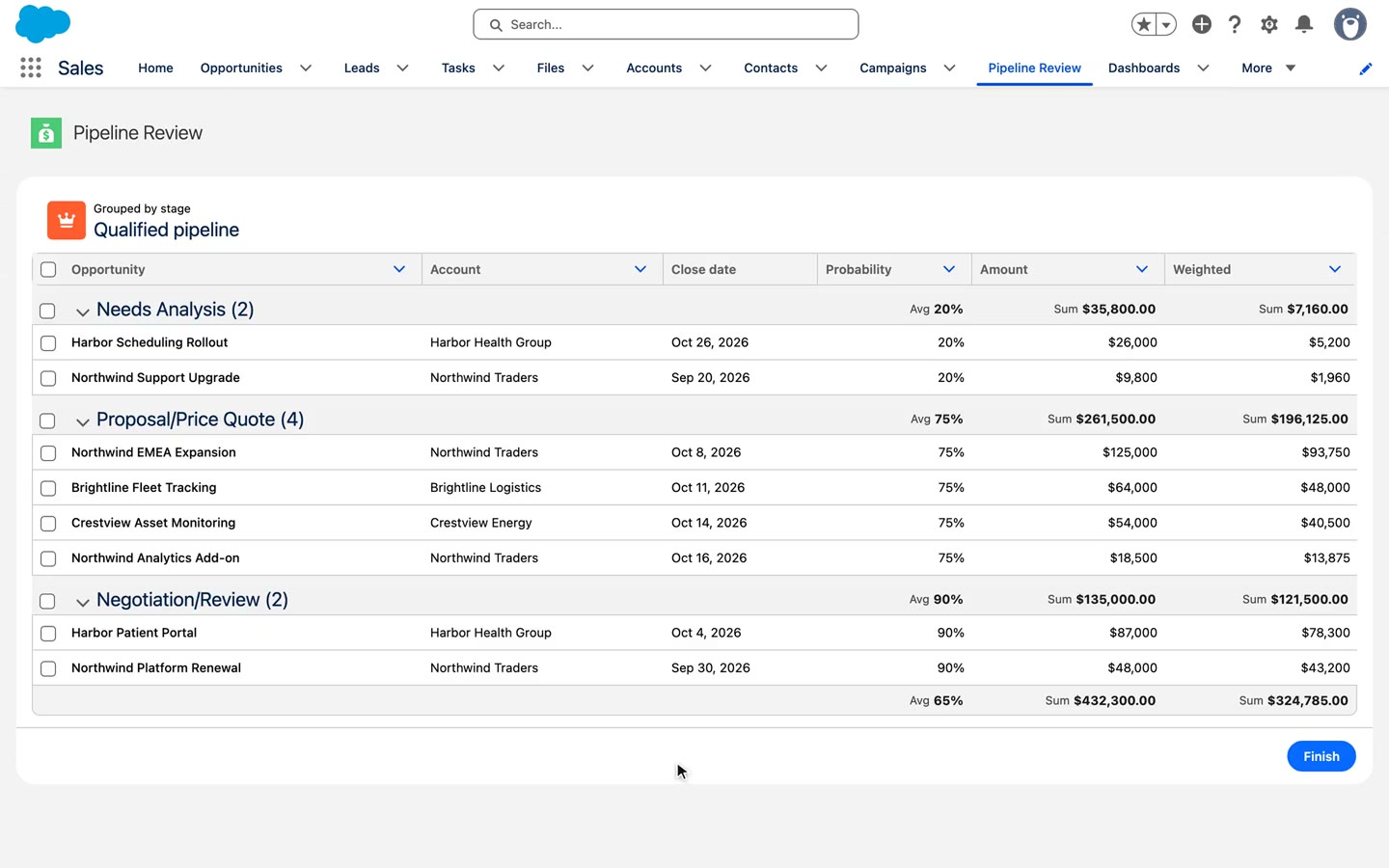
Each clip is an Avonni component on a flow screen, working on real Salesforce records. What the user does comes back to the flow.

Edit in place. A date and a stage change inline, then save for real.

Drop a deal. The next screen already knows which one moved.

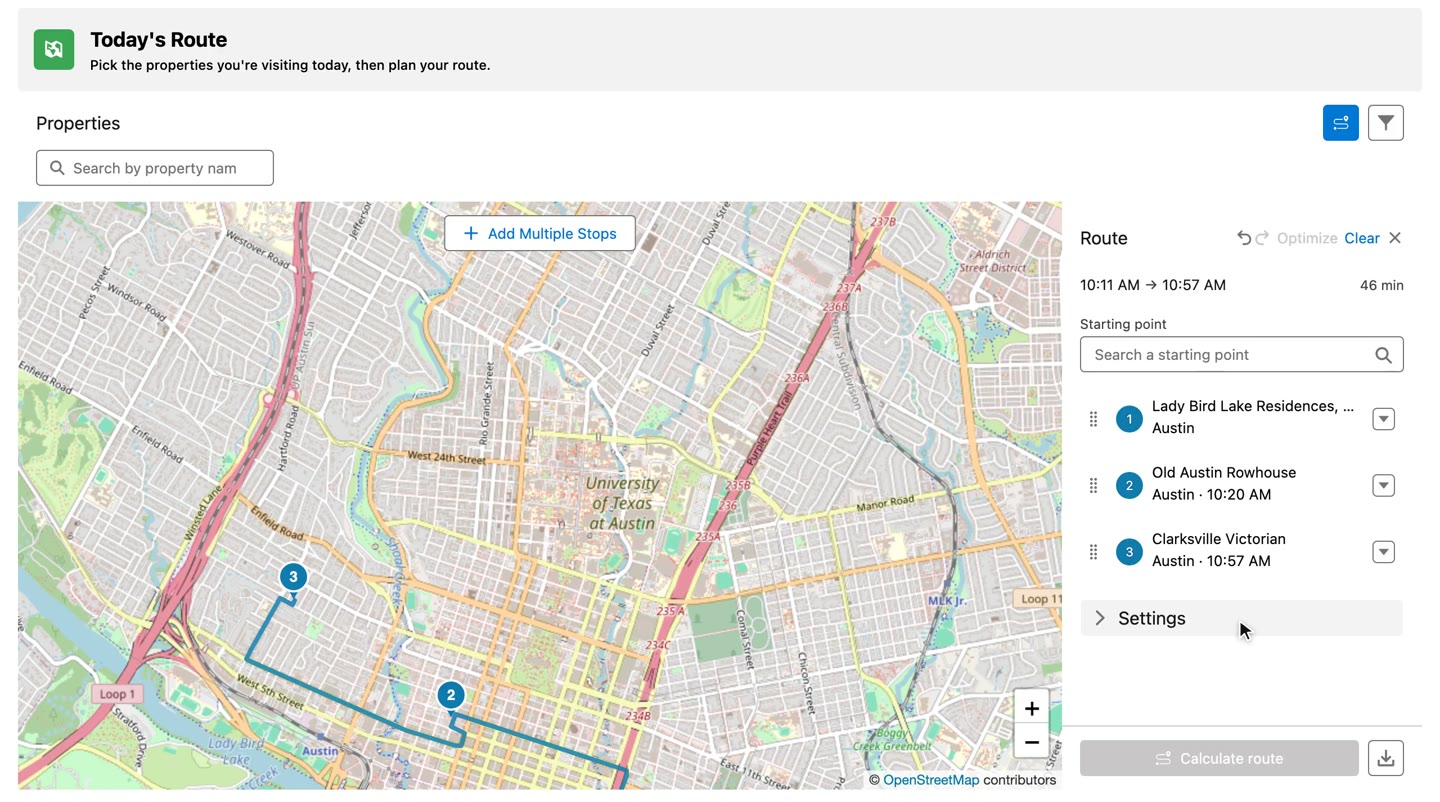
Pick a site. The next screen opens on the marker you chose.

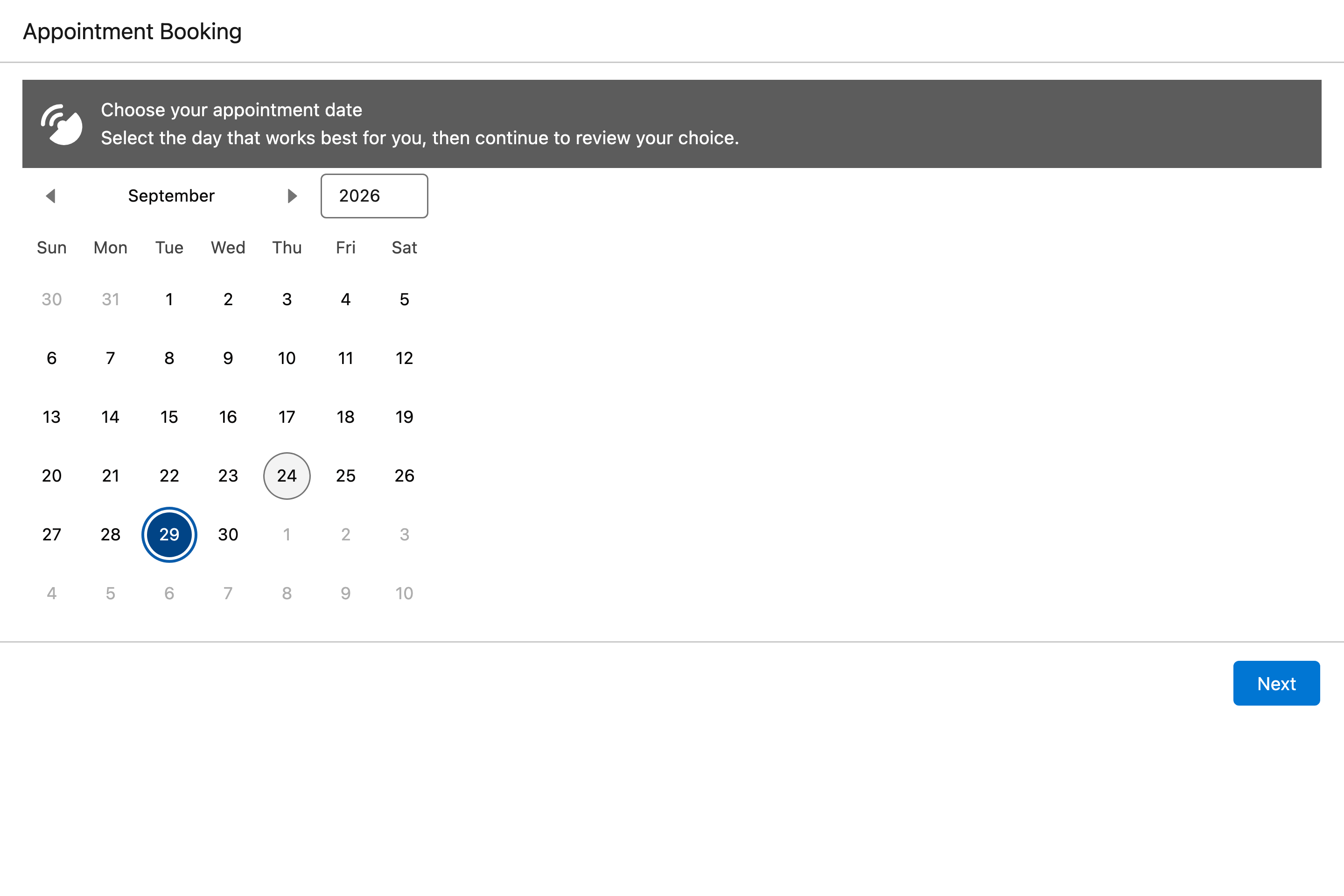
Pick a slot. The flow moves to the next step with the time.

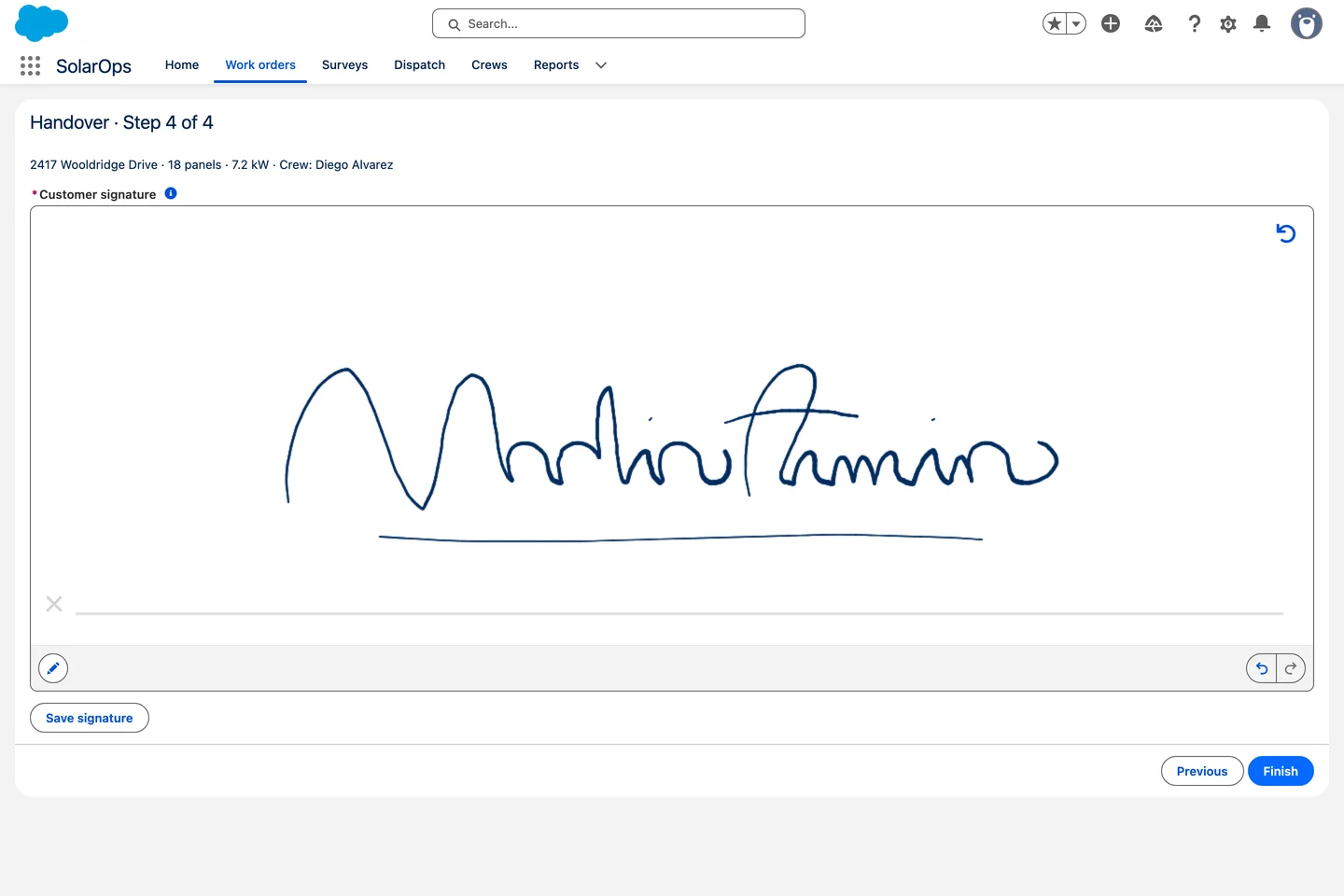
Sign on the screen. The signature is saved as a file on the work order.

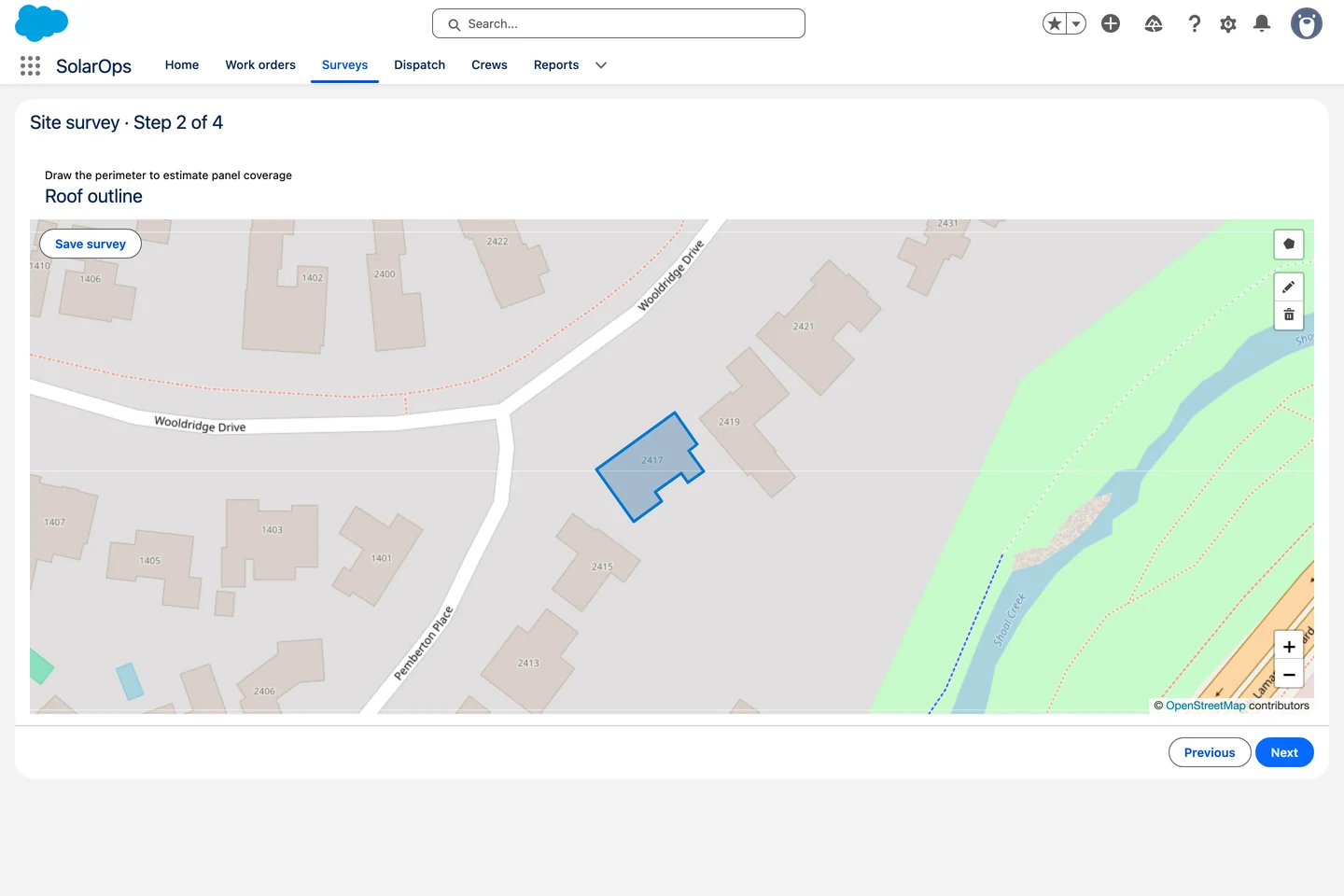
Outline the roof. The survey saves the drawing as a real Salesforce file.

Versus the standard screen

Where the standard components stop

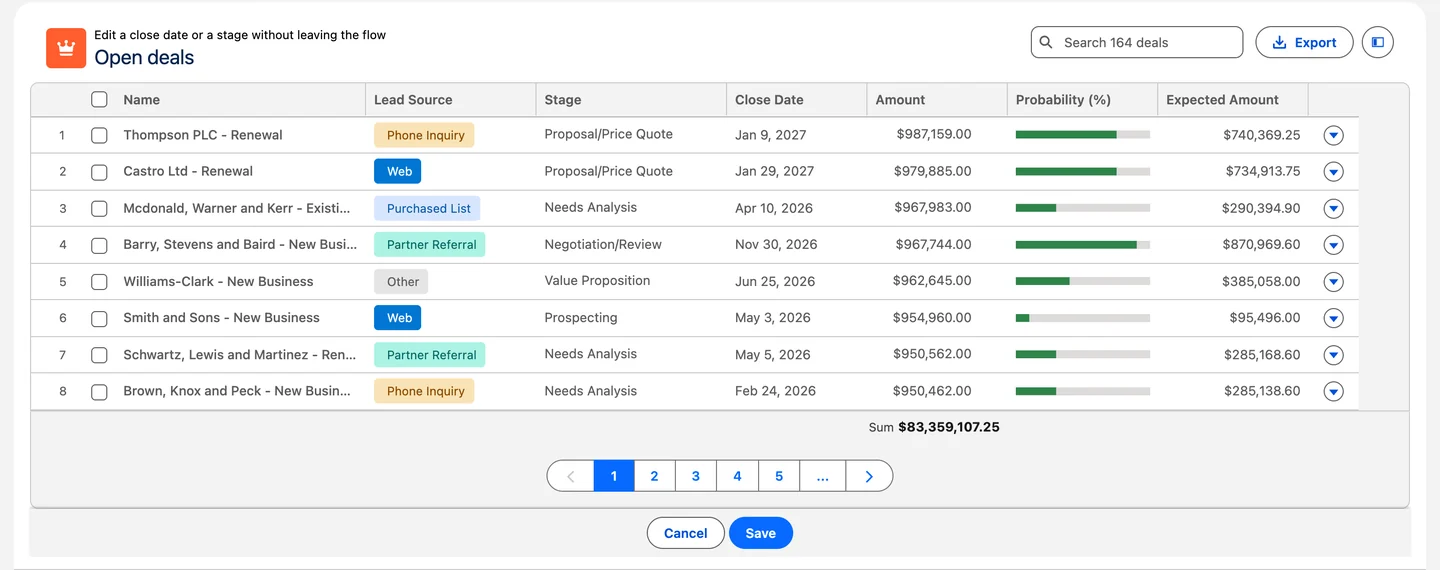
Same org, same records, same gesture. Switch between the standard component and Avonni.

Standard component
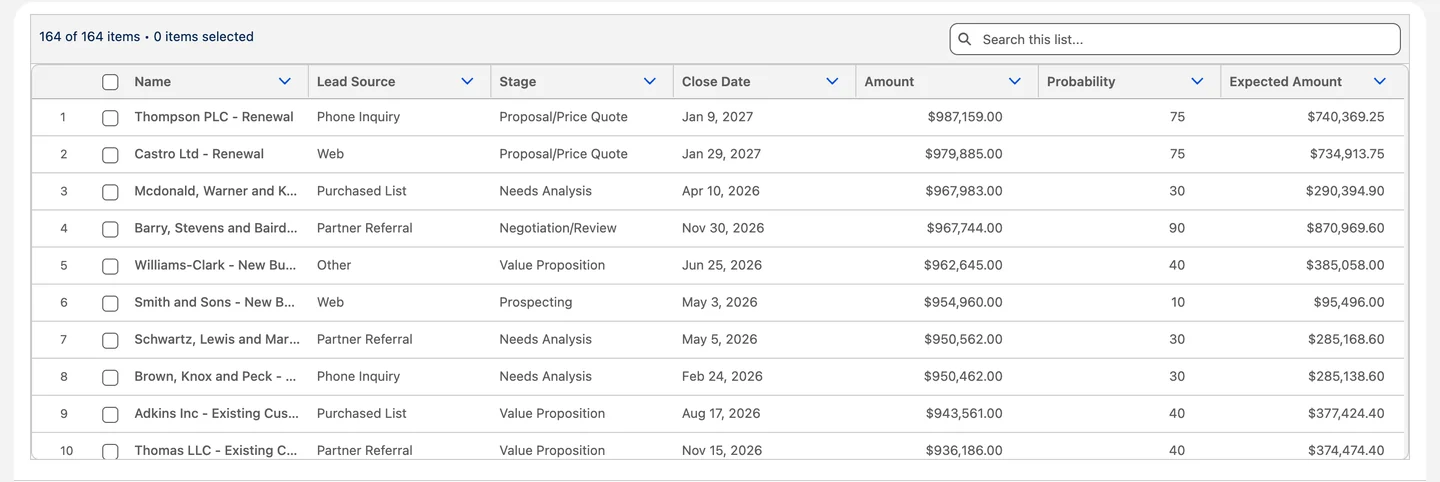
The standard Data Table in a screen flow, plain text columns
The Avonni Data Table in the same screen flow, with badges, progress bars and totals

The library

Every screen your flow was missing

Real components, running inside real screen flows. Users click, drag and pick, and the flow gets the answer back.

Plus the screen flow inputs Flow Builder never had

CSV Parser

Users drop a CSV on the screen, the flow gets records it can loop over.

Read the CSV Parser docs →

Visual Picker

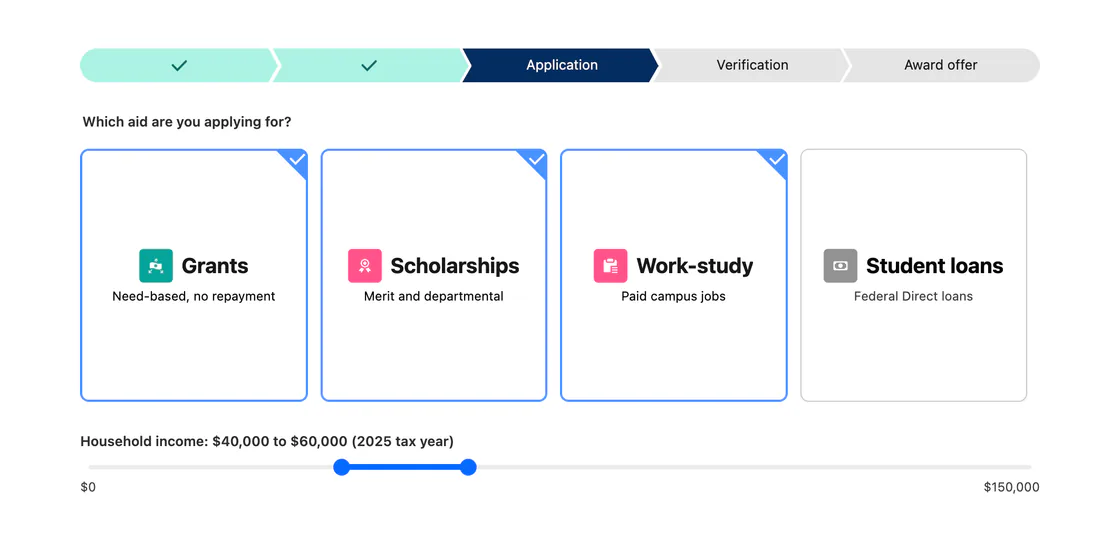
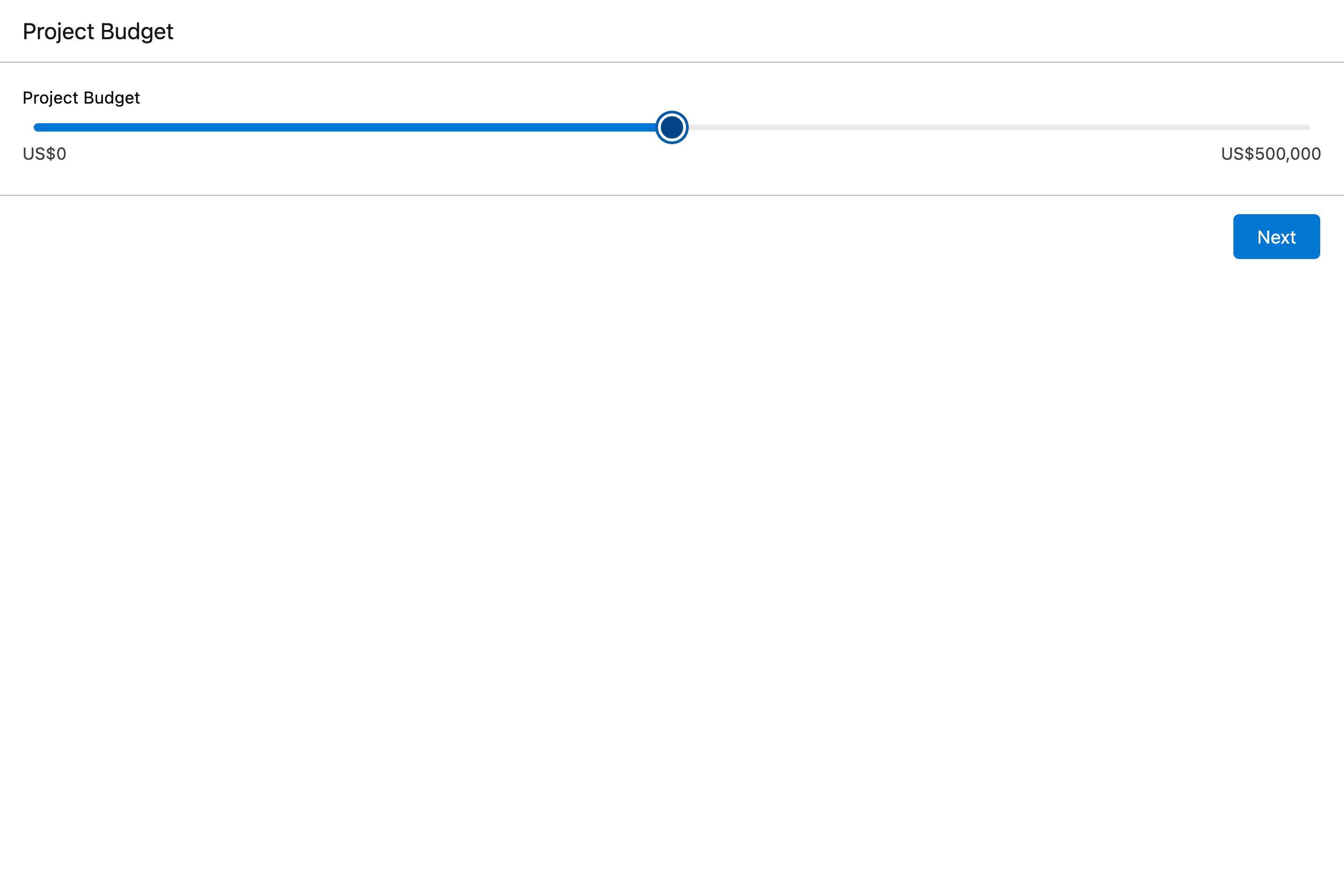
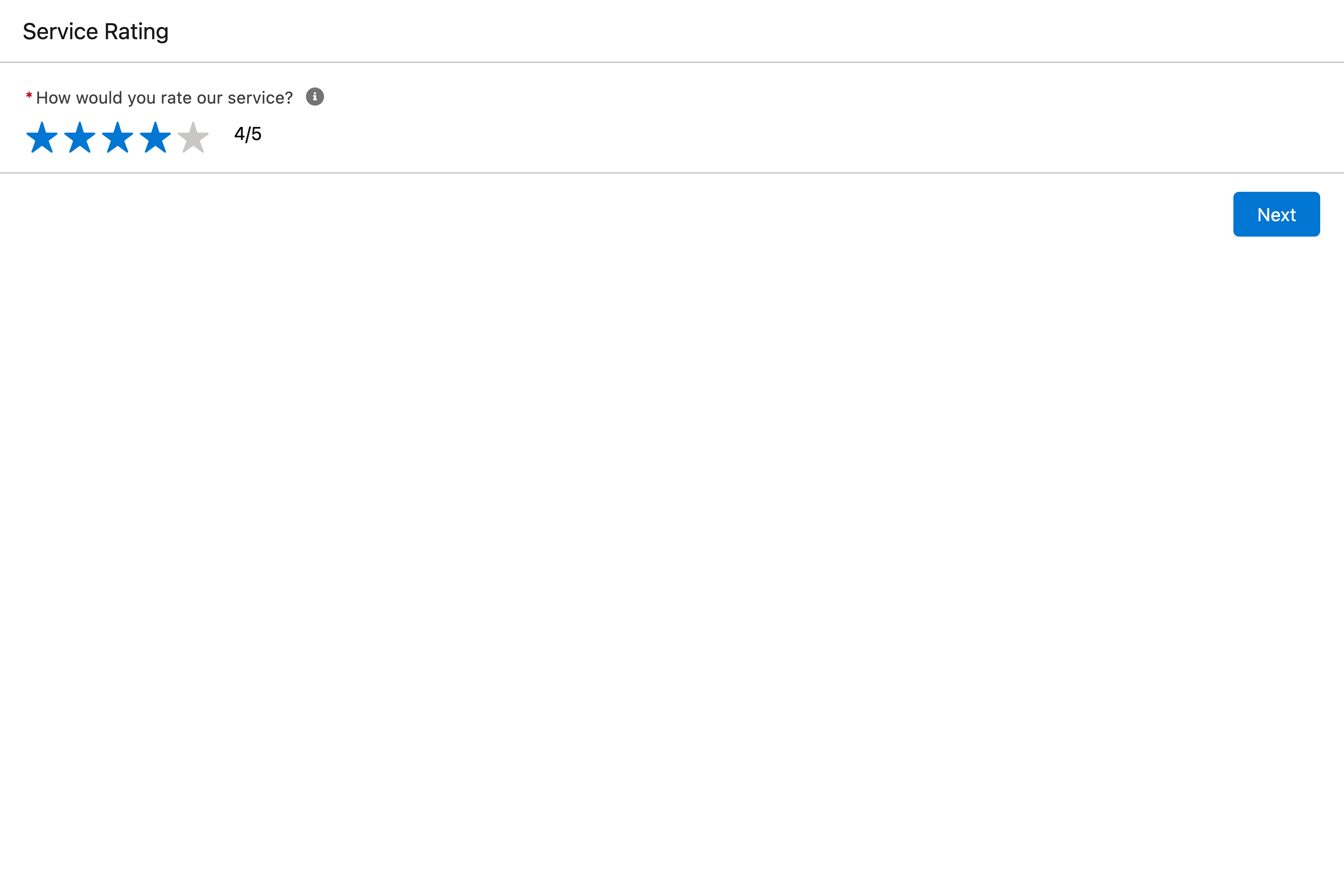
Visual pickers, sliders and ratings. Structured answers with a tap.

Read the Visual Picker docs →

Combobox

Search a list as you type. Single or multi-select, with a Create new action right in the dropdown.

Read the Combobox docs →
On mobile

Screens that use the device

Components that turn the phone into an input, right on the flow screen.

  • Barcode ScannerScan one or many codes.
  • NFC Tag ScannerRead or write a tag.
  • Document ScannerCapture a page with the camera.
  • BiometricsConfirm with a fingerprint or a face.
  • MicrophoneRecord audio, saved as a file.
  • User LocationCapture where the user is.
  • Pen InputSign or sketch, saved as a file.
The Component Builder

Configure everything. Code nothing.

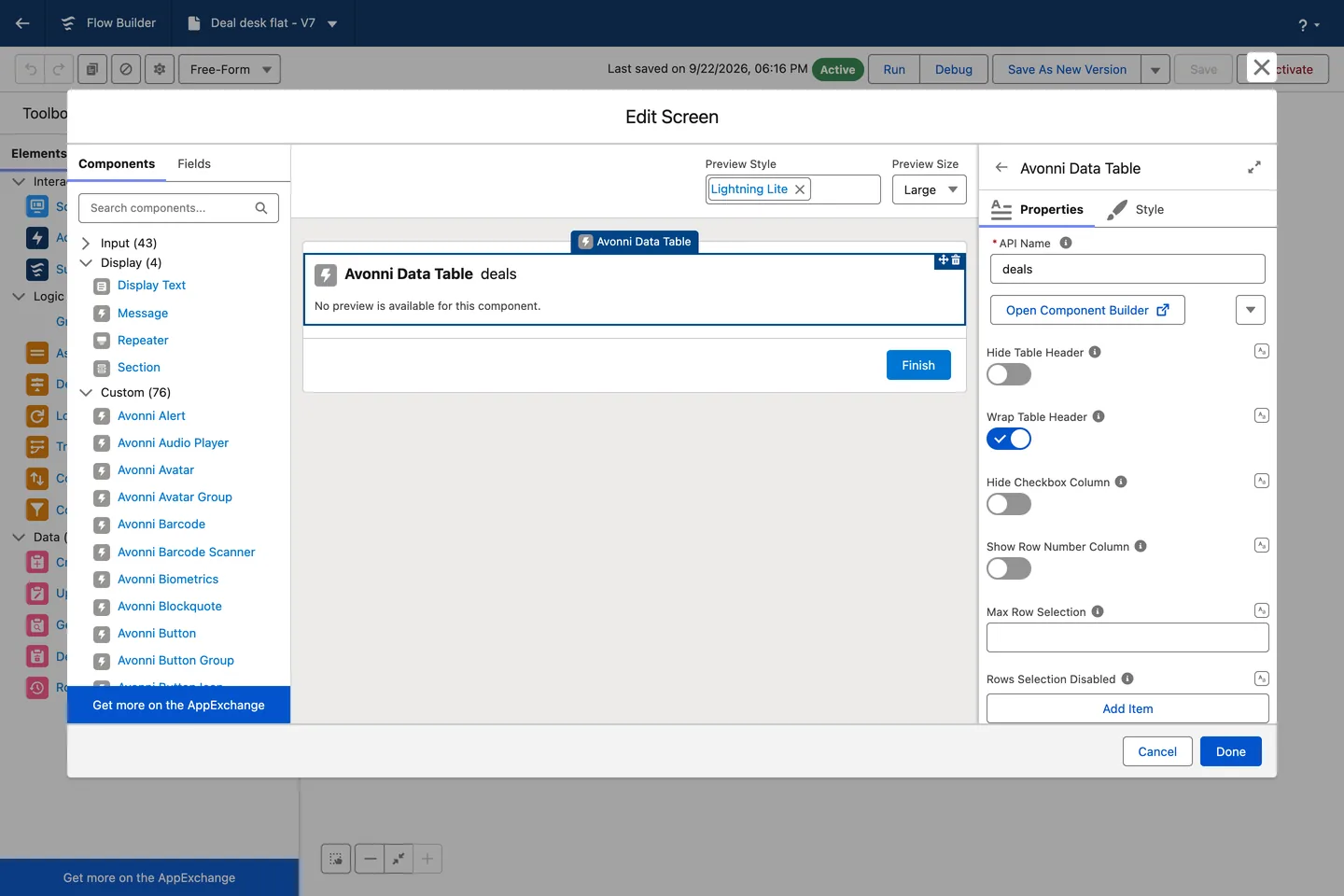
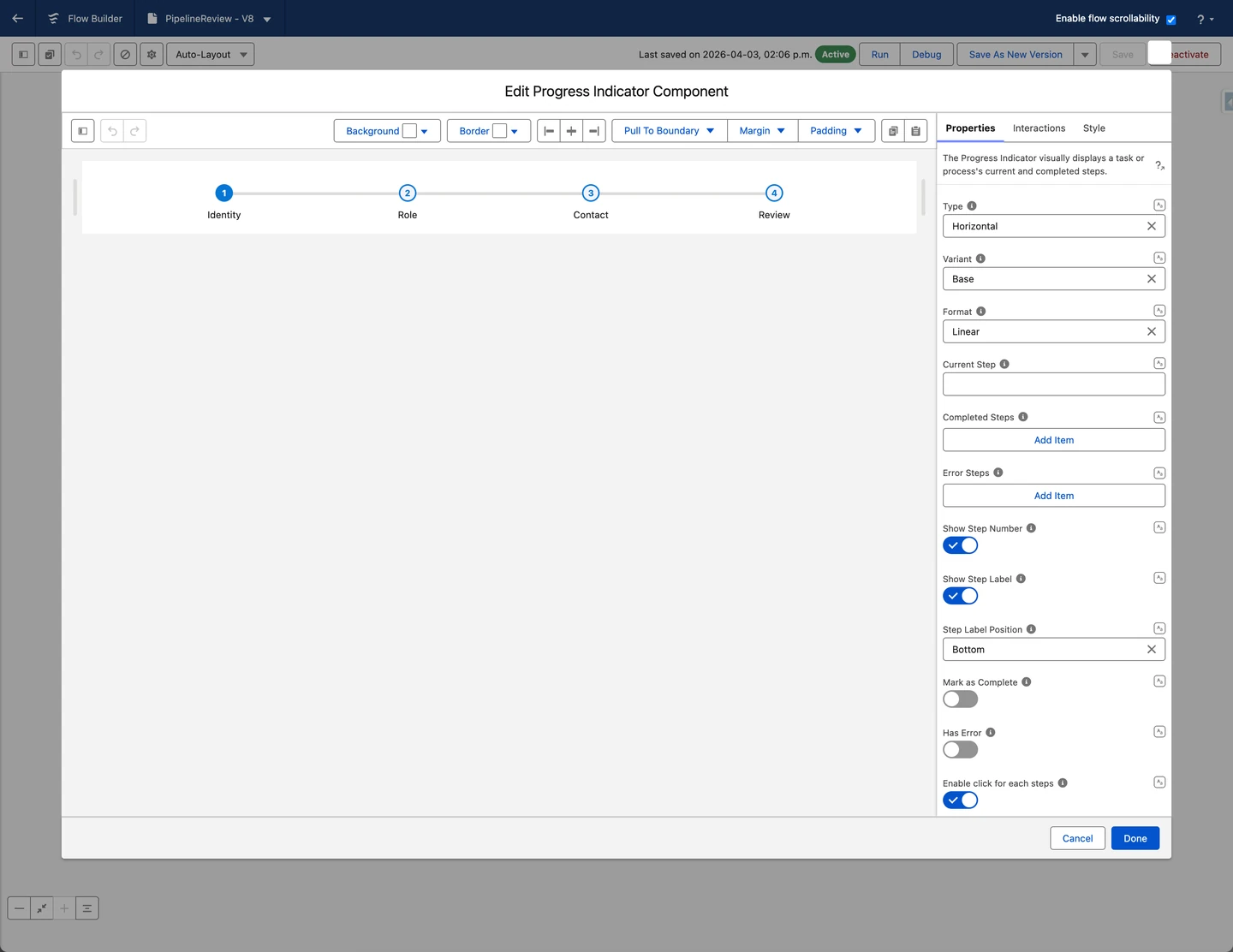
Every component opens in the built-in Component Builder: map your Salesforce data, tweak every property, and preview the result live before it ever reaches a user.

Flow Builder screen editor with the component palette, where Avonni components sit next to the standard ones
The Component Builder open on an Avonni Progress Indicator, with its properties panel
Your first screen flow tutorial
▶
Play here
7:07
Watch it built

Your first screen flow, start to finish, in 7 minutes

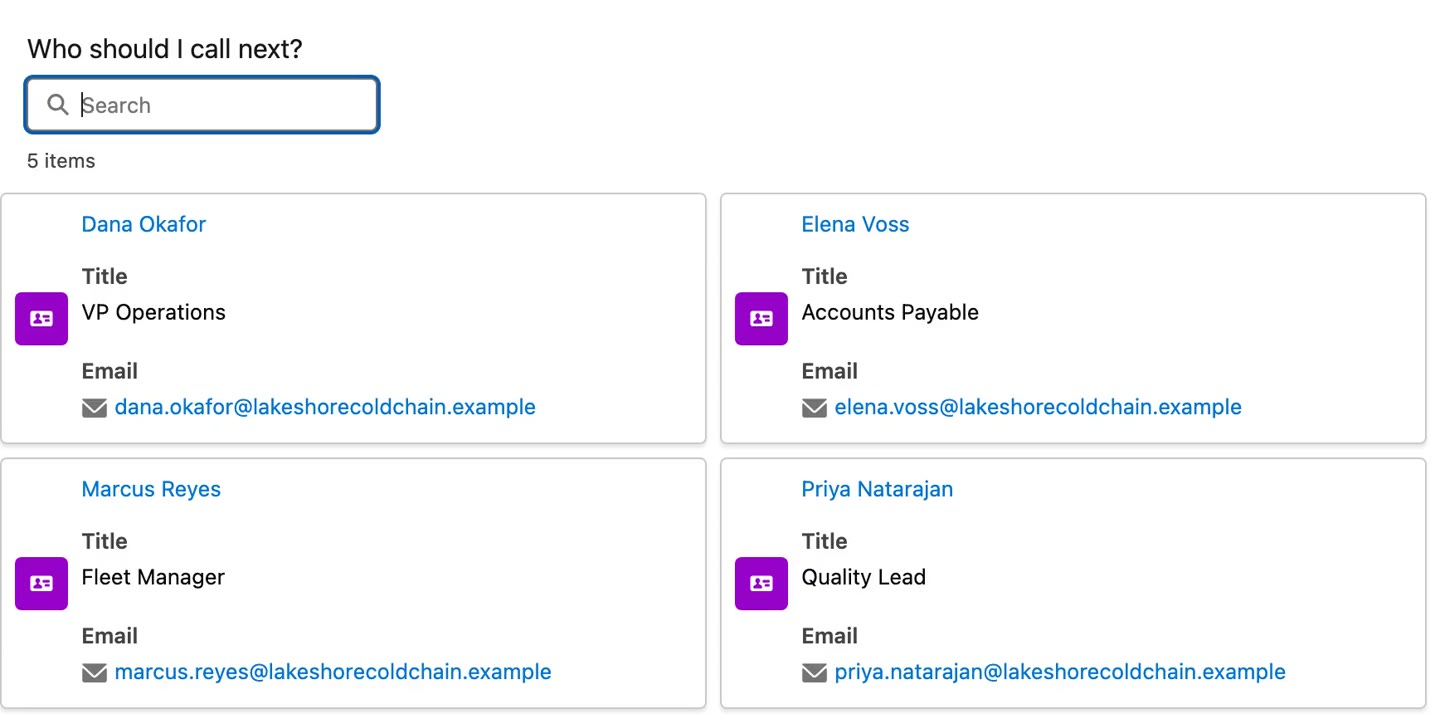
A Deal Review flow on the account page: a Data Table of open deals, cards for the next step, and one Update Records. No code.

Agent Skills

Describe the screen. Your AI assistant builds the flow.

Tell Claude, Cursor or Copilot what the screen should do. With the Avonni skill and MCP server, it picks real Flow Screen Components, writes the flow file with documented properties only, and validates it before you deploy.

Shown in Claude Code

One prompt. One screen flow.

The avonni-flow-components skill plans the screen, checks each component against the Avonni MCP server and validates the flow file. You review, then deploy.

Salesforce logo

Works with Claude, Cursor, Copilot, Gemini and Agentforce

claude — ~/salesforce/avonni-org
✻ Welcome to Claude Code!cwd: ~/salesforce/avonni-org
Build a screen flow to review open Cases and close the selected ones.
⏺ I'll check the real Flow Screen Components catalog before building.
⏺ avonni - list_components (MCP)(toolset: "flow")
75 components ✓
⏺ avonni - get_component_docs (MCP)(name: "datatable")
Properties and outputs loaded ✓
⏺ Skill(avonni-flow-components)
⏺ Bash(node scripts/create-flow.mjs)
force-app/main/default/flows/Review_Open_Cases.flow-meta.xml ✓
⏺ Bash(node scripts/validate-flow.mjs)
Flow valid: 1 screen, Data Table + Button ✓
⏺ Done. Reps pick the Cases in the table, then close them in one click. Nothing is deployed until you say so.
Try "deploy it to the sandbox"
? for shortcuts
Pick the right tool

Where Flow Screen Components fits in the Avonni lineup

The same components underneath. What changes is where you build, and who does the building.

Most teams pair Flow Screen Components with Dynamic Components: pages for what users see, Flows for what they do.

Live in the Playground

60+ Screen Flows you can open right now.

Real flow screens built with Avonni Flow Screen Components, one industry job each. Open one to see it run and copy its code.

Browse the 60+ Flow examples →
Use cases

Six screen flows you can rebuild today

Each one comes with its configuration. Three were filmed in a real org, three were built by an AI assistant from a single sentence.

All use cases
FAQ

Common questions

Do I need to write code to use Avonni components?

No. Every component is configured visually in the built-in Component Builder, with a live preview. If you can build a screen flow, you can use Avonni.

Is the package security reviewed?

Yes. Avonni Flow Screen Components is distributed on the AppExchange and has passed the Salesforce security review. It installs as a managed package in minutes.

How does licensing work?

You get 10 free production licenses and unlimited sandbox use. Paid plans scale by users when you are ready to roll out to a larger team.

Does it work with my existing flows?

Yes. Avonni components are standard flow screen components: drop them into any existing screen flow next to the elements you already use.

How is this different from the base Flow screen library?

Avonni extends the base Lightning library with 70+ components: data tables with inline editing, Kanban boards, maps, calendars, signature capture and more, each with built-in interactions.

Ship your next Screen Flow with Avonni

Install from the AppExchange and build your first screen in minutes. 10 production licenses on us.

Available on the AppExchange