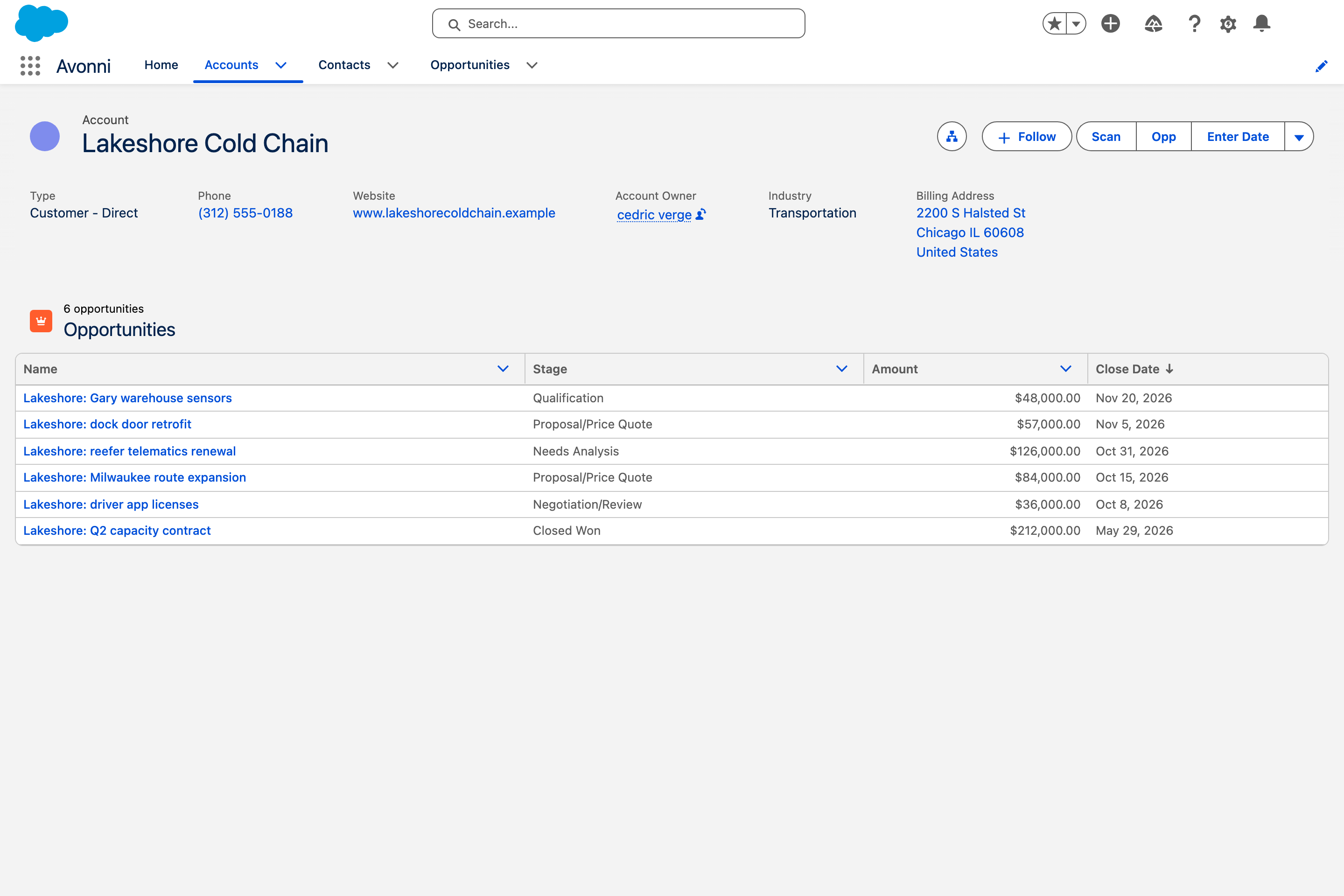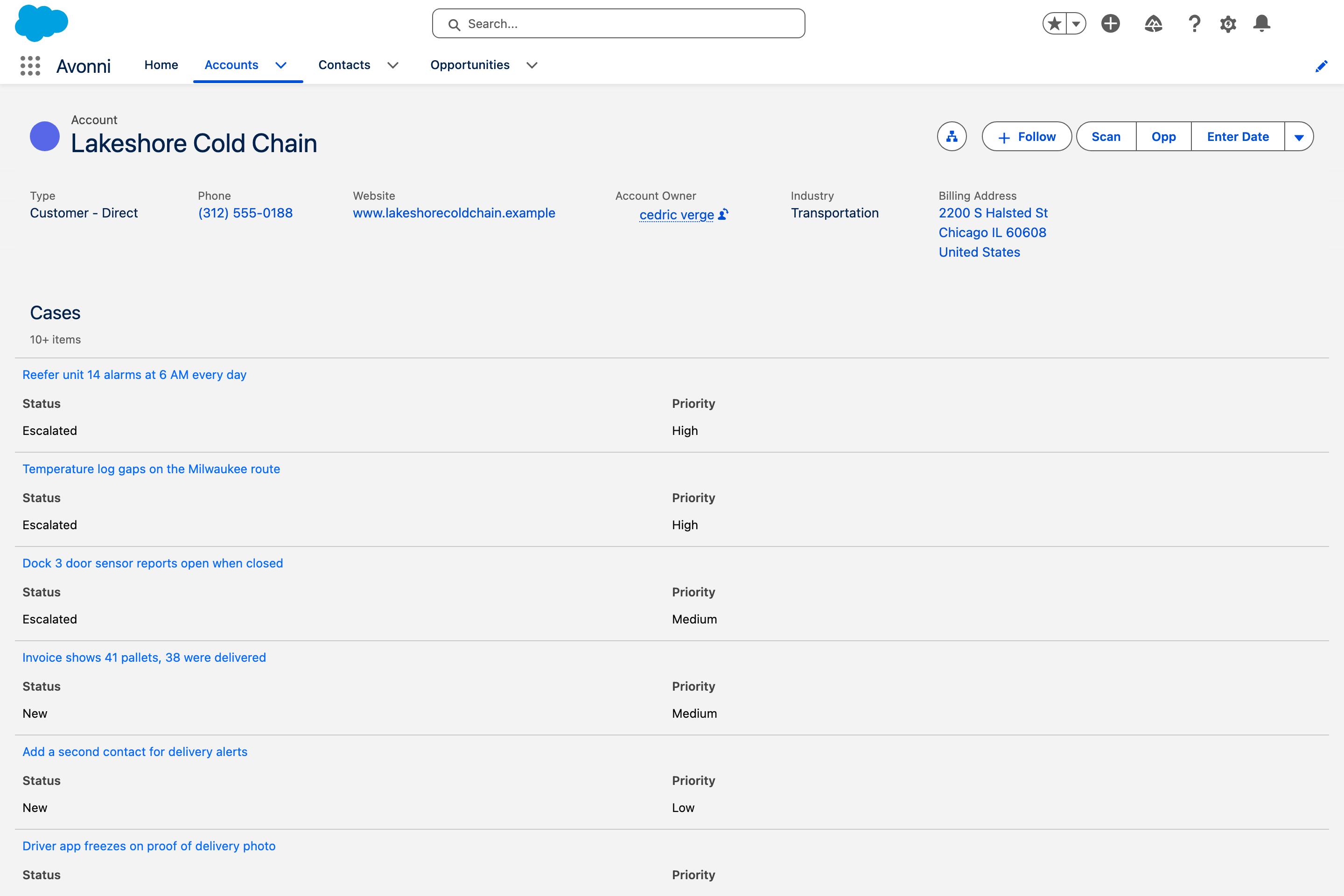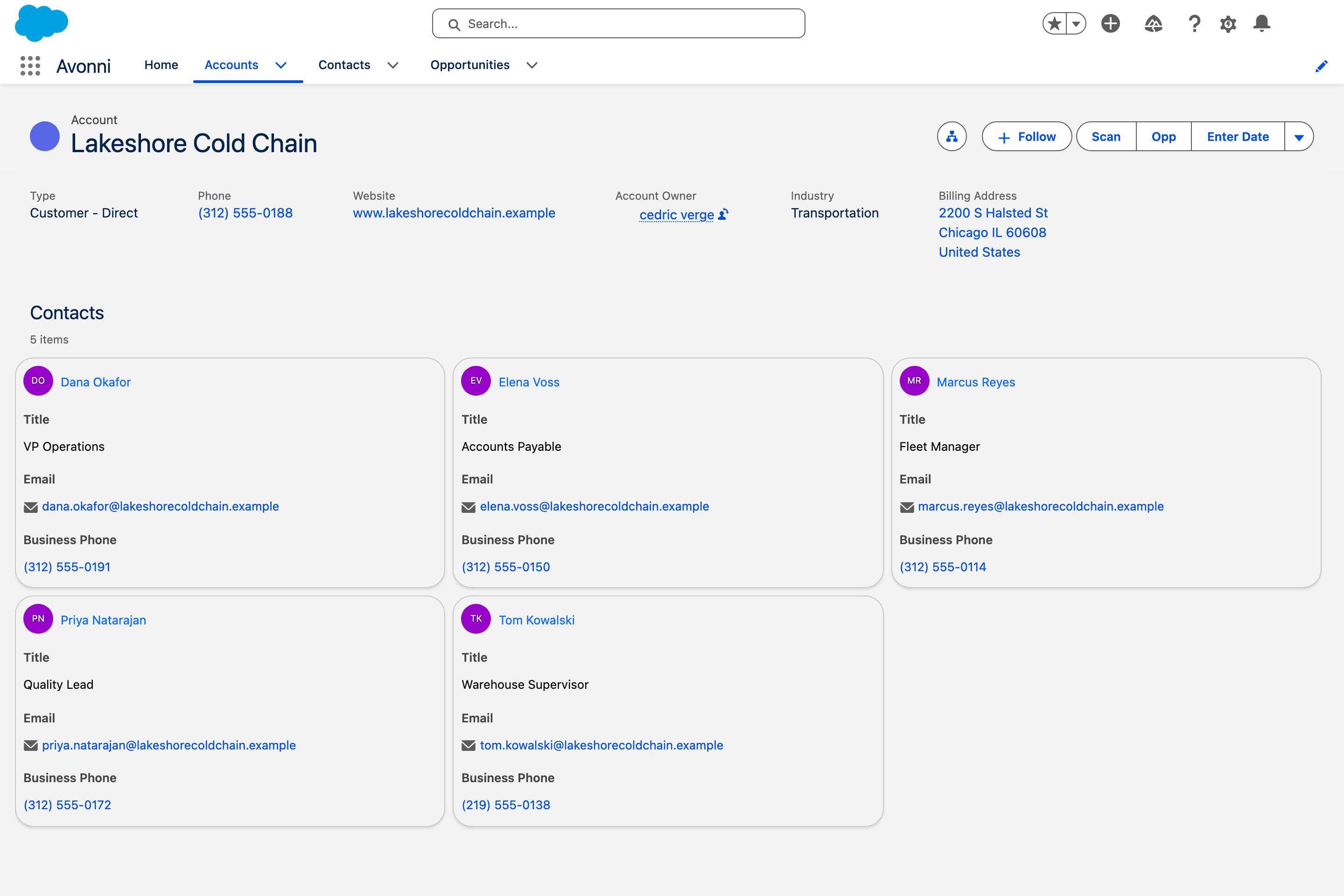
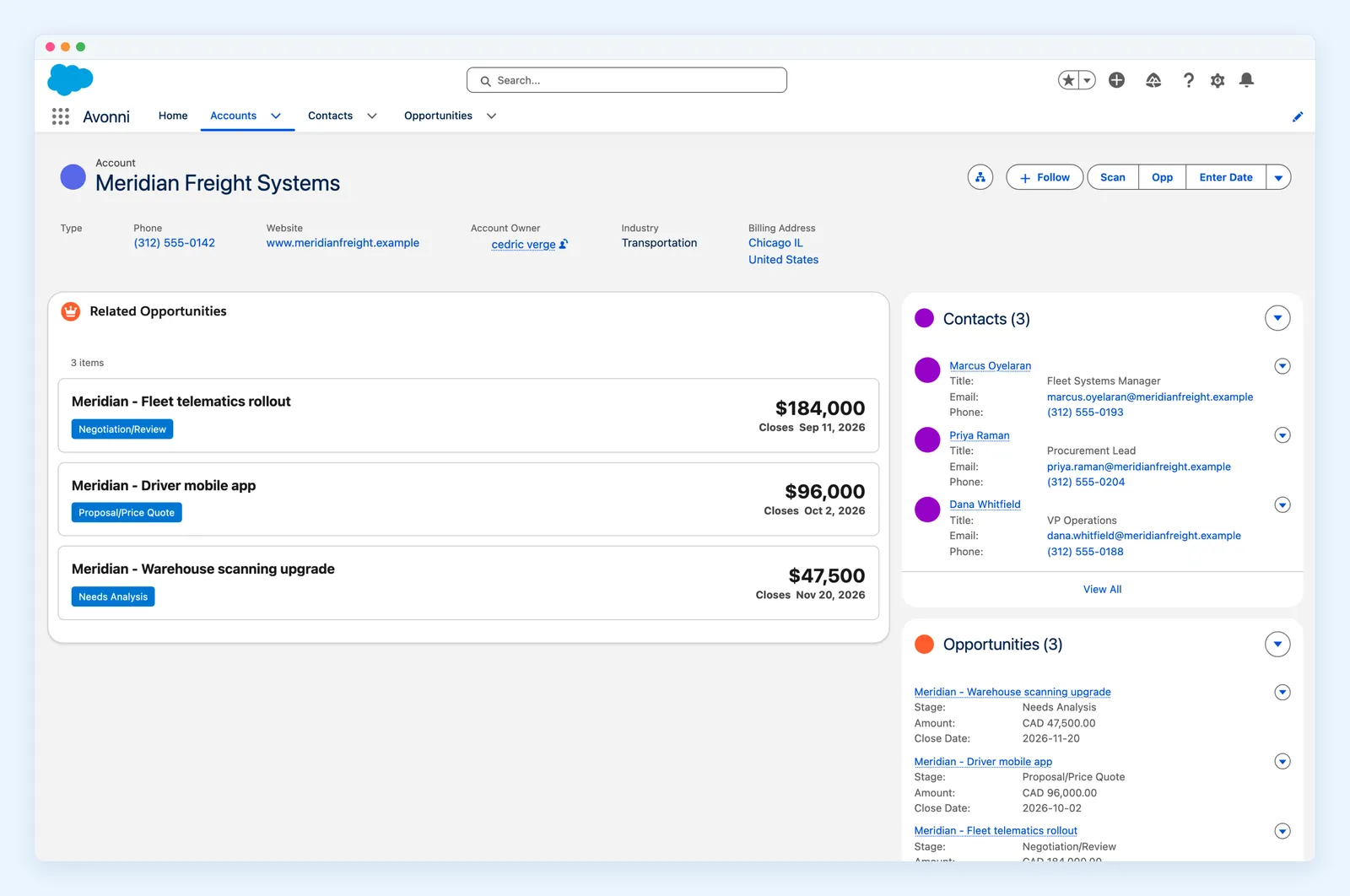

Account page, grouped by Status.
Build the record pages, app pages and home pages your team actually needs: data tables, Kanban boards, charts, maps and forms, wired to your Salesforce data. Design them visually, then drop them on any Lightning page with App Builder.
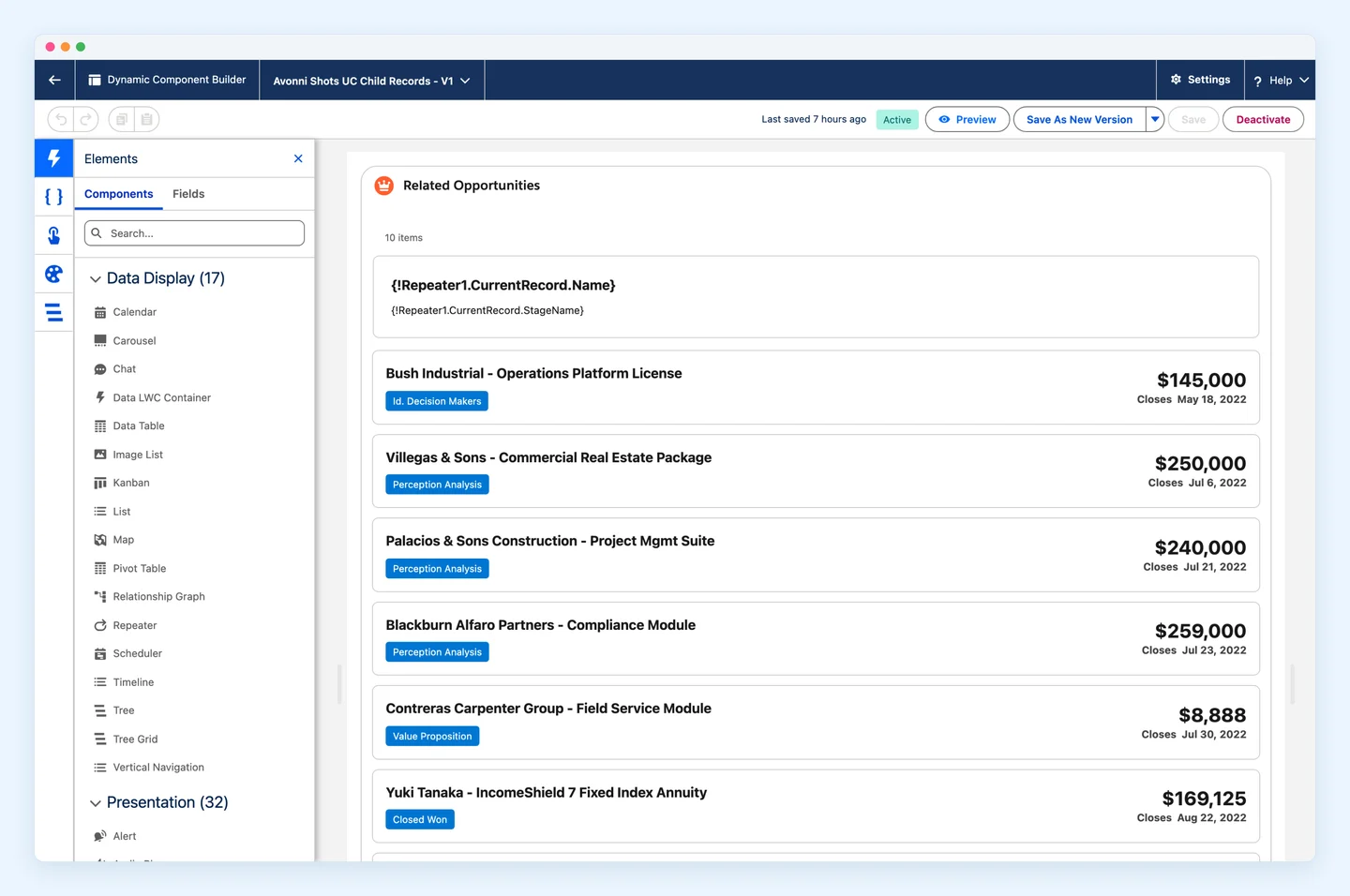
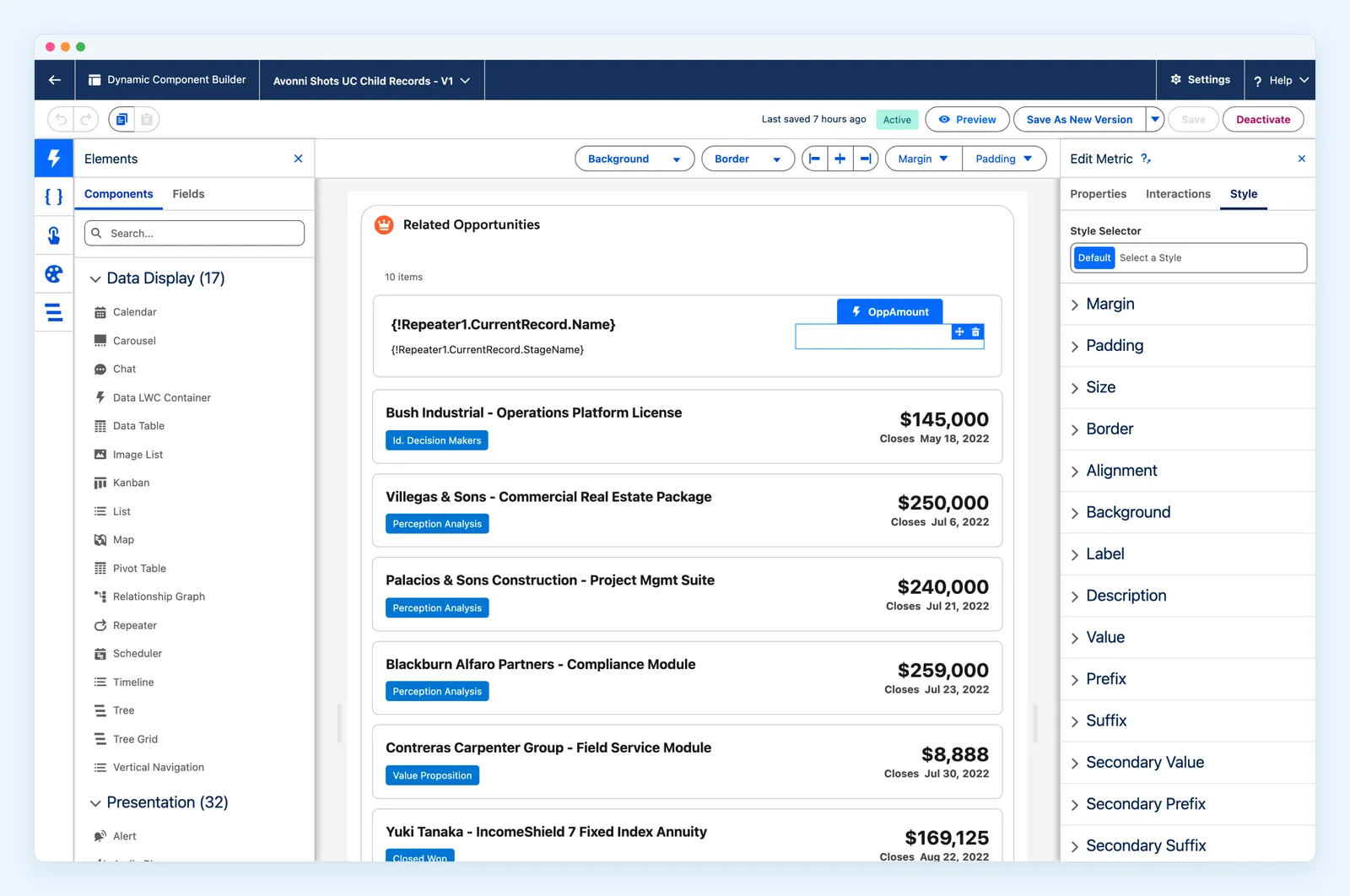
Dynamic Components is a native, no-code builder for custom Lightning components. If Flow Builder is where you design what users do, the Component Builder is where you design what they see: data tables, Kanban boards, timelines and more, assembled with clicks. Build once, then drop the component on any Lightning page, record page or Experience site.
Each clip is a Dynamic Component on a Lightning page, working on real Salesforce data.
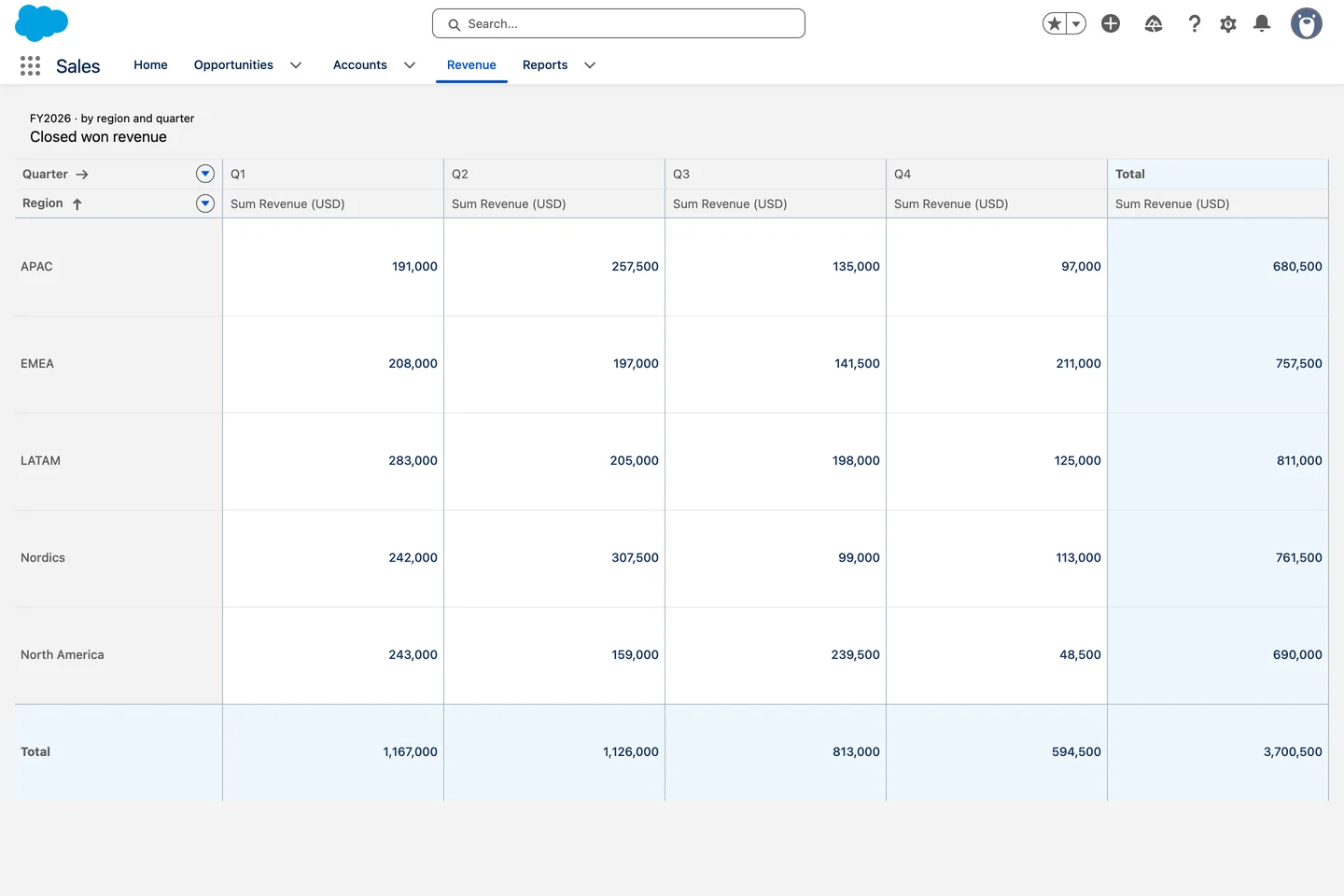
Tables, boards, maps, charts, calendars and inputs. Every tile below is a real component render.
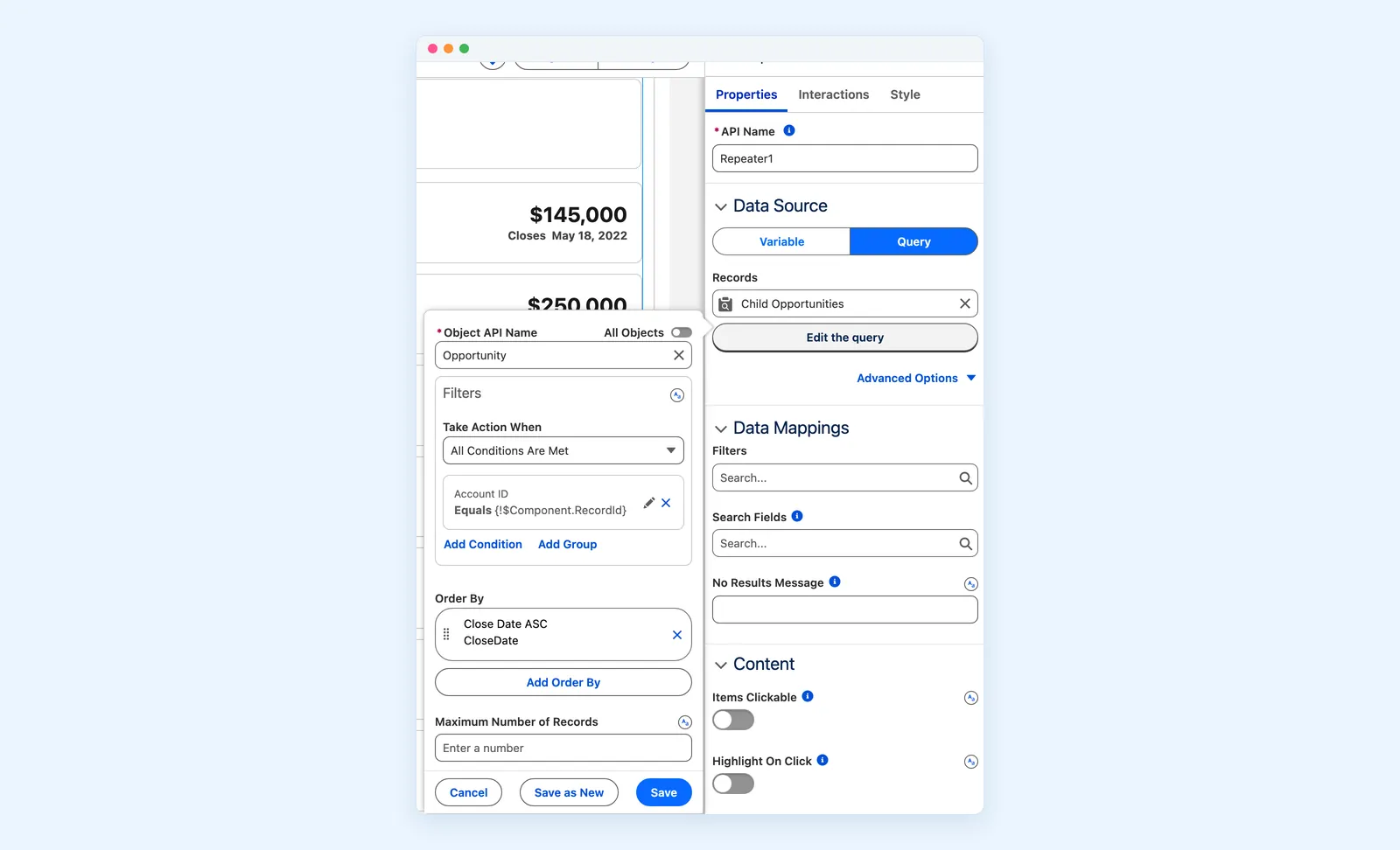
Everything a custom component needs is set in these panels, and changes take effect in place.
Tell Claude, Cursor or Copilot what you need on the page. It reads the real Dynamic Components catalog through the Avonni MCP server and writes the component definition, ready to import in the Component Builder or deploy with the CLI.
Shown in Claude desktop
The avonni-dynamic-components skill checks the real catalog first, then writes the definition with documented attributes and interactions only. Nothing is deployed until you say so.
Works with Claude, Cursor, Copilot, Gemini and Agentforce
The same components underneath. What changes is where you build, and who does the building.
One component, dropped straight onto a Lightning page.
Several components assembled into one custom layout.
Portals and community sites, in your brand.
Wizards and intake forms inside Flow Builder.
The same components, as tags in your own code.
Most teams pair Dynamic Components with Flow Screen Components: pages for what users see, Flows for what they do.
Use a visual builder that runs inside Salesforce. With Dynamic Components, you drag components onto a canvas, connect them to your records with a query, add formulas and interactions, then place the result on any Lightning page from App Builder. No LWC, no Apex.
Dynamic Components are designed for admins and technical users comfortable with complex configuration.
On Lightning App Pages and Record Pages through App Builder, and on Experience Cloud sites. Build once, deploy the same component everywhere.
Through the visual query editor. Connect any standard or custom object, filter and sort the records, and bind the results to your components, with no Apex controller needed.
Dynamic Components are for what users see on a page. Flow Screen Components are for what users do inside a guided, multi-step process. Most teams end up using both together.
You get 10 free production licenses, and sandbox use is unlimited. Install from the AppExchange and start building today.
Install Dynamic Components from the AppExchange and build your first component today.
Available on the AppExchange