A Salesforce account relationship map. On the record page, or in your own code.

Put an account's subsidiaries, contacts and open deals in one map, right on the record. Click a branch to open it, act on any card, add a contact where it belongs. No code, or one tag in your own component.

3
levels of actions: the map, each group, each card
2
layouts, horizontal and vertical
0
lines of Apex
Salesforce · Sales
01Set up in the Component BuilderStart from the record's child accounts, then nest each one's contacts and opportunities under it.
02Used on the Account pageAn account manager opens a subsidiary and sees who to call there and what is still open.

Filmed in real Salesforce orgs: the setup first, then the screen people use.

What it does

Every relationship on the account, one click away

Five things people do with it every day. Each one filmed in a real Salesforce org, each one turned on with a property, not with code.

01
One account, its whole family

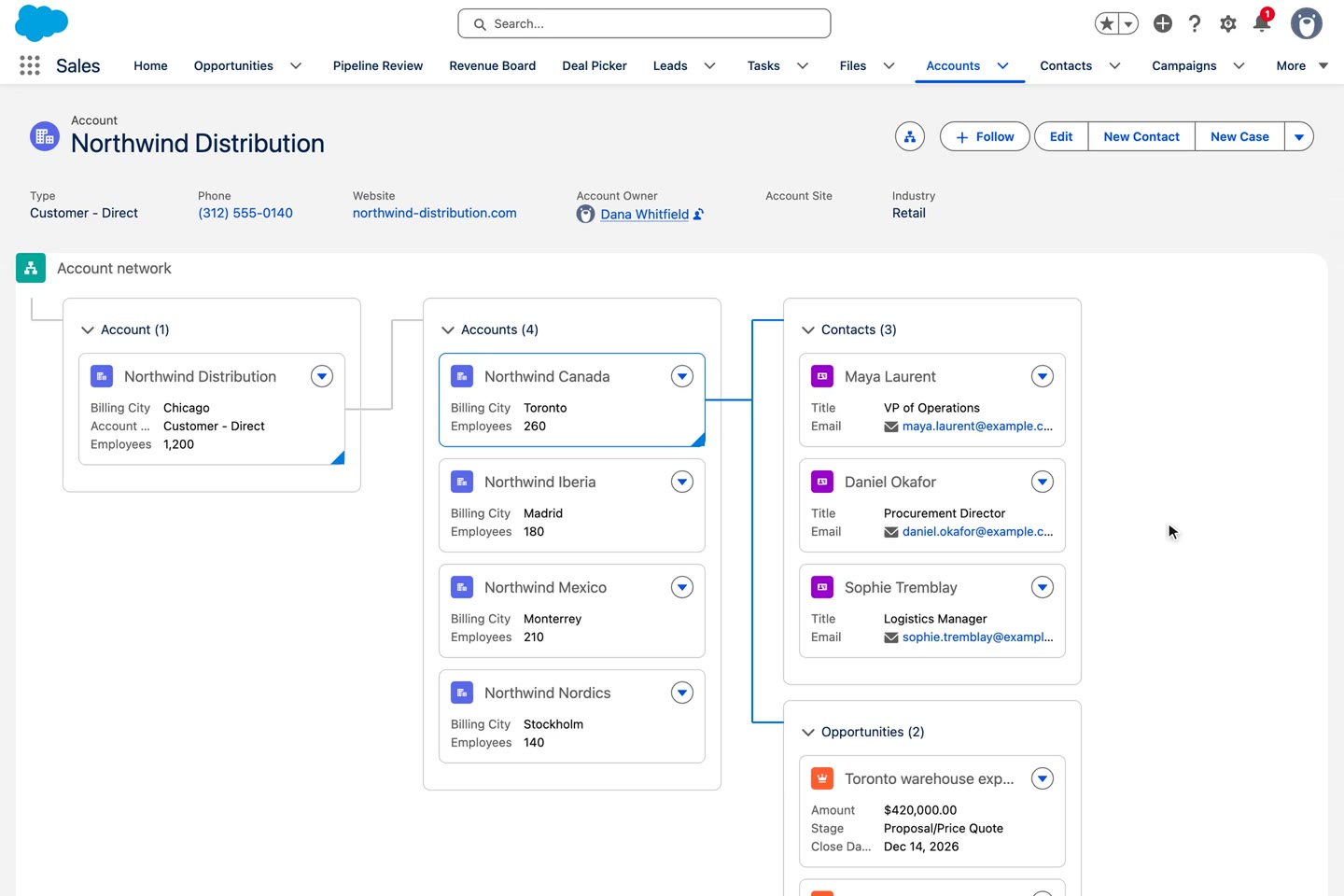
Nest child accounts, then each one's contacts and deals, on any object with a lookup.

itemsSObjectMapping · nestedMappings · relationshipFieldApiName
02
Open one branch at a time

Click a subsidiary and its contacts and deals open beside it, with the path highlighted.

expanded · nbItemsPerPage
03
The fields that matter, on each card

Pick the fields per object, with a photo or an icon on each card.

fields · avatarSrc · avatarFallbackIconName
04
Act from the card

Each card carries its own actions, like Log a call, which opens a Screen Flow in a dialog.

itemActions · evtItemActionClick
05
Straight to the record

Open record on a card takes you to that contact's own page.

itemActions · evtItemActionClick
One account, its whole family · Lightning pageSubsidiaries, then Northwind Canada's contacts and deals
Also in the box
Each one a property, checked against the current release.
Horizontal or vertical
Open each level to the right, or stack the levels downward.
Header actions
Buttons under the account at the top of the map run any interaction.
Group actions
Each group carries its own buttons, at the top or the bottom of its list.
Open on load
Choose which records start expanded when the page opens.
Names that link
Turn a card's name into a link to the record or any URL.
Lock a card
Disable a record or hide its default actions, level by level.
Where it runs

One relationship map. Three places to put it.

The same nested levels, cards and actions follow you across Salesforce. What changes is where it lives and how you add it.

Relationship Graph on a Salesforce Account page: the account at the top, its subsidiaries, contacts and open deals in nested levels
Lightning pages

On a record or app page

Build it in the Component Builder: start from the account, nest the contacts and deals under each subsidiary, pick the fields on each card. Drop it on the Account page in the App Builder.

Dynamic Components
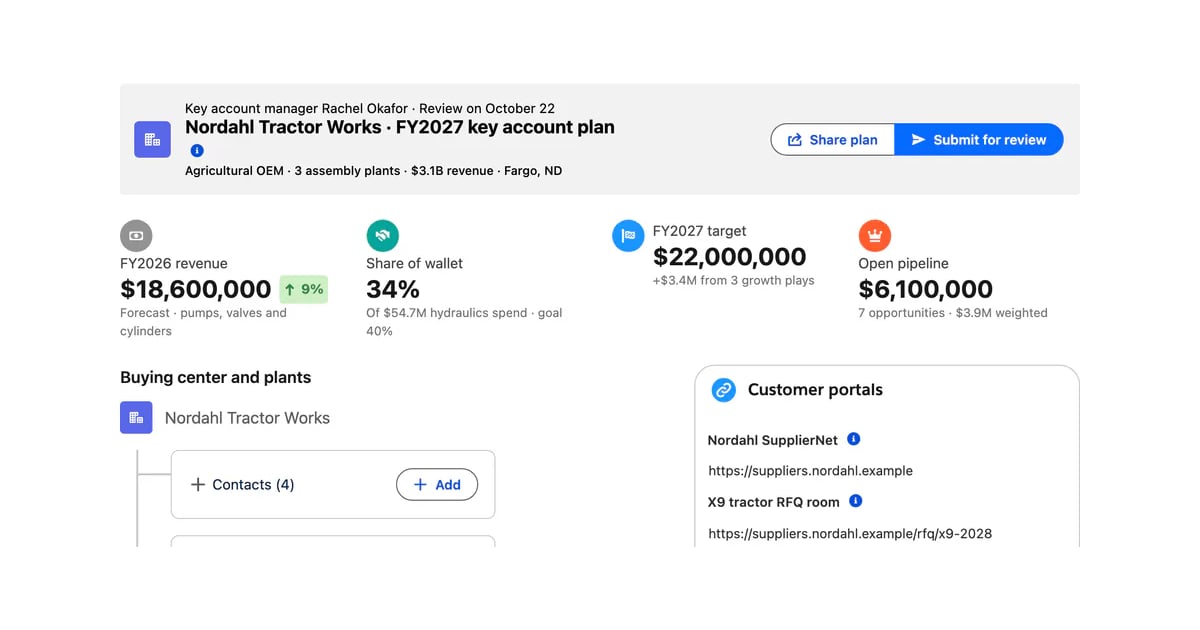
Relationship Graph on an Experience Cloud portal page, showing an account and the people behind it
Experience Cloud

On a portal or site

Build the map in a Dynamic Component, then drop it on any page in Experience Builder. Partners and agents see their accounts and the people behind them.

Dynamic ComponentsSee it on a portal page, live →
<avonni-dd-relationship-graph
  label="Northwind Distribution"
  query={query}
  mapping={mapping}
  group-actions={groupActions}
  item-actions={itemActions}
  onitemactionclick={handleItemAction}>
</avonni-dd-relationship-graph>
Your own code

As a Lightning Web Component

Drop avonni-dd-relationship-graph into your template. Give it a nested query and a mapping per object, then listen to three events for the actions.

LWC Components
In a real org

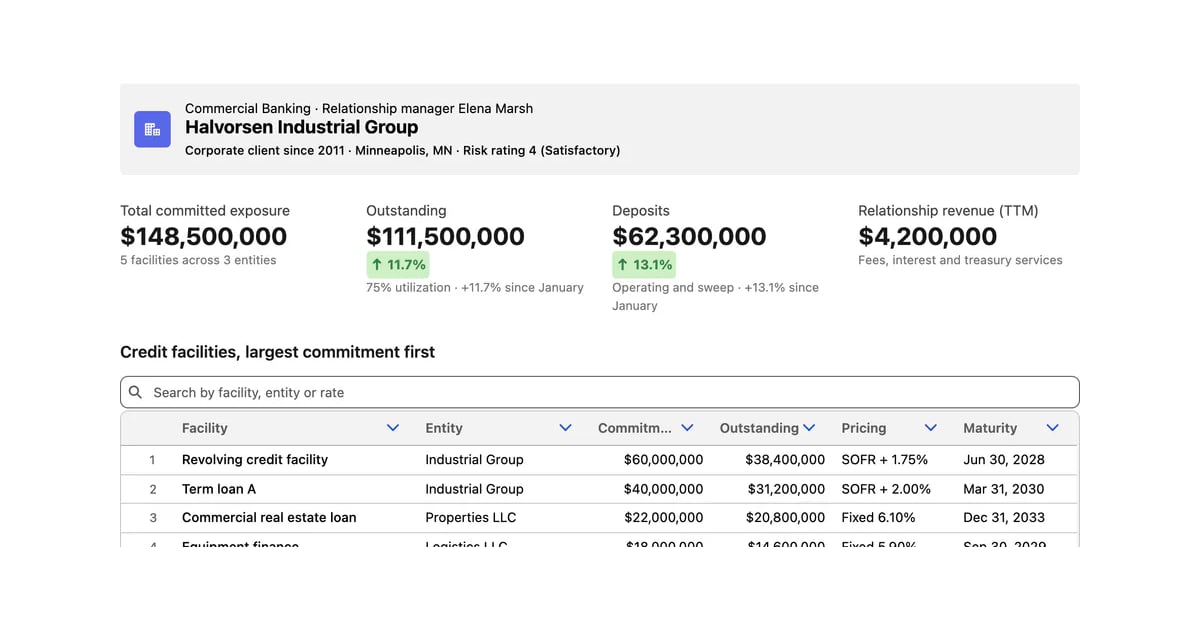
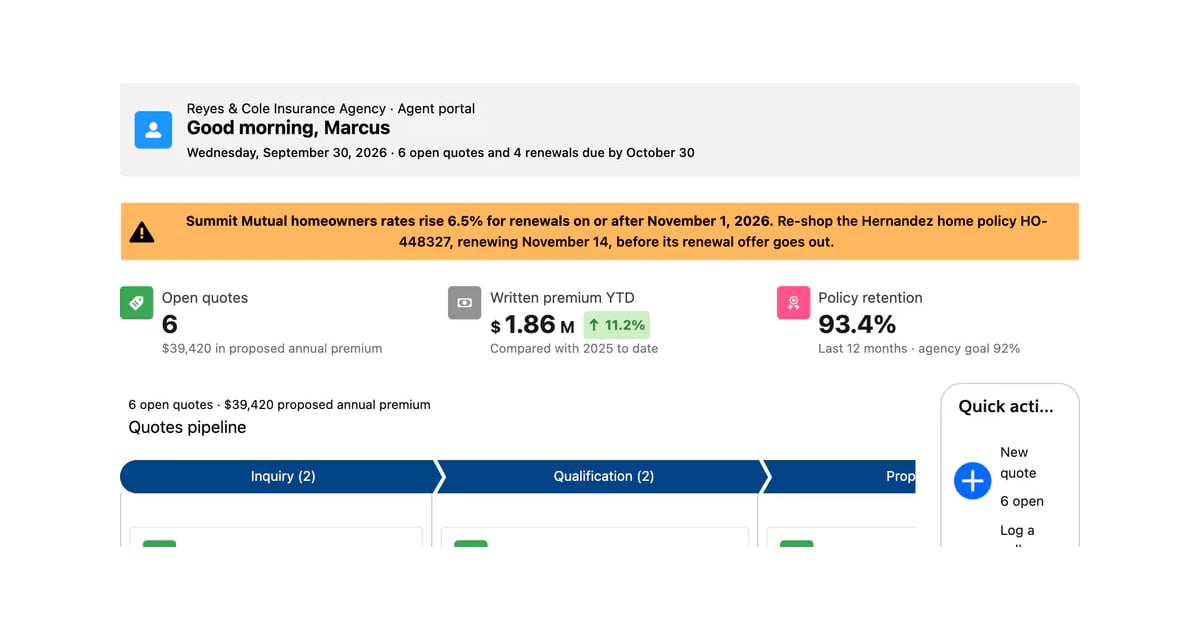
Relationship Graph, configured for one job.

All use cases
Live in the Playground

The Relationship Graph, in 10 live examples.

Real screens built with Avonni, one industry job each. Open one to see it run and copy its code, or try the Relationship Graph on its own and change any property live.

Try the Relationship Graph live →

The account plan belongs on the account

Account maps usually live in a slide or a spreadsheet that is out of date by the next call. This one reads the records themselves, on the page where the account manager already works, so it is current every time it opens.

Browse the component library
1
click from an account to its people and its deals
3
places to put it: Lightning pages, Experience sites and LWC
0
spreadsheets to keep in sync
Questions

Before you install it

How is this different from the account hierarchy in Salesforce?

The standard hierarchy view lists parent and child accounts. The Relationship Graph puts other records under each account too, such as contacts, opportunities or cases, and lets people act on them from the same map.

Can it draw an org chart?

No. It opens one branch at a time: pick an account and its children appear beside it, pick another and the map moves to that branch. It is made to explore an account, not to lay out a whole company's reporting lines at once.

Which objects can I put in it?

Any object you can query, standard or custom, as long as each level has a lookup to the level above. You choose the fields shown on the cards, object by object.

Can people act on the records?

Yes. Actions sit on three levels: the map itself, each group and each card. Each one runs an interaction, such as opening a record, starting a Screen Flow in a side panel or creating a related record with its fields filled in.

Does it work in a Screen Flow?

Not today. It runs on Lightning pages and Experience sites through Dynamic Components, and in your own code as a Lightning Web Component.

Horizontal or vertical?

Both. Horizontal opens each level to the right of the one before, vertical stacks the levels downward.

Other components

See where another component runs, and how it is configured.

Put the whole account on one screen

Install the package, nest the contacts and deals under the account, and drop the map on the Account page.