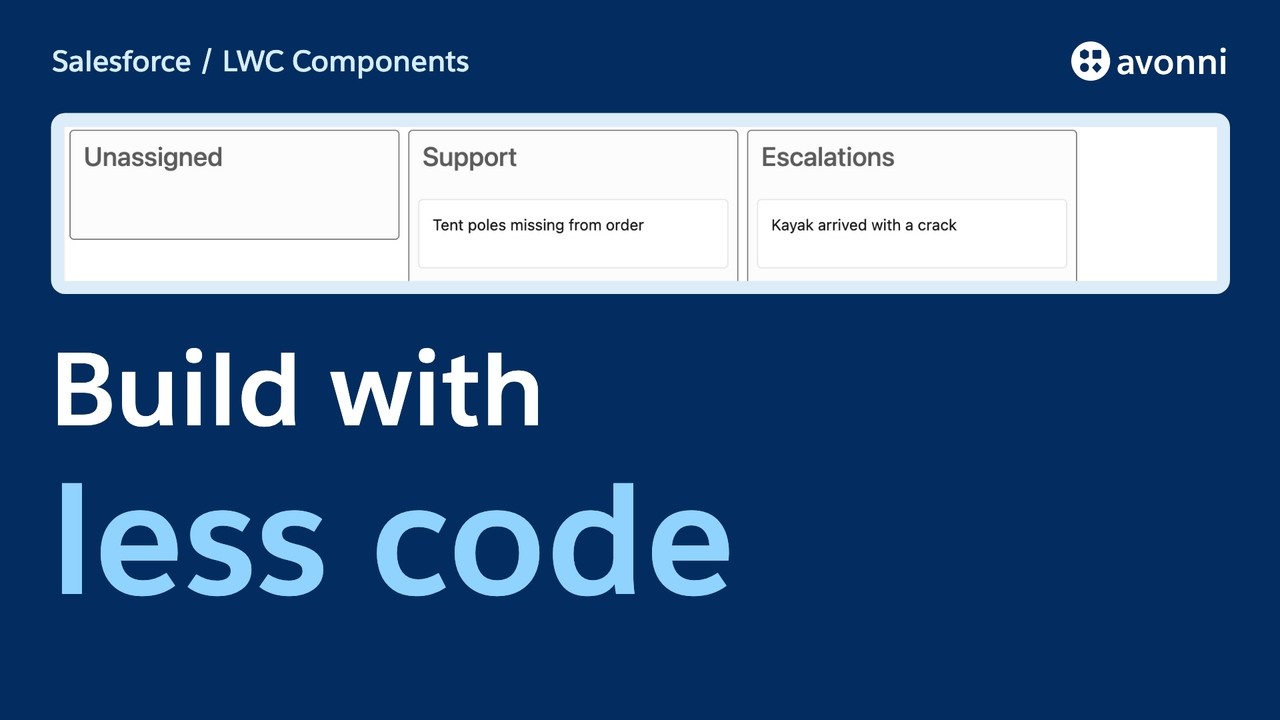
00:00 Support dispatch demo
This support console has a rule of its own. When the Support team has no available slots, it won't accept another case. Simulate a free slot, move the case, and the console saves the assignment. Hi, I'm Cedric. In this product tour, we'll look at what Avonni LWC Components are, how they fit into your code, and why you might use a library when AI can write components for you.
00:25 What are Avonni LWC Components?
Avonni LWC Components is a library of ready-to-use Lightning Web Components for Salesforce developers. You build your own LWC in your editor and compose it with Avonni components. Then you deploy your component and place it where people work in Salesforce. Here, we've built a small support dispatch console as a custom LWC. It has its own client-side capacity state and a case board inside it. The Avonni Kanban provides the board and its cards. Our code decides whether Support has room
00:58 Core vs. Data Driven Components
and what to save. The library has two families. Core Components are interface building blocks, like avatars, pickers, sliders and cards. You use them inside your own component and provide what they need. Data Driven Components are larger views, like a data table, a Kanban board, a scheduler or a map. Depending on the component, you can provide data directly or describe a query and configure how records appear. Each component has its own attributes and events, so check its reference before you build.
01:34 Install the package and assign licenses
To follow along, install the Avonni Components managed package from the AppExchange link in the documentation, and assign a license to the users who need to see the components, including developers testing them. You'll also need a Salesforce project connected to an org so you can deploy your own LWC. Once the package is installed, you reference its components with the Avonni namespace in your template. You still write and deploy your own component through your normal Salesforce workflow.
02:03 Add the Kanban to a custom LWC
Let's look inside the support console. In the HTML, this Avonni tag is the board. That ref is native Salesforce LWC. If our capacity rule rejects a move, we use that ref to call Avonni's built-in refresh method. We provide the data and listen for a card drop. The console also owns the capacity display next to it. The component gives us the board and the drag interaction. Our JavaScript connects that event to the console's existing capacity rules and state.
02:37 Capacity rules and Kanban refresh
For this demo, the console tracks available slots for the Support team in local JavaScript state. When a card is dropped on Support, our handler checks that state. If there are no slots, it rejects the move and explains why. If there's room, it saves the team assignment on the case and reduces the displayed number of slots. The capacity is simulated in this browser session and resets when we reload. In a real dispatch system, the capacity would need a shared, authoritative source and checks for concurrent updates. The case assignment, however, is saved in Salesforce. Avonni supplies the board; our LWC connects it to the console's behavior.
03:19 Test the dispatch console in Salesforce
Let's try the same case twice. Support has no slots, so the move is refused. Now we simulate a free slot and move the card again. This time the case is assigned to Support. Reload the page, and the assignment is still there. The simulated capacity resets, because it lives only in this browser session. A Dynamic Component can also show a Kanban and update Salesforce records. If that's all you need on a page, it's worth considering. Our example shows how to compose the board directly inside a custom LWC that owns its client-side state and behavior. That approach is useful when the board needs to integrate into an application your team is already building in code.
04:07 What can standard Salesforce components do?
Salesforce already gives developers useful base components. For example, lightning-datatable supports sorting, row selection and inline editing for some field types. If that meets your need, use it. When you need a custom cell, Salesforce also lets you build a custom data type. The Avonni library offers a different starting point: reusable components and data-driven views you can compose into your own LWC. Compare the specific features you need before choosing either one.
04:38 Build with AI or use a component library?
Now the question: if AI can generate a component in minutes, why use a package? You absolutely can build your own. For a small need, or behavior no library offers, that may be the right choice. AI can get you to a first version quickly. But the first version is not the whole job. Someone still needs to review the code, test the edge cases, check accessibility and security, fix bugs, and keep it working as Salesforce and your requirements change. If AI writes the code, your team still owns that work. With Avonni, the reusable component lives in a managed package maintained by Avonni. Your team still owns the integration, the business rules, the data access and the tests of your application. You also take on a dependency on the vendor, its API and its licensing. The question is whether that tradeoff makes sense for your project.
05:36 Use Avonni with an AI coding assistant
You don't have to choose between AI and a library. Avonni provides an MCP server that gives an assistant the component documentation, and a skill that guides how to integrate the components into your code. That means the assistant can look up attributes and events instead of guessing them. Review the generated code and test the result in your org, just as you would with any other AI-assisted change.
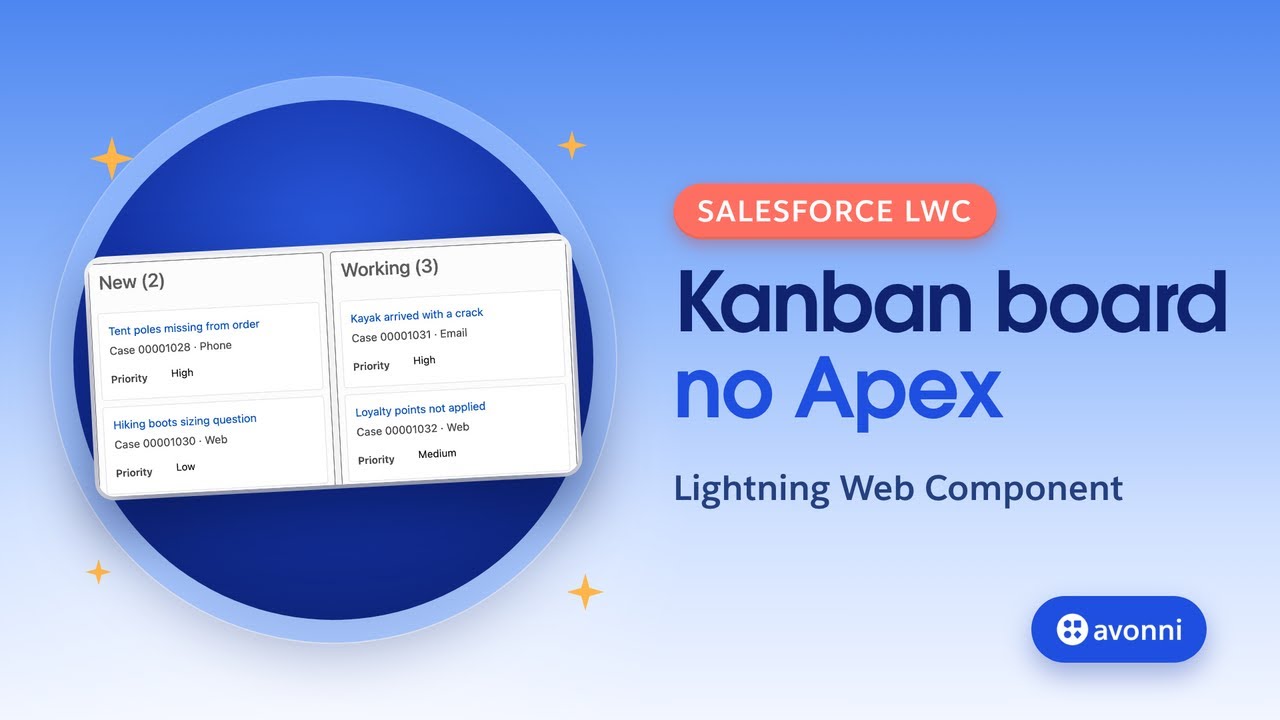
06:03 Next step: Build a Kanban without Apex
Start by browsing the Core and Data Driven Components, then pick one that solves a real problem in your next LWC. The product tour, installation guide and AI setup are linked below. For a closer look at an Avonni Kanban in LWC code, continue with our Kanban video.