JSON Variables, Menu Navigation, and Pivot drill-down
JSON Variables turn one Variable into a full Flow or Agentforce payload. Plus a new Menu Navigation Container, Pivot Table drill-down, four interaction upgrades, and 35 bug fixes.
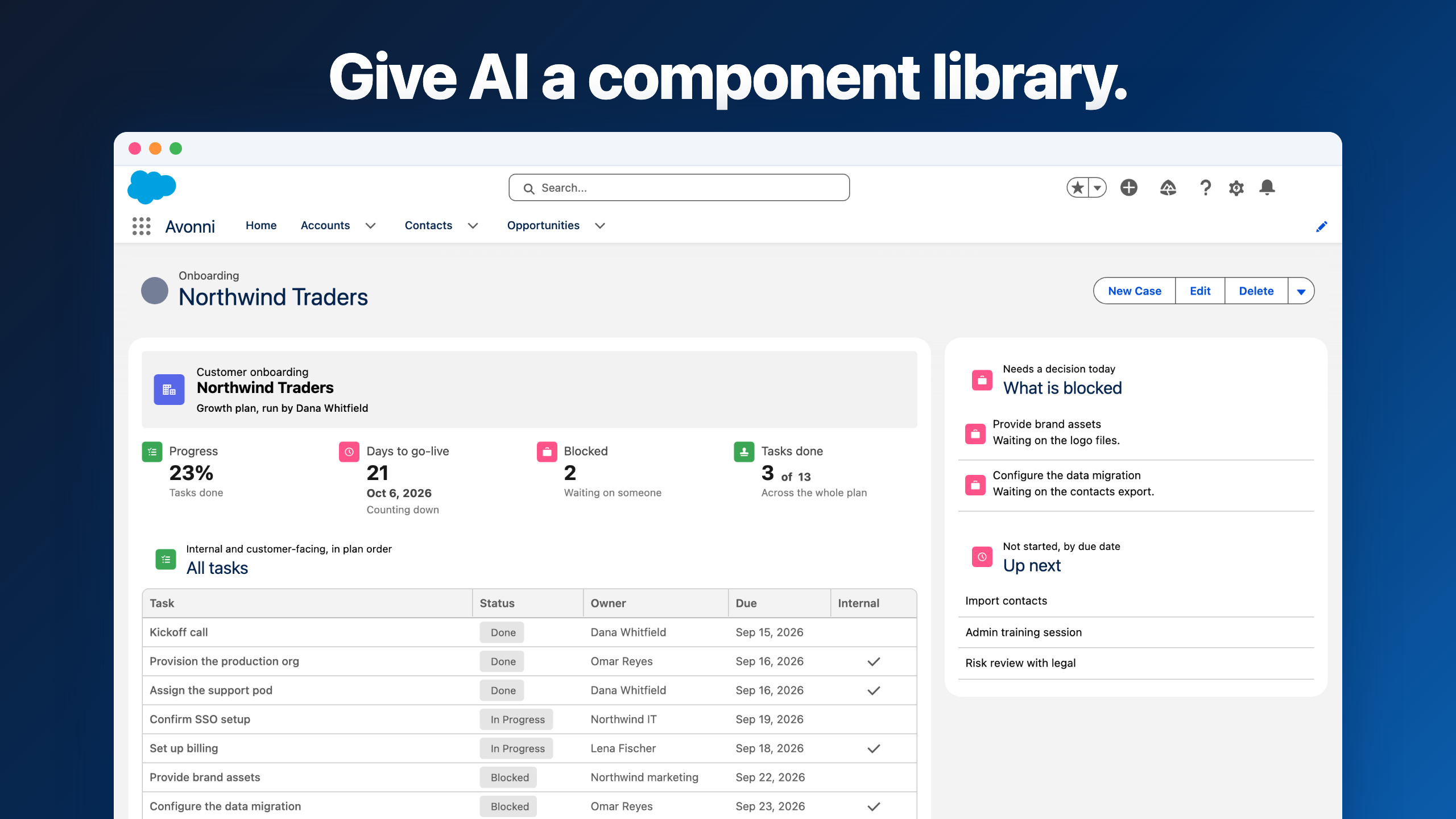
Avonni Dynamic Components v1.18 and Flow Screen Components v6.22 are out. The headline is JSON Variables. One Variable can now hold a full Flow output, an Agentforce response, or a multi-screen wizard's data, and feed it straight into a Data Table, Kanban, List, or Map. No Apex. No custom object.
There's also a new Menu Navigation Container, drill-down rows on the Pivot Table, four interaction upgrades, and a save flow that finally stays out of your way.
Headline
JSON Variables
One Variable holds a full Flow or Agentforce payload.
Open Dynamic Component Dialog regression resolved.
The headline: one Variable can hold a whole record
We're introducing JSON Variables, and they change what a single Variable can carry. Until now, when a Flow returned five fields about an Opportunity, you created five separate Variables to hold them: one for the name, one for the email, one for the phone, one for the status, one for the date. By the time you were done with a real component, you had a dozen Variables, each holding one piece of data, and every change in the source meant updating them one by one.
We fixed that. One JSON Variable can now hold the whole thing: an entire Opportunity, an entire customer, or a whole list of accounts at once. You set it up once, and it stays in sync with whatever your Flow, your Apex action, or your Agentforce agent returns
Here's what that means in plain terms:
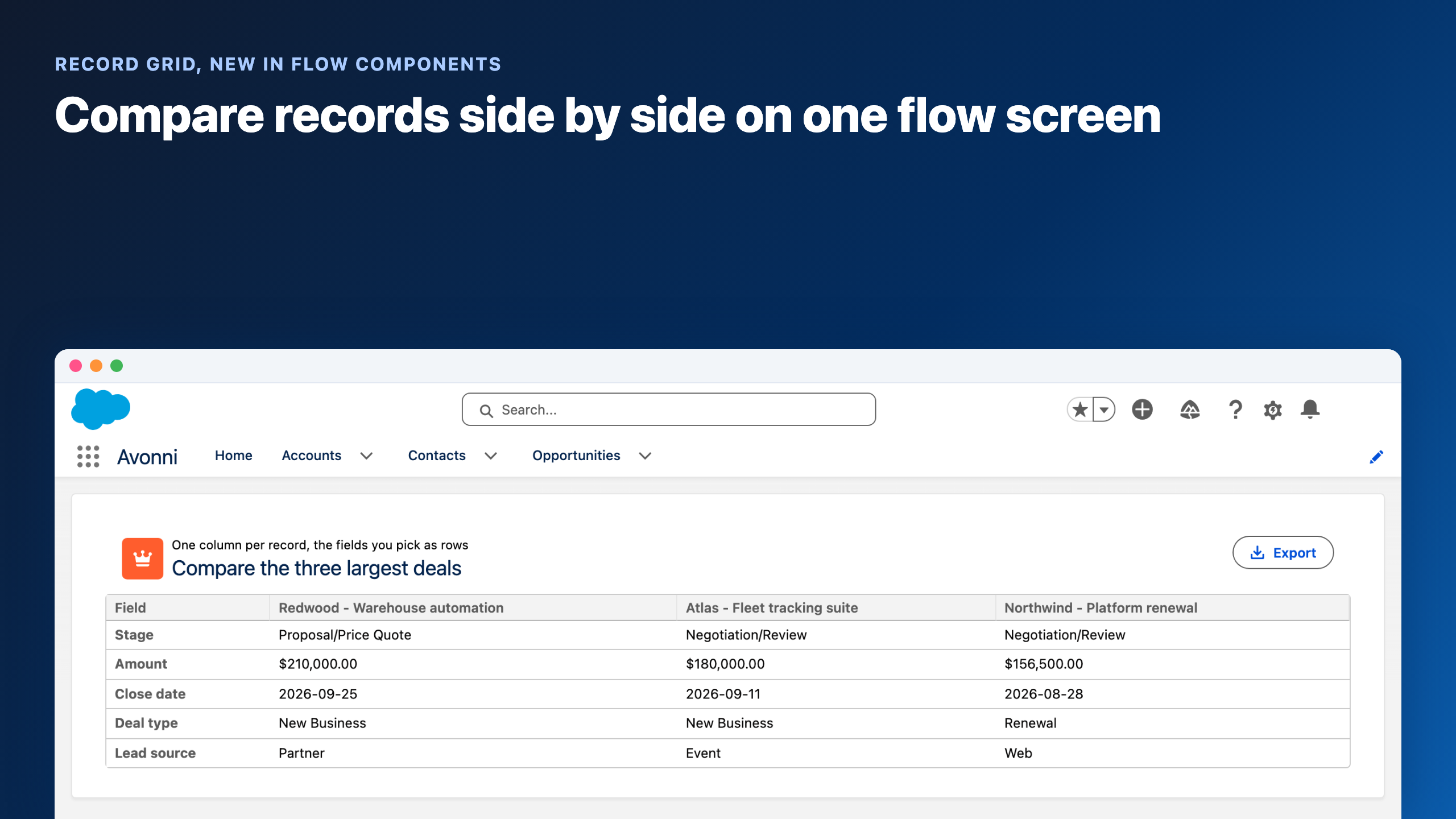
Build pages that show a list of records without creating a custom object. If your Flow returns "the 5 cases this rep should look at today," you store the list in one Variable and feed it into a Data Table or a Kanban. No staging object in Setup, no Apex.
Show what an Agentforce agent answers, in a real interactive layout. Ask an agent for "the top 3 accounts to visit this week," and the response feeds a Map plus a side-by-side list of cards on the same page. A few months ago this needed a developer; now you build it yourself in an afternoon.
Stop juggling Variables across a multi-step form. Building a 4-screen guided process? Instead of one Variable per field per screen, you assemble one Variable that carries everything the user has entered so far. Send the full record to its destination at the end.
Hold the "in-progress" state of a page. A shopping cart with multiple items, a complex filter someone is building, a checklist where some items are ticked. All of it lives in one place that any component on the page can read or update.
Mock up a page before the data is ready. Waiting on someone to build the integration? Fill in fake data in your Variable, build the page on top, swap in the real source later. The page won't notice the difference.
Defining the structure of the Variable is a visual step in the Builder: point and click, no syntax.
Before
A custom object, an Apex class, and a developer's afternoon
Flatten the Flow output into 15 separate Variables. Wire each one. Pray nothing changes next sprint.
Now
One JSON Variable and two components
Hold the whole shape in one Variable. Point a Data Table or Map at it. Done — no Apex, no custom object.
Menu Navigation Container
The Menu Navigation Container is a new component for the Component Builder. Each menu item has its own container, so you drop components inside and the active item handles what's shown.
If you've ever needed to switch between two or three views on the same page (an overview tab and a details tab, a list view and a calendar view, a "today" view and a "this week" view), you've probably built the workaround: stacking every component on the same canvas, tying each to a hidden state Variable, and toggling visibility rules to show one at a time. It works, but the canvas gets messy fast and nobody can read it six months later.
Here's what changes with Menu Navigation Container:
Group related views without a hidden state Variable. Sales overview, sales pipeline, sales activities. Three menu items, three containers, three layouts. Click a menu item, the right layout appears. No visibility rules, no hidden Variables.
Build per-role pages. Show a Manager view and a Rep view on the same component, switched by a menu item. Each container holds whatever components fit that role.
Keep the canvas readable for the next admin. Six months from now, you'll be able to open the component and immediately see which components belong to which view. So will whoever inherits it.
Style each item with a label, an icon, or both. Useful when you want the navigation to feel native to a Lightning record page or to a custom Experience Cloud page.
Menu Navigation Container behaves like the Tab Container you already know, but renders as a button menu instead of tabs. Better for mobile, better for pages where horizontal space is tight.
Pivot Table: drill-down and inline edit
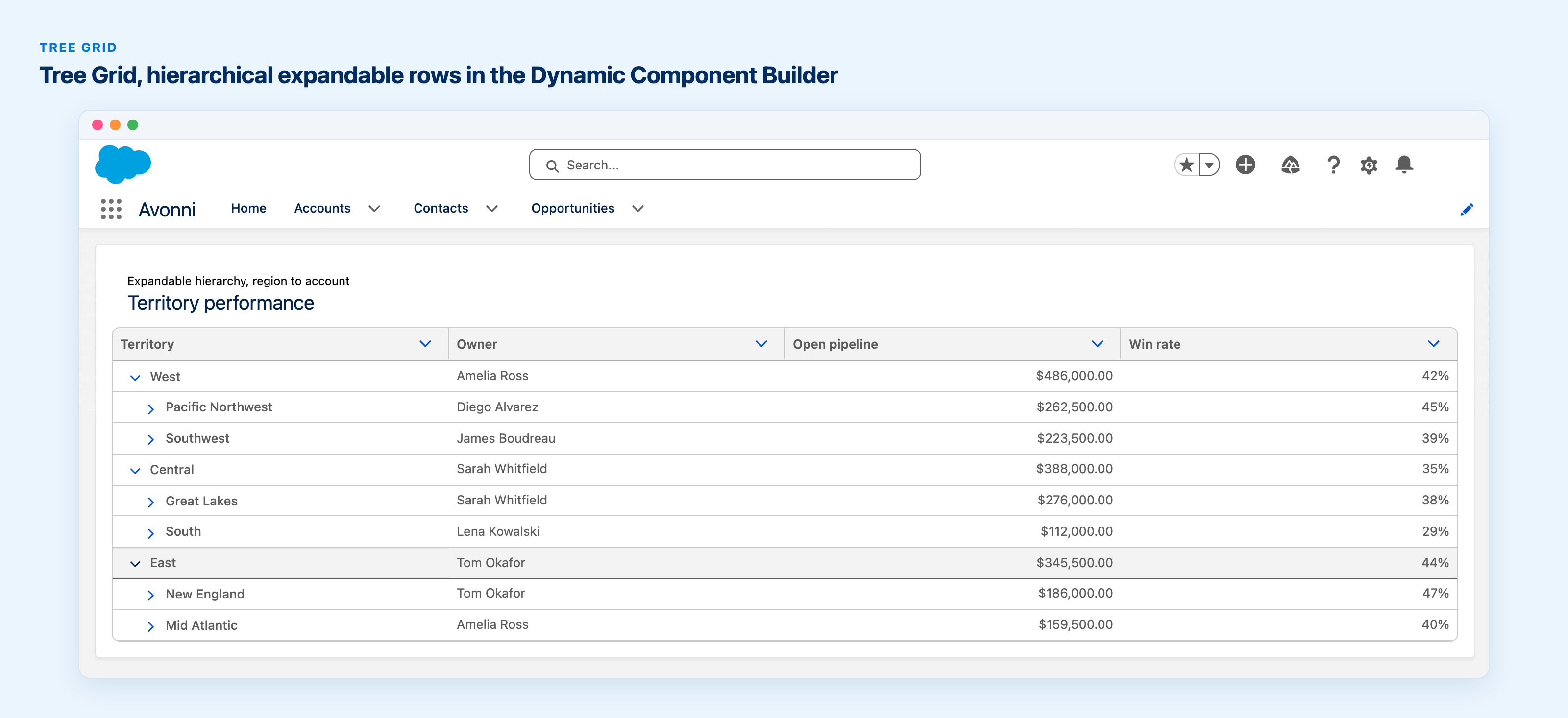
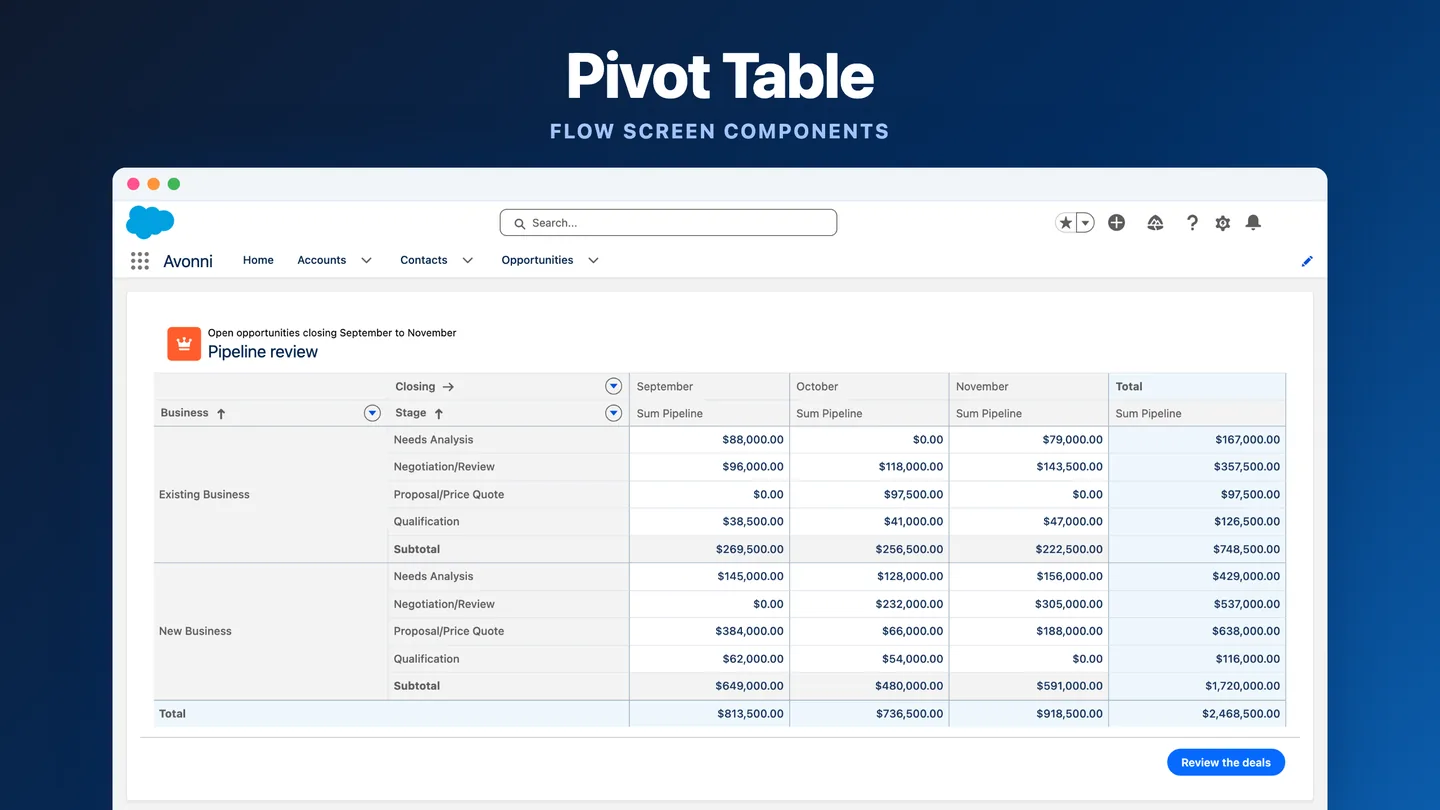
The Pivot Table now lets you click a cell to see the records that make up the aggregated number, and edit them inline without leaving the page.
If you've ever stared at a number on a pivot and wondered which deals, cases, or accounts were driving it, you've probably done the workaround: copy the row and column values, open a report or a list view in another tab, filter by those values, find the records, then jump to each one to update what's wrong. By the time you're done, you've forgotten what made you look in the first place.
Here's what that means in plain terms:
Audit a sales pipeline in one place. You're looking at Opportunities by Stage and Quarter, and you spot $485,000 sitting in Proposal × Q2. Click the cell, see the four deals making up that total, and fix the one with the wrong close date. You never leave the page.
Fix data quality without breaking your flow. Cases by Priority and Owner shows a row with a total that doesn't match what the rep tells you. Drill into the row, find the case with the wrong priority, update it inline. The pivot recalculates immediately.
Move from summary to detail to action in a single component. Managers stop bouncing between dashboards, list views, and record pages to act on what they see. Spot the anomaly, see the records, fix the records.
Use it on standard objects with zero setup. Opportunities, Cases, Leads, Accounts, custom objects: the drill-down works wherever the Pivot Table works, with the same record permissions the user already has.
It's a small change in description, big change in practice. A couple of weeks in, going back to a pivot that only shows aggregated totals feels incomplete.,
A faster component builder
The save flow no longer blocks you with a full-page spinner. A small "Saving…" message appears in the toolbar instead. You keep working.
Creating a new component is also faster to start. The settings dialog used to interrupt you the moment you clicked New. Now the Builder opens empty, the dialog shows up on first save, you get going immediately.
Standard templates are bundled into the new creation modal: Dynamic Related Views, Dynamic Views, Calendar standalone, an Agentforce template, plus your own custom ones. Useful for admins who keep building similar pages from scratch.
Four interaction upgrades
These are smaller, but each one removes a workaround you might recognize.
On Load
Run conditionally
Add a rule on the interaction itself. Useful for "only call the agent if the summary is empty."
Refresh Query
Target another component
Pick what to refresh from a multi-select. No more refreshing the current one and hoping the cascade works.
Update / Upsert
Enter data manually
Define field values directly in the interaction. No transit Variable needed.
Selection
Initialize on load
Combobox and Button Menu. Output Variables start populated, so downstream filters work on first load.
Kanban
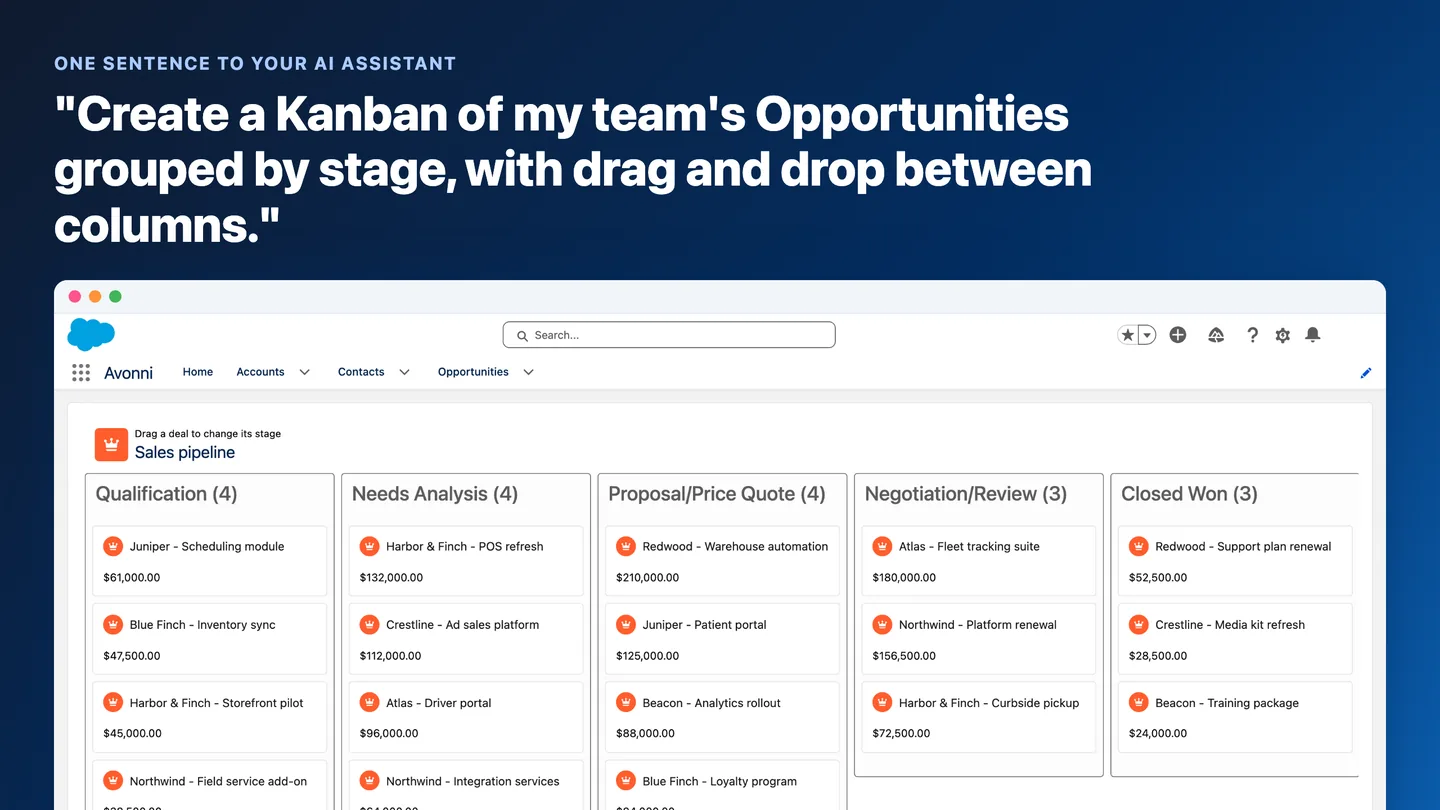
Two long-requested additions: infinite scroll per column (matching the Data Table's behavior) and subgroup visibility controls (Hide Undefined Group, Show Empty Groups). If you've been managing 200-card columns by manually paginating, the first one is for you.
A few more
Map. Leaflet now supports a custom Tile Layer in the Dynamic Component. The Flow Map already had it. Use your own map provider.
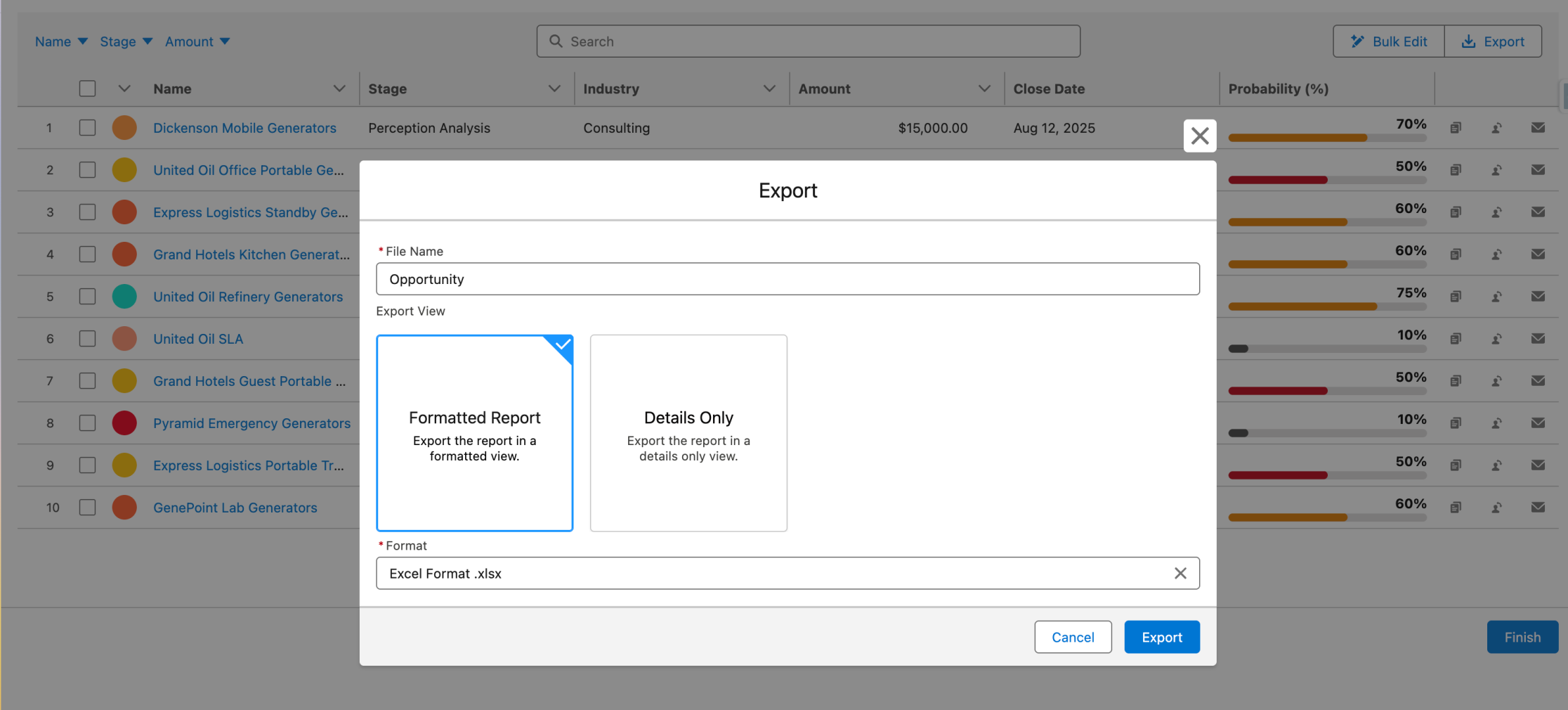
Data Table. File Upload column can now trigger a Sub Flow after a file uploads, passing the Content Document ID downstream. Group By is also now exported with proper formatting, instead of flattening to a plain row list.
Image List. Now available as a Flow Screen Component. Filter and display large image collections inside Flow.
LWC Container. Picks up the Size and Full Height options that the standard Container had.
Datatable in manual mode. Column-specific properties like Badge variant can now be mapped to a field in your data, the same way they work for Salesforce data sources.
Bug fixes
35 fixes this round. A few worth flagging: the "Open Dynamic Component Dialog" interaction was showing an endless spinner after a Sandbox upgrade. That's gone. The Button Menu was firing every action instead of just the clicked one. Also gone. The Avonni Data Table for Screen Flows with Group By wasn't loading records on slow connections, fixed. And lookup fields in the Property Editor were showing the wrong object's fields, which has been quietly frustrating people for a while. Resolved across both packages.




%20(Vignette%20YouTube)%20(81).png)
.webp)
.gif)
.jpeg)