0:00 Introduction & Final Result
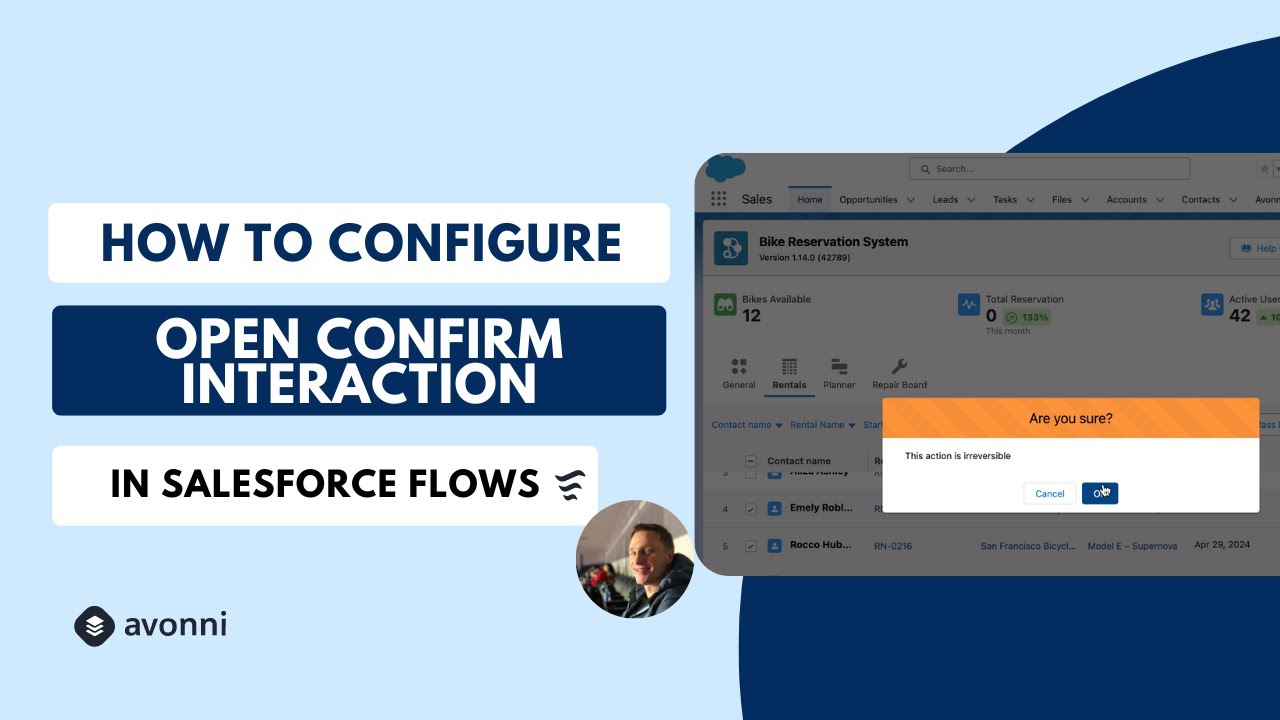
Hello everyone. Today's video is all about working with the Open Confirm interaction inside the Avonni components, and this interaction is extremely useful if we want to inform users before they do something B, like deleting important information. So for example, here on that screen I am using this data table, Avonni Data Table, to display a list of when TOS. I'm able from the data table to check items and then select or click on this action, mass delete. What it will trigger, it's the Open Confirm interaction, to make sure that the user is, yes, acknowledged, yes, I want to delete this. So for example, here you can customize the message, you can customize the look and feel of, you know, the header of this confirmation message. And when they press okay, the data will be automatically deleted from the data table, and they also get a notification message saying that yes, data was deleted, it's goodbye, you don't have access to those data anymore. So let me show you how I did that using Flow Builder. First I created a specific flow
1:14 Delete Records Flow Configuration
to delete records based on the selection I made on the data table. For this flow to work, you need first to create a new resource, collection variable. So that's my resource name, variable record ID, data type, it's text. Here I check the allow multiple values collection, because sometimes, and for my use case, I want to be able to select multiple items to delete. So make sure it's checked, available for input. That's the name of the variable. So when you click on new resource, variable, you're typing the name, text, checking this and this, and you're done. Next you need to add a delete element. That's my delete record element. It's pretty basic. So what I did, I select the object regarding the data I'd like to delete, R tool, and here I set a condition, because I really want to specify which records I want to delete. So here I specify, for the field, I select the ID of the record. For the operator I set it to In. Why? Because sometimes I want to pass multiple IDs. And then if equal the value of my variable. So that's the flow to delete. So now, how do you need to set up the data table to create the Open Confirm
2:41 Creating the Delete Header button action on the Avonni Data Table
interaction? Okay, so I already set up the Avonni Data Table regarding the configuration of the columns and data mapping. The first thing I need to do is I need to expand the header section to create the delete button. So here you go on action, add action, let's name it Delete. Perfect. Now I have this delete button created, but it's not yet functional. I need to make it functional. That's where you need to go on the Interaction tab
3:10 Configuring the "On Confirm" interaction
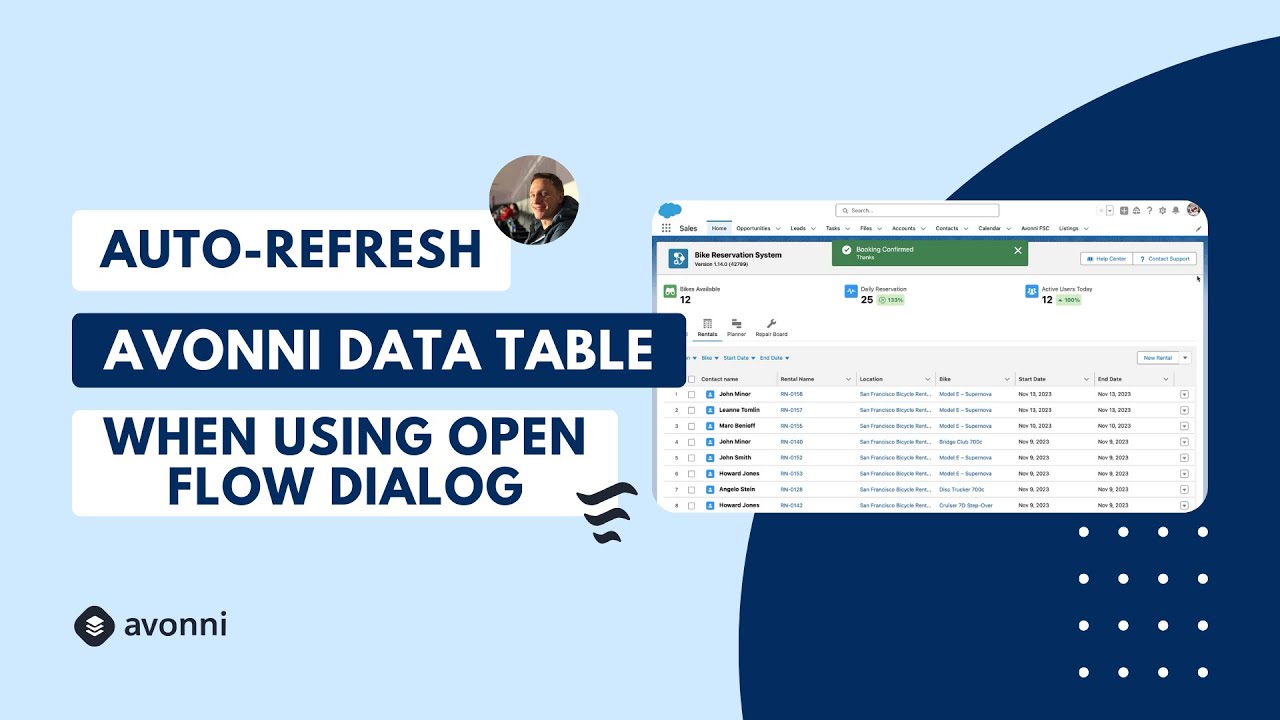
right there, to define the interaction when users are pressing this delete button. So here you're adding, add action, you're selecting the target name, delete, type of interaction you'd like to trigger. Here I'd like to select Open Confirm. You need now next to write label, are you sure, and this action, okay. You can set the variant. Yes, I'd like to have header theme maybe warning, so you will have that, so you will have the yellow banner. And then you need to define what will happen when they're pressing On Confirm, so when they're pressing okay regarding the confirmation box. Add item, and then yes, from there I'd like to open a flow. Select the flow you'd like to open by pressing the okay button, so it's mass delete R tool, the name of the flow here. Now you need to pass the input variable of the data selected on the data table. So you need to click on add item, name, you're typing the name, the exact same name of the variable you set up on the flow that deletes the record, record IDs. It needs to be exactly the same syntax, otherwise you will get an error. So record IDs, values, I'd like to pass the values of the selected record IDs. I also need to check allow multiple values, because here I have checkboxes, so I'm able to delete more than one record. Close. And then you can define what you'd like to do on finish. So when the mass delete R tool flow is finished, what you'd like to do. For example, here I'd like to refresh the query of this data table, to add the latest changes without the records I just deleted. And then add item, show toast, and say, oh, record is deleted, just to inform the user. Thank you. Variant, it's success. Close. And you can now save. So here I just defined the interaction regarding the Open Confirm interaction, when users are pressing the delete button from a data table, to be able to delete selected records based on the information I selected on the data table, that will trigger another flow to delete the selected record. And it's done. Now I can get the exact same result as the final output
6:13 Test the interaction
you can see right there. So I'm able to select multiple data, delete, are you sure, yes. It's automatically reloaded, using the refresh query, the data table, and I don't see the data anymore. So that's all about the Open Confirm interaction, which I think is extremely useful and powerful regarding, you know, the user experience, whether you'd like users to manipulate data and making sure that they are not doing the wrong things, so they need to confirm an action. Let me know if you have any question in the comment section below. Thank you.