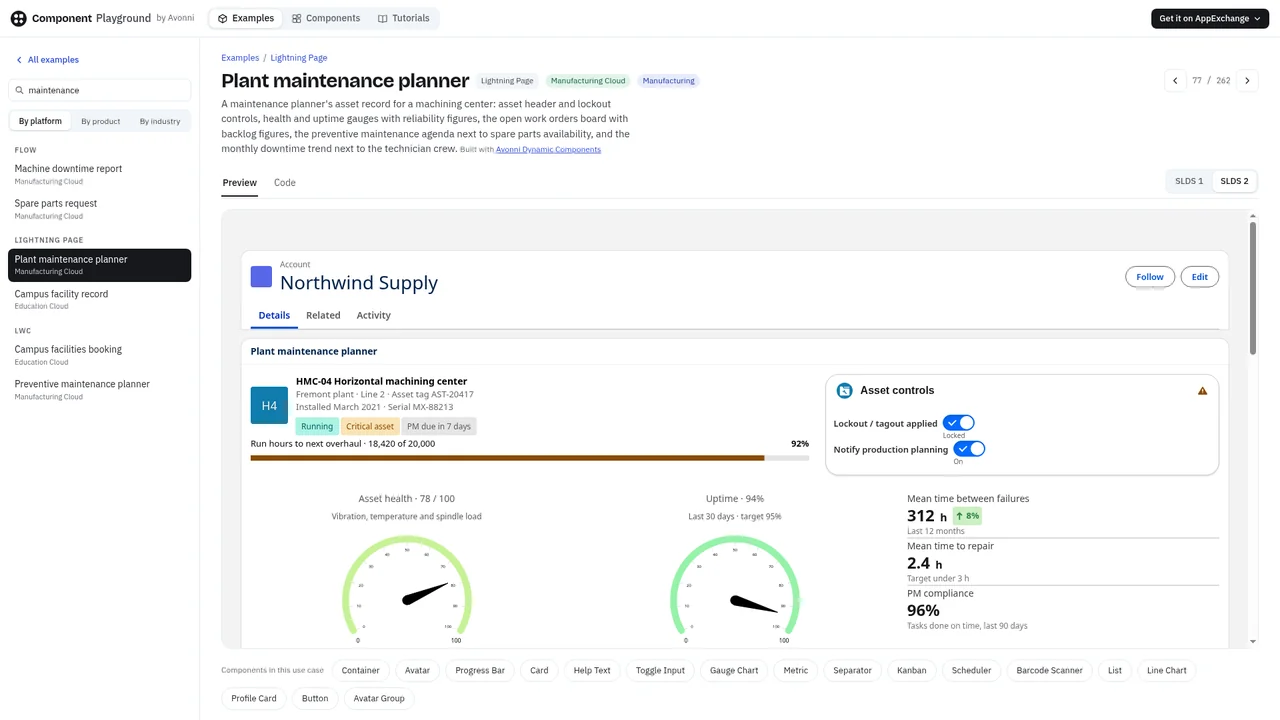
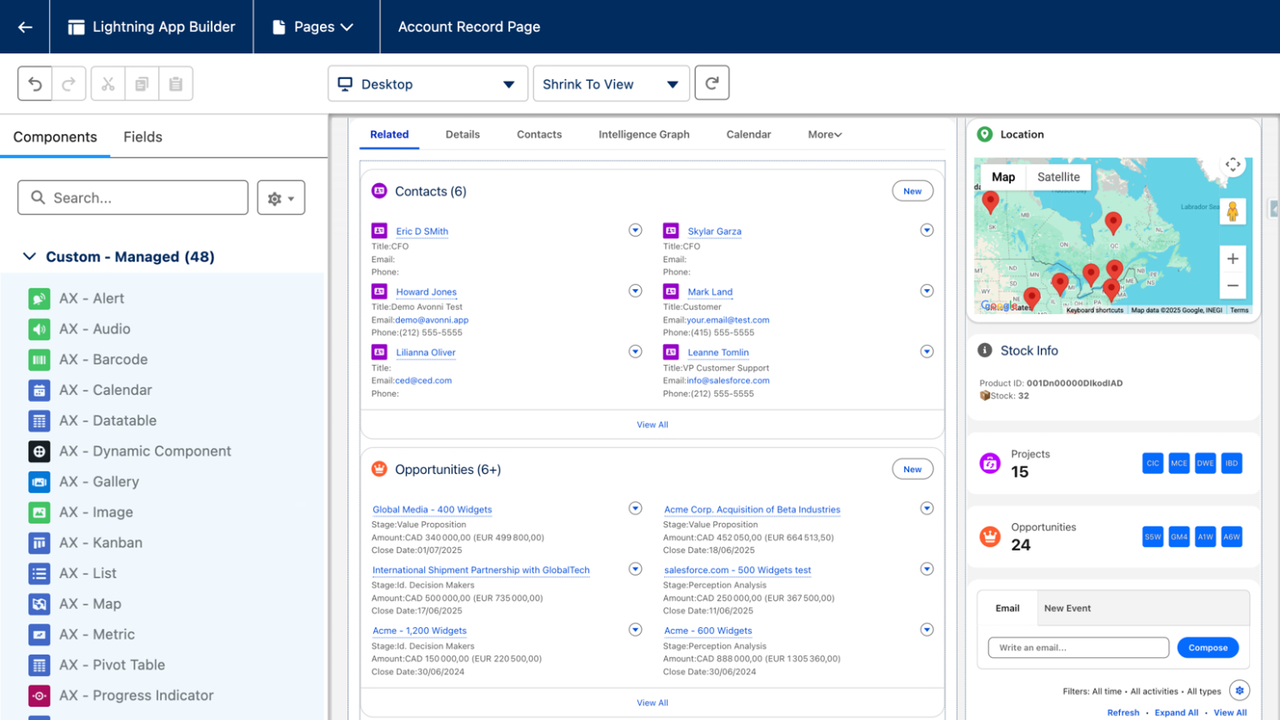
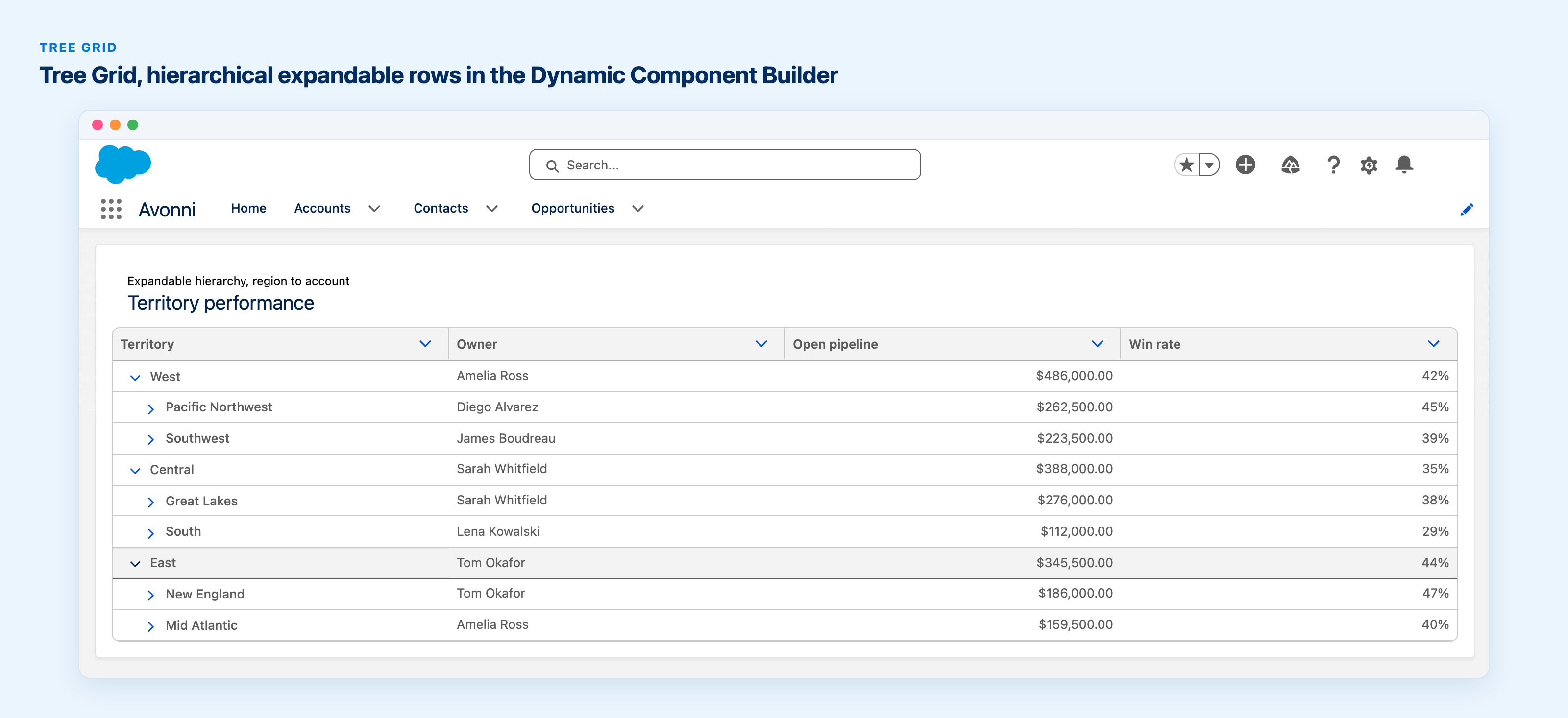
Here are the release notes for Avonni Components version 4.4, covering enhancements and new components for Flow Builder and Experience Cloud Builder.
NOTE: Due to the rapid release of v4.3 and v4.4, we've consolidated their release notes for a simpler review.
Flow components updates
Side panel filters
The new Side Panel Filters option in the Avonni Data Table and List components gives users a better way to filter data.
Side panel navigation: Filter your data using a panel that opens to the left or right of the component.
Optimized space: Keep the display area for your data while maintaining accessible filtering options.
Better UX: A more intuitive way for users to interact with data filters and customize their view.
Subquery support
The Query Data source component now supports semi-join queries. Use the IN and NOT IN operators in your filters to streamline data retrieval within your Salesforce flows.
Avonni Metrics with aggregate functions
Calculate averages, maximums, minimums, and totals for your Avonni Metrics directly within the Query Source component. Get the numbers you need without extra steps.
Avonni Button and Button Icons
Control the visual impact of Avonni Buttons and Button Icons by choosing icon sizes (XS, Small, Medium, Large) to improve usability and clarity.
Query Data Source on the Avonni Calendar
The Avonni Calendar now supports the Query Data Source. Your calendar updates itself based on other actions in your flow, and refreshing after using certain features is straightforward.
Expanded Refresh Query support
You can now refresh data in more Avonni components after completing the "Open Flow Dialog" interaction. This includes:
ActivityTimeline
AvatarGroup
Carousel
Calendar
ChipContainer
Combobox
DualListbox
Kanban
List
Map
Pill Container
VerticalVisualPicker
Your components automatically update with the latest information after a flow runs, so users always see current data.
Avonni Timeline
An "endDate" field with customizable default date ranges for the Horizontal Timeline view.
A new "Day" grouping option for granular daily analysis using the vertical timeline.
Style Show More buttons
Styling hooks to customize the "Show More" button appearance. These buttons appear when you enable the "items per page" display setting on supported components.
Other updates
Visual Picker Link - Styling hooks to customize the border between avatar and content.
Kanban - Image and avatar attributes added.
Combobox - Styling hooks for the avatar inside the combo box (PrimaryText, secondaryText, etc.).
Displays a collection of avatars representing users or participants in a group format. Use it to showcase team members, community participants, or any group of individuals for a quick visual reference.
Avonni Metric
Displays key numerical values or KPIs with contextual labels directly within your site. Useful for showing essential data points at a glance.
Now natively integrated into Experience Cloud Sites. Gives users a compact way to access a menu of options from a single button.
Avonni Kanban
Now natively integrated within Experience Cloud Sites. Organize, track, and manage tasks or projects through a visual Kanban board directly on your site.
Avonni Language Selection
A customizable language selection button for your Experience Cloud Site. Users can switch languages to navigate your site in their preferred language. Supports language groups, styling options, icon customization, and tooltip integration.
Versions 4.3 and 4.4 packed a lot of improvements into a short timeframe. Update and explore the new features to see what they do for your Salesforce setup.
Filed under
Written by
Cédric Vergé
Co-Founder, Head of Customer Success
Co-founder of Avonni, Cédric leads Customer Success across the entire Salesforce-native product suite. He focuses on accelerating time-to-value and driving product adoption for admins and teams building high-performance UIs without code.




.png)